When to use AI in your product and when not to
A founder's four-part test for when to use AI in your product, and when a simpler build wins. AI is one tool among many, tied to a metric you already track.
 Shahriar P. ShuvoAI ROI & Strategy7 min read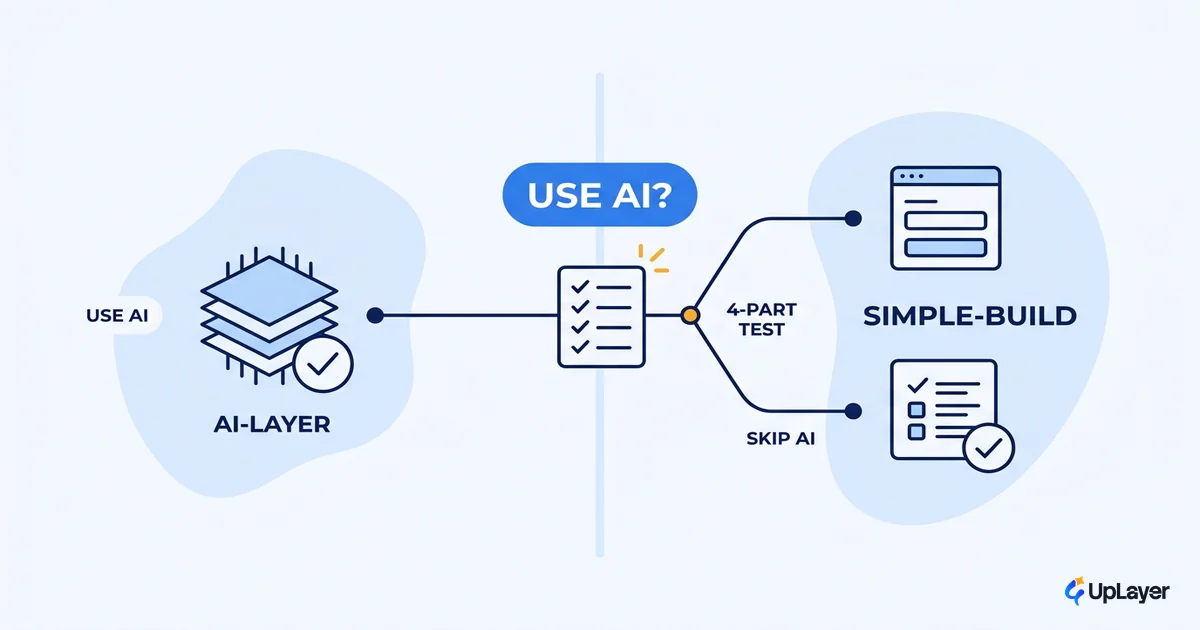
AI is one tool among many. Knowing when to use AI in your product, and when a plainer build wins, is the difference between a feature that moves a number and one that demos well and dies. Most teams skip that question. They feel the pressure to "do AI," pick a feature that sounds impressive, and ship it. Then nothing changes in retention, activation, or conversion, and the cost shows up later.
The honest first question is not "how do we add AI." It's whether the feature needs AI at all, and what metric it would move if it did. Get that wrong and you've spent a build sprint on theater. Get it right and AI earns its place.
This is a test, not a tools list. We'll give you a four-part check for whether a feature should be AI, the cases where a simpler build beats it, and how to rank the candidates by projected ROI. If you want the deeper method behind it, start with how to decide which AI features to build.
The short answer: when to use AI in your product
Use AI in your product only when the task has real uncertainty, runs at meaningful volume, tolerates being approximately right, and would move a metric you already track. If any one of those fails, a simpler build usually wins.
That bar is high on purpose, because the base rate is brutal. MIT's NANDA research found that roughly 95% of enterprise generative AI pilots delivered no measurable impact on the bottom line, with the gap traced to integration and learning, not model quality. Gartner is blunter on the next wave: more than 40% of agentic AI projects are expected to be canceled by the end of 2027, citing escalating costs and unclear business value.
The lesson isn't "avoid AI." It's that AI without a decision behind it is the default failure mode. Here is the test in one table.
| Condition | Use AI when... | Skip AI when... |
|---|---|---|
| Uncertainty | The input is messy, open-ended, or unstructured (free text, mixed signals) | A rule or formula already maps input to output reliably |
| Volume | It happens often enough that automation pays back the build | It's rare or one-off; a human or a default handles it fine |
| Tolerance | Being approximately right is acceptable, with a human check on high-trust actions | Errors are costly and you can't afford an approximate answer |
| Metric | You can name the number it would move (churn, activation, conversion, expansion) | You can't tie it to a metric you already track |
NOTE
All four conditions should hold. Three out of four is a signal to simplify, not to ship anyway. The fourth condition, a named metric, is the one most teams skip, and it's the one that decides whether the work was worth it.
The four-part test: is AI the right tool for this feature?
Is AI the right tool for this feature? Run the candidate through four checks before any model gets involved. This is the core of deciding which AI features to build, and it works at the feature level, not the org level.
The mechanism is simple. Each condition removes a class of false positives.
- Uncertainty rules out problems a rules engine already solves. If the input maps cleanly to an output, a lookup or a heuristic is faster, cheaper, and more reliable than a model.
- Volume rules out rare events. A feature triggered twice a week rarely pays back the design, build, and reliability work AI demands.
- Tolerance for imperfection rules out anywhere a wrong answer breaks trust without a human in the loop. AI is probabilistic; some surfaces can't carry that.
- Metric movement rules out everything else. If you can't name the number, you can't project the return, and you're building on hope.
Score it before you build:
AI_FIT SCORE (run per candidate feature)

  uncertainty   : 0 = deterministic rule works   | 1 = messy, open-ended input
  volume        : 0 = rare / one-off             | 1 = frequent, automatable
  tolerance     : 0 = errors break trust         | 1 = approx. right is fine (+ human-in-loop on high-trust steps)
  metric_named  : 0 = no metric                  | 1 = ties to churn / activation / conversion / expansion

  SCORE = uncertainty + volume + tolerance + metric_named

  4 -> strong AI candidate. Project the ROI, then build.
  3 -> borderline. Try the simpler build first; revisit if it underperforms.
  <=2 -> not an AI feature. A plainer build will beat it on ROI and reliability.
A score of 4 doesn't mean ship. It means the feature has earned a projection. A score of 2 or below means the answer is already no, and you just saved a build sprint.
When a simpler build wins (when is AI overkill in a product)
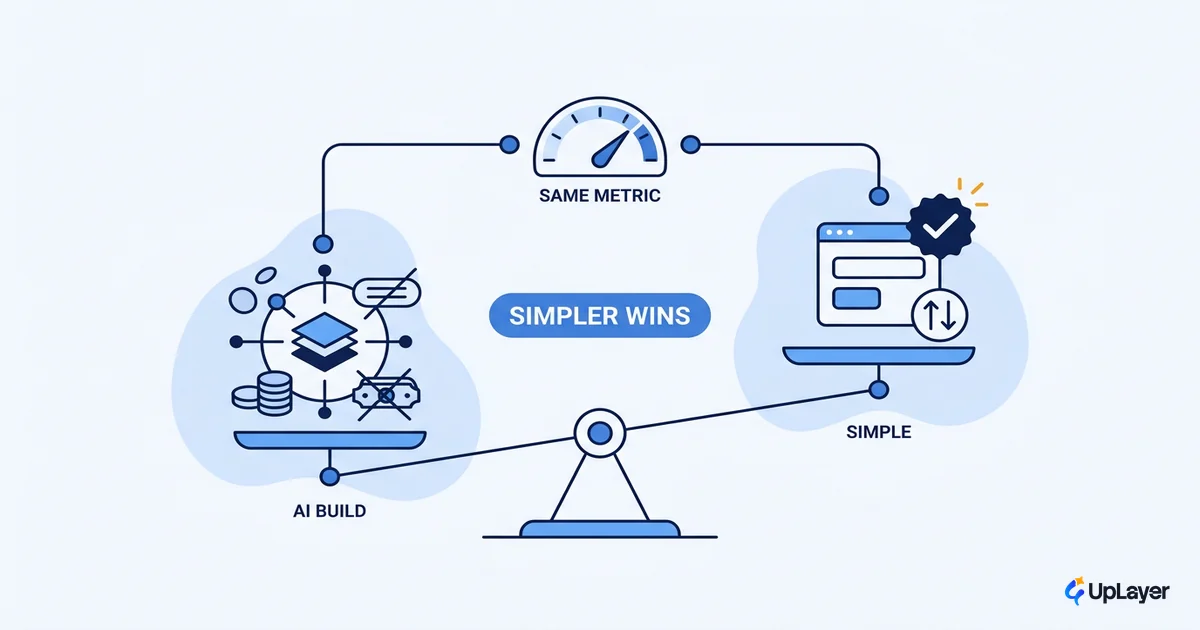
When is AI overkill in a product? Whenever a rules engine, a heuristic, a good default, plain search, or a small UI change gets you the same metric movement at lower cost and higher reliability. AI is overkill the moment a cheaper tool does the job.
This is where the money leaks. Only about a quarter of companies move past the proof-of-concept stage to real value, according to BCG, and the same research found that around 70% of the obstacles are people and process, not algorithms. Reaching for a model rarely fixes a problem that a clearer default or a better-designed flow would solve outright.
A few patterns where the simpler build wins:
- Deterministic logic. Pricing tiers, eligibility, routing by known rules. A rules engine is auditable and never hallucinates.
- Sparse data. If you don't have enough examples, a model guesses. A sensible default is more honest and more reliable.
- High-trust, low-tolerance actions. Anything where a wrong answer costs the user money or trust, and you can't put a human in the loop, belongs in deterministic code.
- A UX problem in disguise. Sometimes the "AI feature" people ask for is really a discoverability or onboarding gap. Fix the flow first.
WARNING
An AI feature that ships and moves nothing isn't neutral. It costs the build, the maintenance, the reliability work, and the trust you spend when it gets something wrong in front of a paying user. The features worth skipping are a real list. See the AI features you should not build and when a simpler feature beats an AI feature on ROI.
When should I add AI to my product: prioritizing by projected ROI
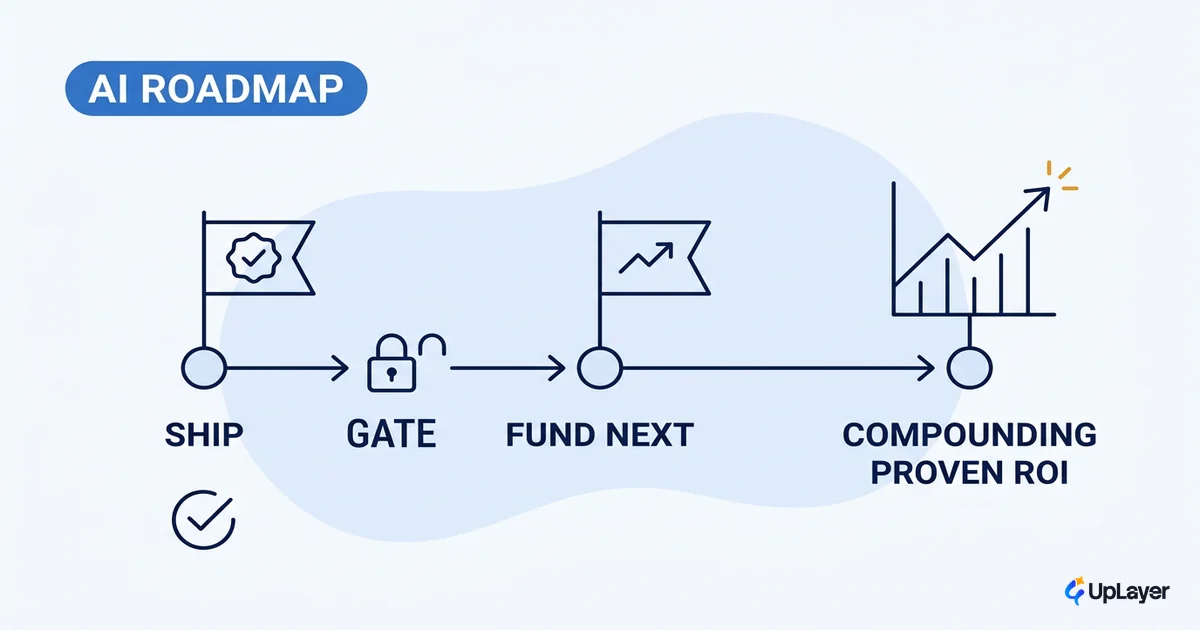
When should I add AI to my product? After the test, never before, and only to the candidate with the highest projected impact on a metric you already track. The test tells you what's eligible. AI feature prioritization tells you what goes first.
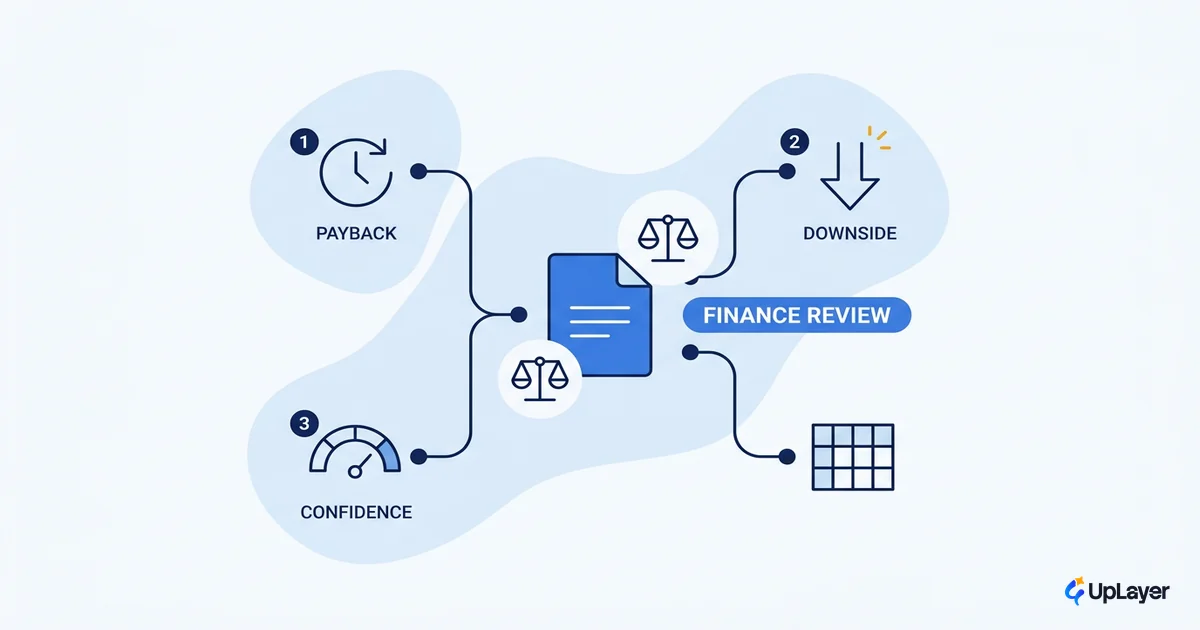
The method is to move a metric, not to build a backlog. Take the features that scored 4, project each one's impact on the chosen number, show your assumptions, and rank by expected return. The top of that list is your build. Everything else waits or dies. That's the discipline behind ranking candidate AI features by projected ROI.
This is also where supportive AI belongs and where the layer earns its name. The strongest candidates tend to be copilots, search, summarization, and triage that sit on top of the product you already built. They support the user inside an existing workflow rather than replacing the core engine. That keeps the surface area small, the reliability tractable, and the metric clean.
Supportive AI as a layer, not a bet
Supportive AI is AI that sits as a layer on top of your product, helping the user inside a workflow they already have, with reliability guardrails and a human in the loop where trust matters. It is the opposite of betting the company on a model.
This framing de-risks the whole decision. A copilot that drafts, a search that understands intent, a triage that ranks: each one has a clear job, a measurable effect, and a fallback when it's unsure. You can ship it, watch the metric, and turn it off if it underperforms without touching the core product.
The base rate says most AI ships and moves nothing. The fix isn't more ambition. It's a smaller, supportive scope tied to a metric you can read, with a human check on the steps that carry trust.
That is why we treat AI as a layer, not a foundation. The product still works if the layer is removed. The risk stays contained. And when the layer does move the number, you have proof, not a story.
A worked example: deciding in practice
Here's the test applied. This is a Concept Demo, prototypes we build to show the thinking; the metrics are projected and framed as designed-to-move, never achieved.
Take a B2B SaaS with a support-heavy onboarding and two proposed AI features.
| Candidate | Uncertainty | Volume | Tolerance | Metric named | Score | Verdict |
|---|---|---|---|---|---|---|
| In-app assistant that answers setup questions from your docs | 1 | 1 | 1 (human handoff on billing) | 1 (activation) | 4 | Strong AI candidate. Project the activation lift, then build as a supportive layer. |
| "AI" that auto-assigns a plan tier at signup | 0 (rules exist) | 1 | 0 (wrong tier = billing trust hit) | 1 (conversion) | 2 | Not an AI feature. A rules engine is cheaper, auditable, and safer. |
The assistant scores 4: messy questions, high volume, approximate answers are fine with a human handoff on sensitive steps, and it ties to activation. It earns a projection. The tier-assignment "AI" scores 2: the logic is deterministic and a wrong answer damages billing trust. It should be a rules engine, full stop. Same product, two candidates, two different answers, and only the test tells them apart.
The teams that win with AI in 2027 won't be the ones that shipped the most features. They'll be the ones who treat the question of when to use AI in your product like reading a metric: with a test, not a hunch. Knowing when to use AI in your product, and when to skip it for a simpler build that moves the same number, is the whole game. Run the test before the model.
TIP
Want this run against your actual product and metrics, with the high-ROI AI feature identified and a working concept demo of it? How the AX Audit works.