AI document automation that actually pays back
AI document automation works when a task moves a metric you track and the accuracy clears the bar. Here is how to scope it, gate it, and project the ROI.
 Shahriar P. ShuvoAI Automation7 min read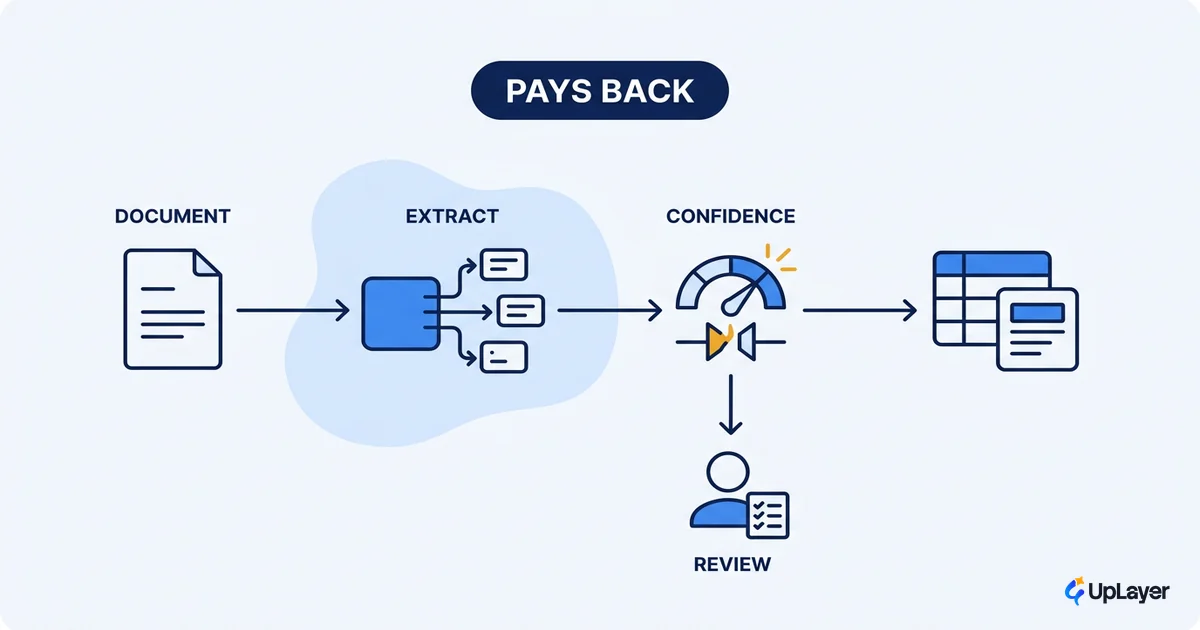
An AI document automation that is right "most of the time" can still cost more than it saves. The exceptions are where the money and the risk live, and the exceptions are exactly what a demo never shows you. A model that reads invoices correctly 92% of the time is not 92% done. The remaining 8% decides whether the automation ships or quietly becomes a second pile of work, this time labeled "review the AI."
That is the honest starting point for ai document automation. The question is not whether AI can read a document. It can. The question is which document tasks pay back once you account for the review the imperfect ones still need, and where accuracy risk caps how far you should automate at all. Most projects get scoped by document type ("let's automate invoices") instead of by the metric the work moves and the accuracy the task can tolerate. That is the wrong order.
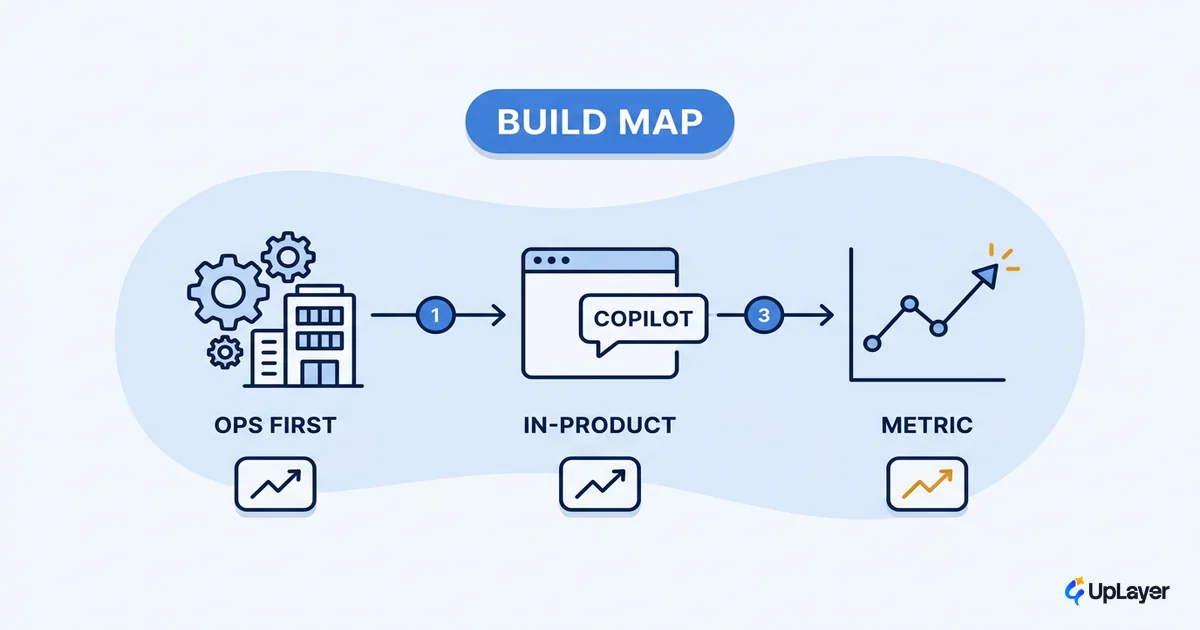
This piece gives you a scope rule, an accuracy gate, and a way to project the return before you build. It sits under our cornerstone on AI workflow automation ROI for SaaS teams, narrowed to the highest-value, highest-risk corner of that map: documents.
What is AI document automation (and what it actually does)
AI document automation is a supportive layer over an existing document workflow that reads a document, pulls structured data out of it, decides what kind of document it is, and routes the result, while flagging anything it is unsure about for a human. It does not replace the judgment in the workflow. It removes the typing.
Mechanically it is a pipeline, not a single model. As the AWS reference architecture for intelligent document processing describes, the system classifies, extracts, and then validates the data, cross-referencing extracted fields against existing databases or predefined rules to catch errors before anything downstream trusts them. That validation step is the part most "AI reads your documents" pitches skip, and it is the part that decides whether the output is usable.
| Stage | What happens | Where it can fail |
|---|---|---|
| Capture / OCR | Turn pixels or PDFs into text | Poor scans, handwriting, mixed languages |
| Classification | Decide the document type | Edge cases the model has not seen |
| Extraction | Pull fields (dates, amounts, names, line items) | Ambiguous layouts, low-confidence fields |
| Validation | Check fields against rules or a system of record | Rules too loose pass bad data; too tight block good data |
| Routing | Send clean results onward, low-confidence ones to review | Threshold set wrong sends the wrong things to people |
Think of it as business process automation ai applied to the narrow, high-frequency slice where the input is a document. It is supportive AI: a guardrailed assistant on top of the process, not a black box you bet the workflow on.
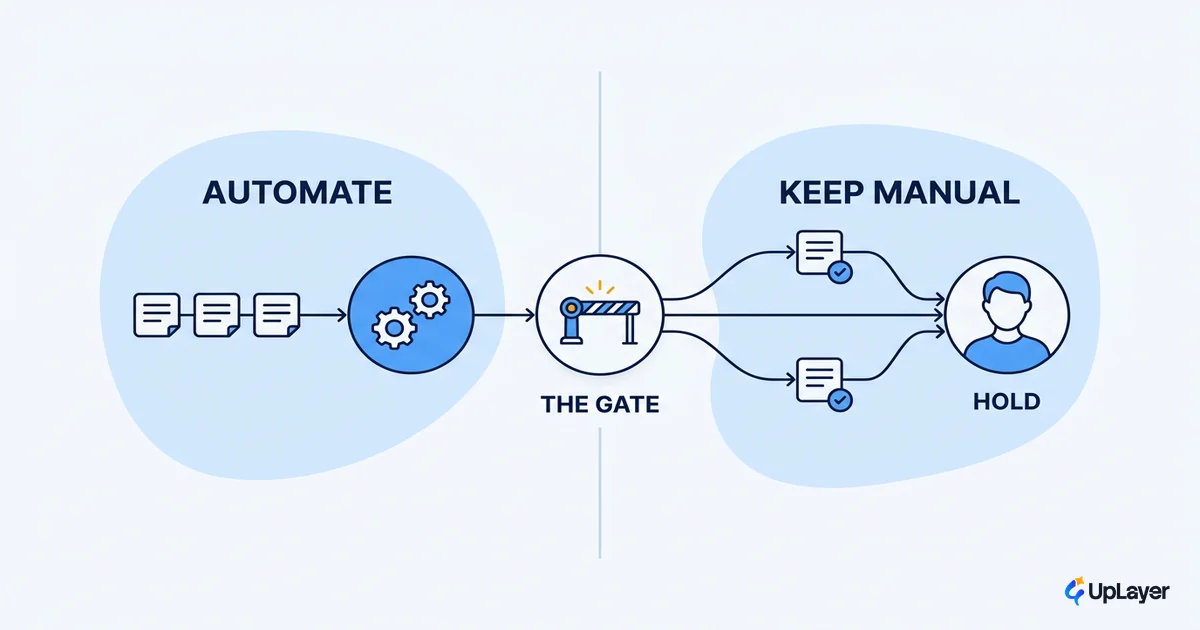
Which document tasks should AI handle (and which to skip)
Sort document work by payback, not by what is technically possible. The tasks that pay back share a profile: high volume, structured or semi-structured inputs, repetitive handling, low variance, and a tolerable cost of being wrong. The tasks that do not pay back are low-volume, high-judgment, or irreversible, and for those a simpler rule or a human usually wins.
| Document task | Volume | Accuracy tolerance | Verdict |
|---|---|---|---|
| Invoice and receipt data entry | High | Medium (caught at reconciliation) | Automate with a confidence gate |
| Support ticket triage from attachments | High | Medium | Automate, route low-confidence to an agent |
| Onboarding form intake | Medium | Medium | Assist, human confirms |
| Contract clause review for risk | Low | Very low (one miss is expensive) | Human-led, AI drafts only |
| Legal or medical record sign-off | Low | Near-zero error budget | Keep human-in-the-loop, AI assists |
WARNING
Do not automate a document task just because the demo looked clean. If the cost of one wrong field is high and the volume is low, you are adding model risk to save almost nothing. That is the most common way AI document automation loses money.
The decision is a metric question, not a technology question. If you cannot name the metric a document task moves (hours of manual handling, error or rework rate, cycle time, cost per document), you are not ready to automate it. This is the same discipline we apply when deciding when not to automate with AI, and it is why thoughtful business process automation with AI starts with the metric, not the model.
How do you check AI document accuracy
You check AI document accuracy with confidence scores, validation rules, and a review threshold, then you route everything below that threshold to a person. Accuracy is not one number you accept or reject. It is a dial you set per field, per document type, against the cost of being wrong.
The major platforms gate this the same way. Microsoft's guidance for Azure AI Document Intelligence recommends you target 80% accuracy, and close to 100% for sensitive financial or medical records, and explicitly says to add a human review stage for critical automation workflows. Google's Document AI documents the same pattern: low-confidence extractions get human verification before the data reaches a critical workflow. The model produces a confidence score per field; your design decides what score is good enough to skip review.
That decision lives in a gate, not in a vibe:
# Per-field confidence gate
for field in extracted_fields:
    if field.confidence >= threshold[field.type]:
        accept(field)                 # auto-process
    else:
        route_to_human(field)         # review queue

# thresholds set by cost-of-error, not convenience
threshold = {
    "invoice_total":   0.95,   # money: tight
    "vendor_name":     0.90,
    "po_reference":    0.85,
    "free_text_note":  0.70,   # low stakes: loose
}
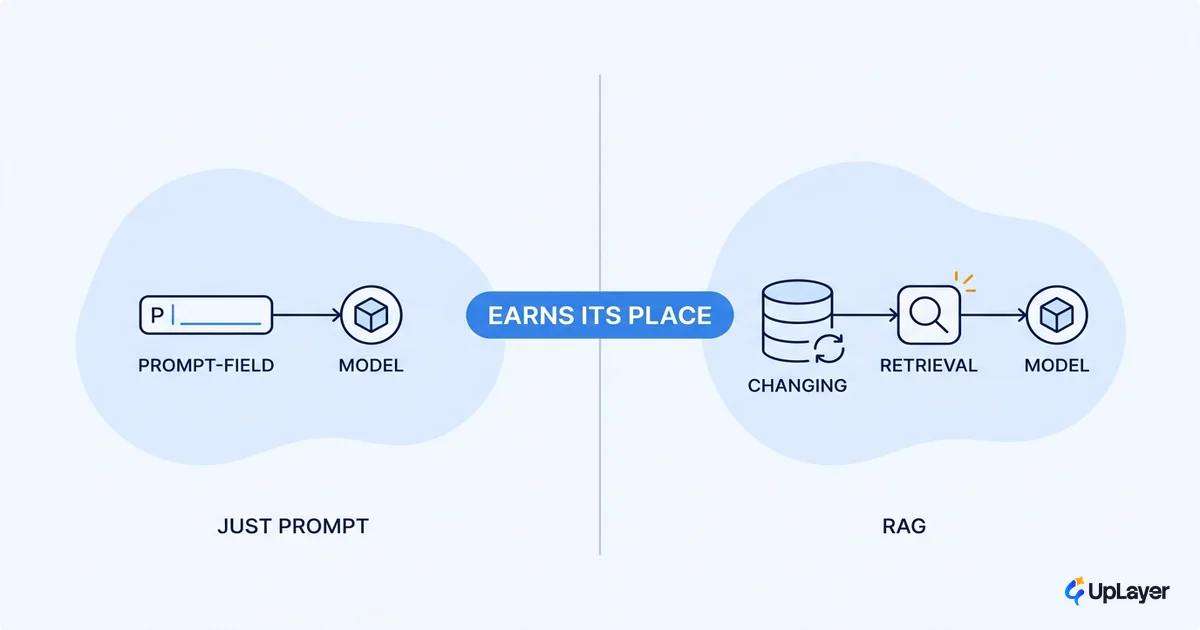
These are your reliability guardrails: confidence thresholds, validation rules, and a human-in-the-loop above a defined risk line. The goal is not to remove every human. It is to remove humans from the 90% of cases that are obvious and concentrate them on the 10% that are not. When the documents themselves are noisy or the queries against them are open-ended, retrieval patterns help, and we cover where that earns its place in RAG for business workflows.
How to project the ROI before you build
Project the return before you commit budget, on the metric the team already tracks. The math is not exotic. It is volume times time saved times the share you can actually automate at an acceptable accuracy, minus the cost of reviewing what falls below the threshold.
projected_annual_savings =
    (docs_per_year
     × minutes_saved_per_doc
     × auto_rate              # share above the confidence threshold
     × loaded_minute_cost)
  − (docs_per_year
     × (1 − auto_rate)
     × review_minutes_per_doc
     × loaded_minute_cost)
The auto_rate term is where most projections lie to themselves. If 30% of documents fall below the confidence threshold and need review, your real automation rate is 70%, and the review cost on the other 30% eats into the savings. Model that honestly and some "obvious" automations stop clearing the bar.
Enterprise AI adoption is now near-universal: 78% of organizations reported using AI in 2024, up from 55% the year before, per the Stanford 2025 AI Index. Adoption being near-universal while provable return is not is the whole reason the gate matters.
That gap is exactly what UpLayer's ai automation roi work is built to close, and we put numbers behind it before anyone builds. Our 2025 AI Index source point is simple: doing AI is no longer the differentiator, proving it pays is. We project the return on a metric you already track and back it with the 3X Guarantee: the audit finds AI worth three times the fee, or it is free. If it ships, the Ship-It Guarantee means the final milestone is due only when it is live and working. The numbers here are illustrative, framed as projected and shown in a Concept Demo, never as a result from an invented client.
When a simpler rule beats the model
Sometimes the honest answer is that you do not need a model at all. When a document is fixed-format and never varies, a deterministic template extracts the same fields with 100% reliability and zero inference cost. Reaching for an LLM there adds latency, cost, and a new failure mode to a problem that was already solved. Supportive AI means using the model where variance is real and using a rule where it is not. The discipline is knowing the difference before you build.
Done in this order, ai document automation stops being a science project and becomes a line item with a payback you can defend. Scope by metric, gate by accuracy, and refuse the tasks where the risk outruns the return. The wins are real, but they belong to the teams that automate the right documents up to the right accuracy line, and stop there. Before you wire a model into a document workflow, decide which task moves a number you already report on, then prove the ai document automation return on paper.
TIP
Want the metric, the accuracy threshold, and the projected payback mapped to your own documents before you build? How the AX Audit works.