When not to automate with AI: the honest gate
Knowing when to automate with AI means knowing when not to. A founder's checklist for the tasks where automation costs more than it returns.
 Sohanur RahmanAI Automation7 min read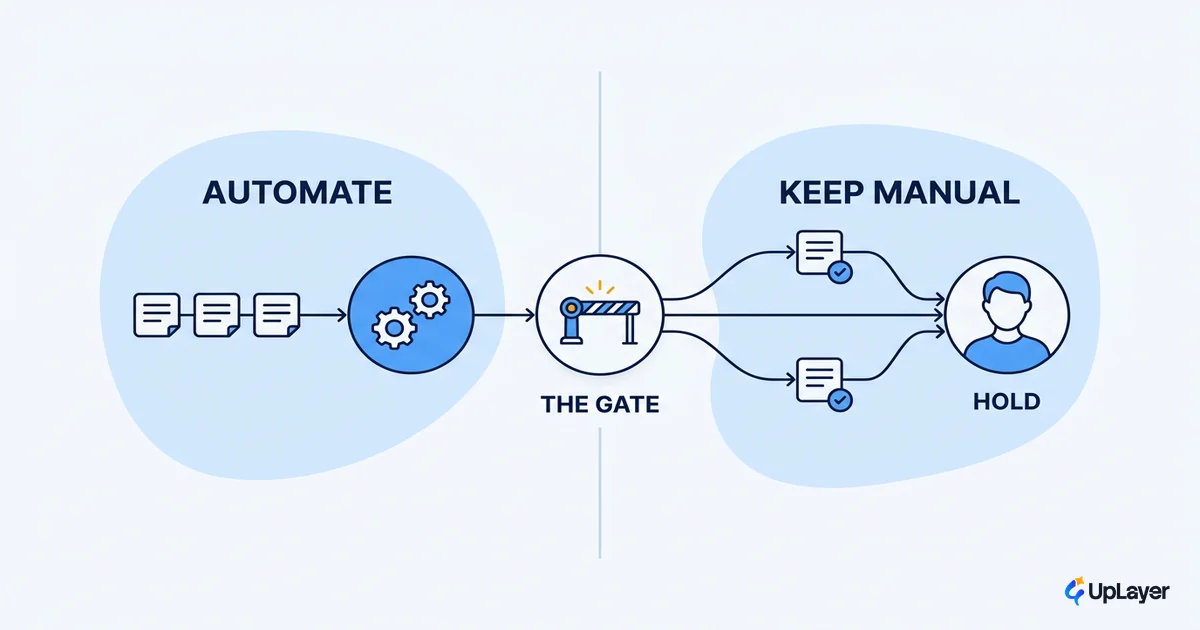
The question is almost never "can we automate this." With today's models, you can automate nearly anything that involves text, classification, or a repeatable decision. So knowing when to automate with AI is really the discipline of knowing when not to. The honest answer, more often than founders expect, is not yet. Capability is cheap. The gate is economic, and most workflows fail it quietly.
This is the checklist for that gate. Not a list of things AI can do, because that list is endless and useless. A short set of rules for the tasks where automation costs more than it returns, so you spend your build budget on the one workflow that actually pays.
When to automate with AI, and when the answer is no
You can automate it. That is settled. The real question of when to automate with AI is whether the projected savings clear the error cost plus the maintenance, and that is a number you calculate, not a feeling you act on. Treating "we can" as "we should" is how good teams ship automation that moves nothing.
Adoption is no longer the edge. With nearly four in five organizations reporting AI use in 2024 per Stanford's 2025 AI Index, having automation is table stakes. The teams that win are the ones who automate the right thing and leave the rest alone. The teams that struggle automate by default, then discover the maintenance bill.
The failure data is blunt about this. Gartner projects that at least 30% of generative AI projects will be abandoned after proof of concept by the end of 2025, citing poor data quality, weak risk controls, escalating costs, and unclear business value. None of those are model problems. They are gate problems. The work was started before anyone checked whether it should be.
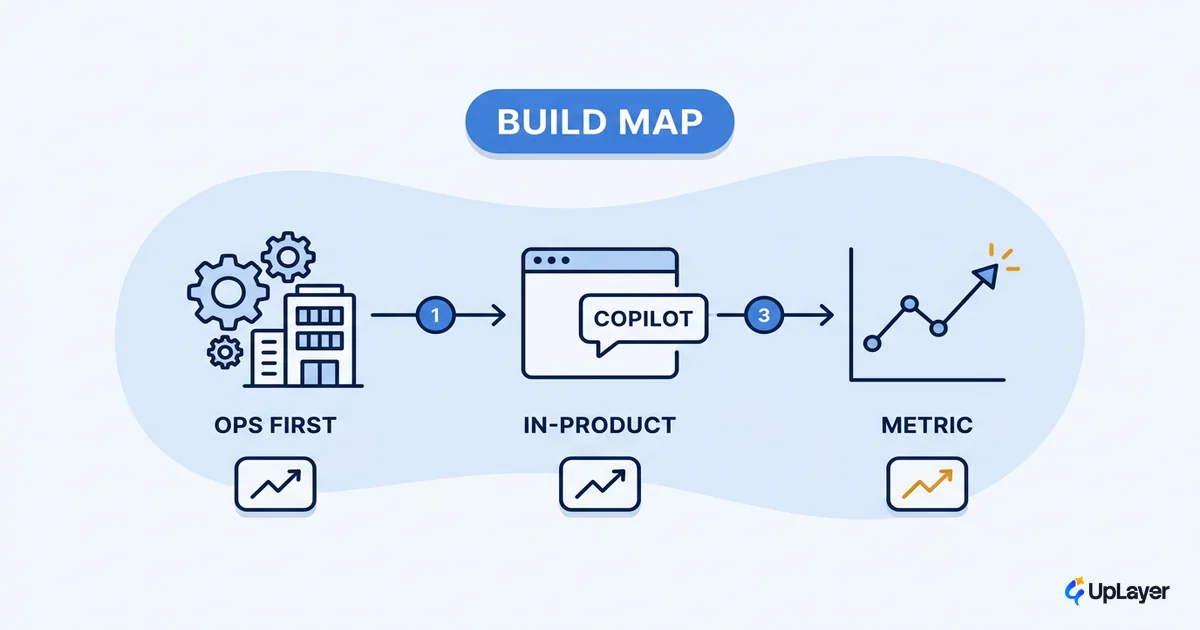
So before you scope anything, project the ROI before you build it against a metric you already track. If you cannot draw a straight line from the automation to a number on your dashboard, the gate is already telling you no.
When should you not automate with AI
Do not automate a task when a wrong answer is expensive, the volume is too low to matter, the rules change faster than you can retrain, the judgment lives in the edge cases, or the touchpoint is one where trust is the product. Each of those is a place where the cost side of the ledger wins.
This is the harder discipline, because the pressure runs the other way. The pilot demos well, the launch post writes itself, and the slide deck only ever shows the upside. The data shows where that leads. BCG's survey of 1,000 executives across 59 countries found that companies struggle to scale value from AI, with only 26% having built the capabilities to move past a proof of concept and just 4% having reached AI maturity across functions. Shipping a pilot is easy. Getting durable value out of it is where most automation dies, and the cause is usually a task that should never have been automated in the first place.
Here is the gate as a matrix. Run a candidate task through it before you write a line of scope.
| Task trait | Automate? | Why |
|---|---|---|
| Wrong answer is cheap to catch and fix | Yes | Errors are absorbed, not amplified |
| High volume, runs constantly | Yes | Fixed build cost spreads across many runs |
| Rules stable for months | Yes | The model stays correct without constant retraining |
| Wrong answer is costly, legal, or public | No | One bad output can exceed a year of savings |
| Low volume or one-off | No | Build and upkeep cost > the manual time saved |
| Rules shift weekly | No | You pay to retrain faster than you save |
| Judgment lives in the edge cases | Keep a human | The 5% you cannot codify is the whole job |
A task that lands in the bottom four rows is not a model you are missing. It is a workflow that fails the gate.
How do you know if a task is ready to automate
A task is ready when it is repeatable, high-volume, tolerant of an occasional wrong answer, fed by stable inputs, and tied to a metric you already measure. Miss any one of those and you are buying a maintenance liability, not a saving. The good ai automation use cases are the boring ones that satisfy all five at once.
Score it before you build. The go/no-go is arithmetic, not opinion.
Automate when:
  projected_annual_saving  >  error_cost + review_cost + maintenance

Where:
  projected_annual_saving = (manual_minutes_per_run × runs_per_year × loaded_cost_per_minute)
  error_cost              = error_rate × cost_per_bad_output × runs_per_year
  review_cost             = human_review_minutes × runs_per_year × loaded_cost_per_minute
  maintenance             = engineer_hours_per_year_to_keep_it_correct × loaded_hourly_cost

Rule of thumb: if the gap is under ~30%, do not build.
The model of the inputs is rarely as precise as the spreadsheet implies.
The tasks that clear this cleanly tend to be classification, extraction from structured documents, routing, drafting where a human approves, and summarization of high-volume internal text. If you want the worked patterns, see the use cases that actually clear the gate. Notice what they share: a wrong answer is cheap, the volume is real, and a human stays close enough to catch the misses.
The cost side nobody puts in the deck
Every automation deck shows the saving. Almost none show the three costs that eat it: the error cost when the model is confidently wrong, the review cost of keeping a human-in-the-loop, and the maintenance drift as inputs and rules change underneath a model that does not know they moved. Leave those out and your ai automation roi is fiction.
The review cost is the one founders underestimate most, and it is where trust turns into a line item. Pew Research found U.S. workers are more worried than hopeful about AI in the workplace, with 52% worried and only 16% saying some of their work is currently done with AI. Automate a trust-sensitive surface and you inherit that skepticism. Users slow down, double-check, or route around it. The "saving" arrives with an oversight tax you did not budget.
WARNING
Maintenance is the silent killer of automation ROI. A model that was 95% correct at launch quietly drifts as your data, edge cases, and business rules change. Nobody owns the drift, so it shows up as a slow rise in complaints and a quiet fall in adoption. Budget the upkeep before you build, or do not build.
"Only 26% of companies have developed the necessary set of capabilities to move beyond proofs of concept and generate tangible value." Boston Consulting Group, 2024.
The fix is not to avoid these tasks. It is to automate them differently. For a trust-sensitive touchpoint like support, keep AI in a supportive role: draft the reply, surface the answer, flag the risk, and let a person ship it. You capture most of the speed and you de-risk the part that would have cost you trust.
What makes a workflow a bad fit for AI
A workflow is a bad fit for AI when the part that creates value is the judgment you cannot codify, when the volume is too thin to repay the build, or when a single wrong answer is expensive enough to wipe out a year of savings. Those are not problems a better model solves. They are properties of the work.
Picture a concept demo. A 12-person SaaS wants to automate contract review for its enterprise deals. The pitch is tempting: legal review is slow and expensive. Run it through the gate and it falls apart. Volume is low, maybe 20 contracts a quarter. A wrong answer is legally costly. The value is entirely in the edge cases a lawyer is paid to catch. The projected saving is a few hours a month; the projected downside is a missed liability clause. The gate says no, and it is right.
Now move one slice over. The same team automates the first-pass tagging of incoming support tickets by topic and urgency, scoped to one process with a human confirming anything the model flags as low-confidence. High volume, cheap errors, stable categories, a metric they already watch in time-to-first-response. The gate says yes. Same company, same week, opposite answers. The difference was never the model. It was whether the task cleared the gate.
That is the whole discipline. Knowing when to automate with AI is mostly knowing when to walk away, because the workflows that survive the gate are the ones worth your build budget. Run every candidate through the cost side, tie it to a metric you already track, and let the arithmetic, not the hype, decide.
TIP
Not sure which of your workflows clear the gate? How the AX Audit works. We map your AI opportunities, project the return on a metric you already track, and tell you which automations to build and which to leave alone.