No code AI workflow automation for non-engineers
No code AI workflow automation lets non-engineers ship real automations fast. Here is exactly where it breaks down and when a real build pays off.
 Anamoul RoufAI Automation7 min read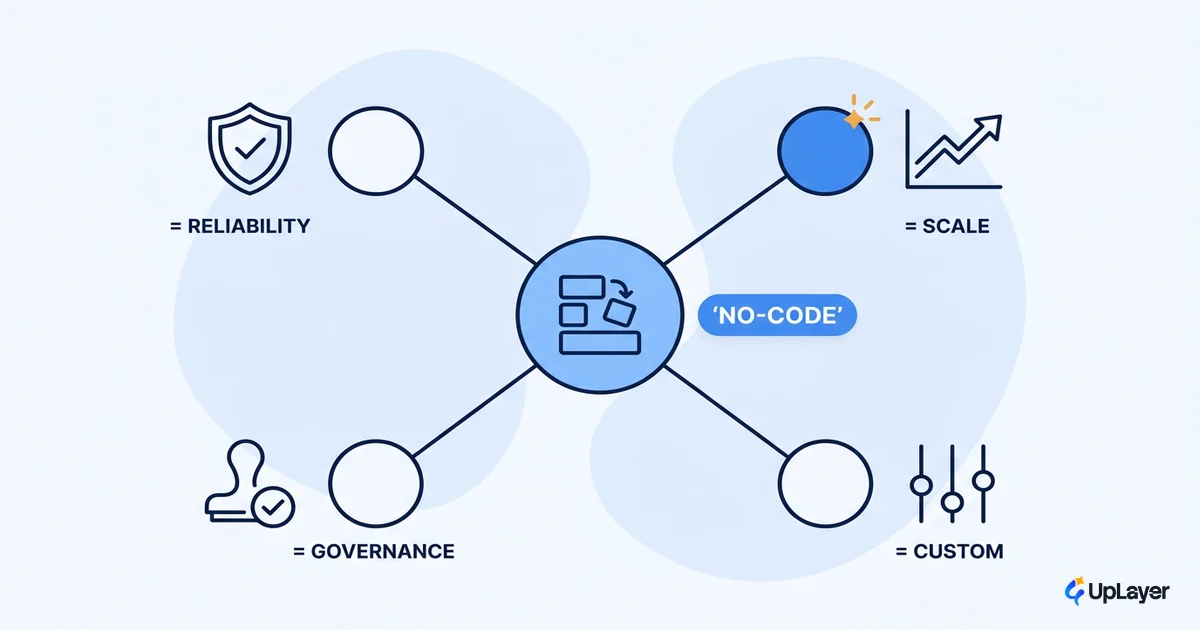
No code AI workflow automation is the cheapest way to find out if an automation is worth building. You drag, you connect, you wire a model into the middle, and a job that used to eat someone's afternoon now runs on its own. For a non-engineer, that's real leverage, and you should use it.
The trap is stopping there. The same speed that lets you ship in an hour also hides the four places these workflows quietly break: reliability, scale economics, customization, and governance. Most teams find those walls in production, after the workflow is load-bearing, which is the most expensive time to find them.
This piece is the honest version. What you can ship yourself today, where it stops paying, and how to tell you've hit the line before it costs you. It connects directly to the ROI of AI workflow automation, because the only question that matters is whether the thing you automated moved a number you already track.
What is no code AI workflow automation?
No code AI workflow automation is software that lets you build without writing code: you assemble a multi-step workflow in a visual canvas, connect your apps, and insert an AI step (a model call for classification, extraction, summarization, or drafting) somewhere in the chain. The platform runs it on a trigger or a schedule.
The "AI" part is usually one node in a larger pipe. A support ticket arrives, a model tags its urgency and topic, a rule routes it, a draft reply gets written, and a human approves. None of that requires you to manage servers, write integration code, or know how the model works. That's the point, and it's genuinely useful.
The category covers hosted tools your team already knows by name. Each makes a different trade between breadth, logic, and control.
| Tool | Model | Builds best | The watch-out |
|---|---|---|---|
| Zapier | No-code, hosted | Simple cross-app flows, fast | Cost climbs steeply at high volume |
| Make | Visual, hosted | Branching multi-step logic | The canvas gets dense at scale |
| n8n | Open-source, self-host | Control, AI nodes, governance | Needs an engineer to own it |
Can non-engineers build AI automations?
Yes, for a real and useful class of work, and you should not let anyone tell you otherwise. A non-engineer can ship a working AI automation in an afternoon. The honest caveat is about which work, not whether.
Here's the scope a non-engineer reliably owns without help:
- Triage and routing. Tag, classify, and route incoming items (tickets, leads, emails) by topic or urgency.
- Extraction. Pull structured fields out of invoices, forms, or PDFs into a sheet or CRM.
- Drafting with a human gate. Generate a first-draft reply, summary, or update that a person approves before it goes out.
- Notification and sync. Watch one system, summarize the change, post it somewhere a human reads it.
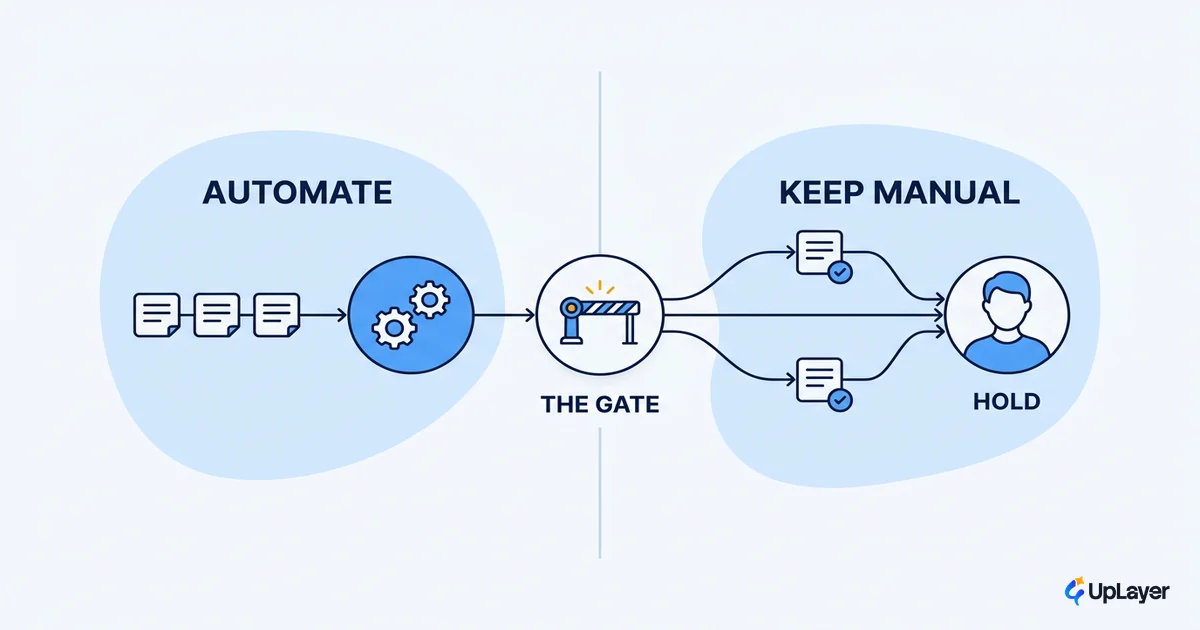
Notice the pattern. Every item on that list keeps a human in the loop or touches low-stakes data. That is not a coincidence. It's the exact zone where no code AI workflow automation is safe to run unsupervised, and it covers more real work than most teams expect. The wall shows up the moment the workflow goes high-stakes, high-volume, or fully autonomous.
Where do no code automations break down?
No code automations break down at four predictable lines: reliability, scale economics, customization, and governance. None of them show up in the demo. All of them show up in production, usually after the workflow is doing something you now depend on.
Start with reliability, because it's the one that hurts most. Automations fail. An API times out, a model returns malformed output, a record is missing a field. The graceful handling of those failures is not automatic. As the n8n docs put it plainly, you have to set up methods to handle them gracefully yourself, building an explicit error path that retries, alerts a human, or queues the item. Skip that, and the default behavior is silent failure: the work vanishes and nobody is told. That's the single most expensive default in this entire category.
The other three lines are just as real. Scale economics turn against you because per-task pricing that's trivial at 100 runs a month is a budget line at 100,000. Customization hits a ceiling because, as analysts note, no-code AI tools struggle when the workload grows: you can't reshape the architecture, add custom preprocessing, or tune the model the way a real workflow eventually needs. And governance barely exists by default, so the moment the automation touches money, customer data, or a compliance boundary, the lack of audit trails and rollback becomes the problem.
| Breakpoint | What's fine at first | Where it bites | The signal you've hit it |
|---|---|---|---|
| Reliability | A failed run is a rare annoyance | Silent failures erase work nobody notices | You find errors by accident, not by alert |
| Scale economics | Per-task cost is invisible | Volume turns cost into a real budget line | The platform bill grows faster than the value |
| Customization | Templates cover the case | The logic needs control the tool won't give | You're fighting the canvas to express the rule |
| Governance | Low stakes, no audit needed | The flow touches money, data, or compliance | You can't prove what ran or roll back a change |
WARNING
Silent failure is the default, not the exception. If your automation can fail without alerting a human, assume it already has. Reliability guardrails (retries, alerts, human-in-the-loop on high-trust steps) are something you design in, never something the platform hands you for free.
This is also why so much AI work dies in the gap between a working prototype and a dependable build.
Gartner predicts that at least 30% of generative AI projects will be abandoned after proof of concept by the end of 2025, due to poor data quality, inadequate risk controls, escalating costs, or unclear business value.
A no-code prototype that works on your desk is a proof of concept. Crossing the four lines above is what turns it into something you can trust in production.
AI powered workflow automation: a decision framework
The decision is not no-code versus a real build. It's knowing which jobs stay no-code and which graduate, and using a test instead of a gut feel. Here's the test we use before recommending anyone graduate a workflow off a no-code platform.
GRADUATION TEST  -- stay no-code unless 2 or more are true

1. STAKES   Does a wrong/failed run touch money, customer trust,
            or a compliance boundary?              (yes = +1)
2. VOLUME   Will runs exceed ~10,000 / month, where
            per-task pricing becomes a real cost?   (yes = +1)
3. LOGIC    Does the rule need control the canvas
            can't express (custom models, branching,
            state, preprocessing)?                  (yes = +1)
4. AUDIT    Do you need to prove what ran and roll
            back a bad change for governance?        (yes = +1)

SCORE 0-1  -> stay in no-code. It's the right, cheap home.
SCORE 2+   -> graduate the high-stakes path to an owned,
              supportive build with reliability guardrails.
The framework matters because the two answers serve different goals. Staying no-code keeps you fast and cheap on work that tolerates the occasional miss. Graduating buys you reliability and control on work that doesn't. If you want the mechanics under the hood, how AI powered workflow automation actually works walks the pipeline step by step, and the trade-offs between platforms are covered in choosing AI workflow automation tools.
Notice what the test does not reward: building for its own sake. A workflow that scores 0 should never become a custom project, no matter how exciting the model is. That restraint is the whole point.
What to keep in no-code, what to graduate, what not to build at all
Most workflows have three parts, and they belong in three different places. The mistake is treating the whole thing as one decision.
| The work | Where it belongs | Why |
|---|---|---|
| Triage, extraction, drafting with a human gate | Keep in no-code | Fast, cheap, low-stakes, tolerates a rare miss |
| The high-stakes, high-volume, autonomous path | Graduate to an owned build | Needs reliability guardrails, governance, cost control |
| The automation nobody asked for that moves no metric | Don't build it at all | It's theater, and it costs you forever |
That third row is the one teams skip. The pressure to "do AI" produces automations that demo well, ship, and move nothing, and a no-code canvas makes them dangerously easy to spin up. Before you build, decide what not to automate. The cheapest automation is the one you correctly chose not to ship.
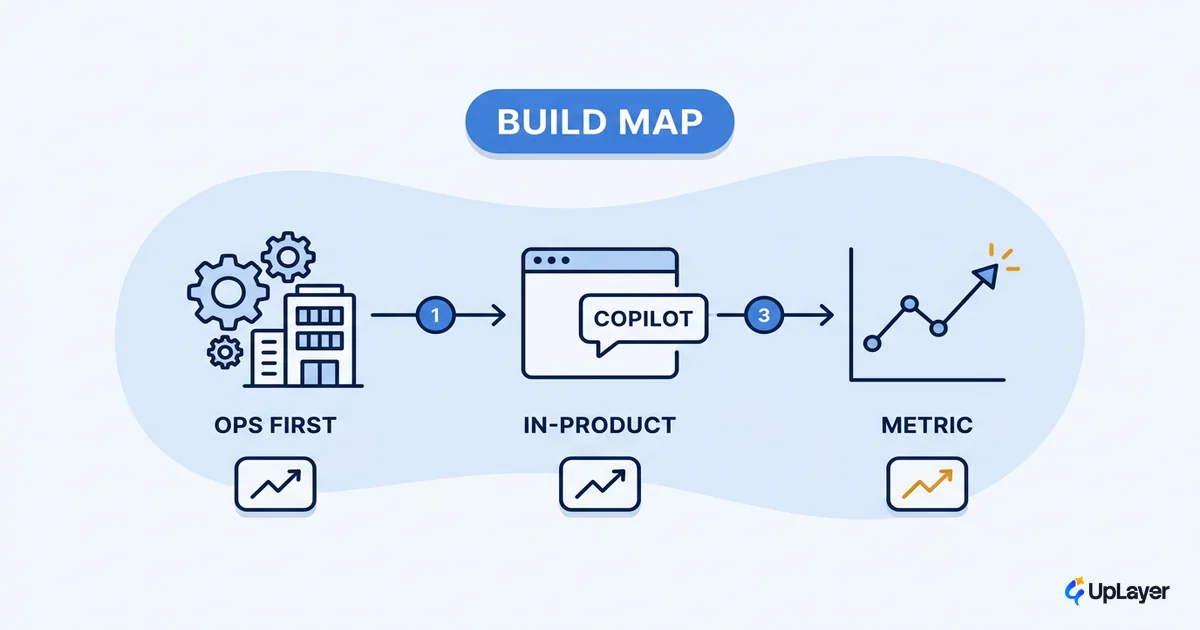
When a path does graduate, the goal isn't a from-scratch rebuild. It's a supportive layer on top of what you already have: the no-code prototype proves the value, and the owned build adds the reliability guardrails, the audit trail, and the cost model the prototype can't. We frame those as Concept Demos first, with the metric impact projected and shown, so you're deciding on evidence rather than enthusiasm.
TIP
Start every automation in no-code on purpose. It's the fastest way to prove the work is worth anything before you spend engineering time.
No code AI workflow automation will take a non-engineer further than most engineers expect, and it should be your first move on almost any automation idea. The discipline is knowing the line: keep the cheap, safe work where it is, graduate only the paths that touch money or trust, and refuse to build the ones that move no metric at all. Get that judgment right and no code AI workflow automation stops being a toy and becomes the cheapest validation tool you own.
TIP
Not sure which automations are worth a real build? How the AX Audit works.