AI automation ROI for SaaS teams: prove it first
A founder's working model for AI automation ROI: how to project, measure, and defend the return on an AI workflow before you spend a dollar building it.
 Sohanur RahmanAI Automation11 min read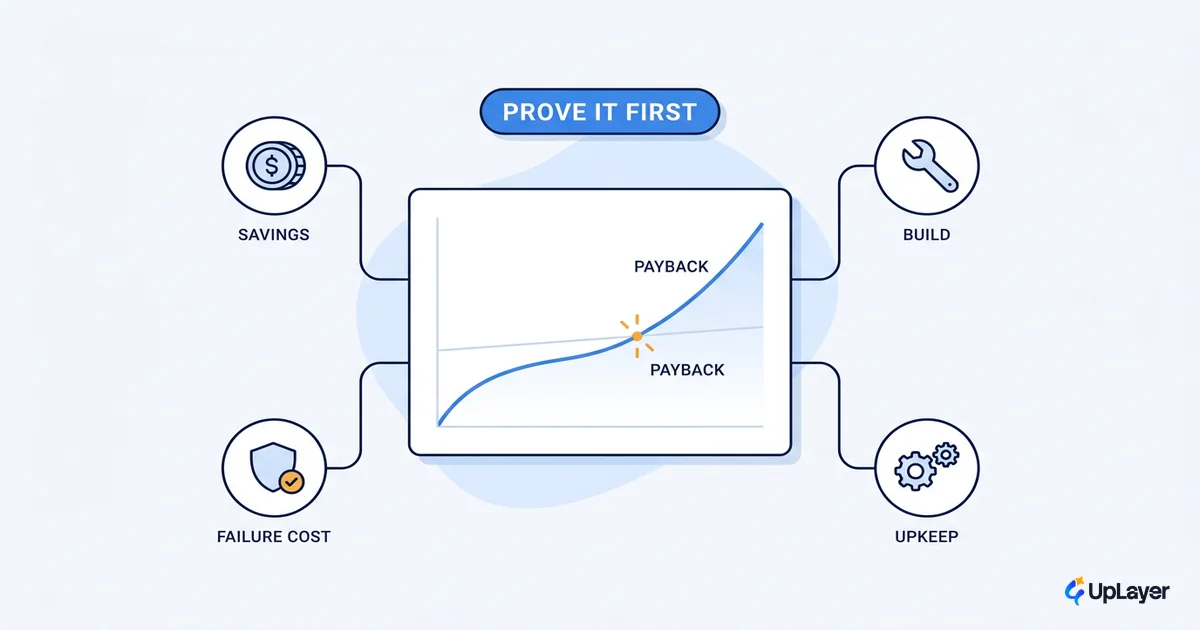
Most AI features ship, demo well, and move nothing. The pressure to "do AI" produces a slick proof of concept, a launch post, and a number that never changes on the dashboard that actually matters. So before you build anything, the only question worth answering is whether the ai automation roi is real, and whether you can defend it to the person holding the budget.
Adoption is no longer the story. 78% of organizations reported using AI in 2024, up from 55% the year before, per Stanford's 2025 AI Index. When nearly everyone is using AI, the edge is not having it. The edge is proving it pays. That is a projection you calculate, not a story you tell after the fact.
This piece gives you the model: how to project the return on an AI workflow, which inputs to pull, what a good payback period looks like, which workflows reliably pay back, and which to kill before they cost you anything. If you want the broader primer on what AI workflow automation actually is, start there. This one is about the money.
AI automation ROI is a projection you calculate, not a story you tell
AI automation ROI is the projected net value of an automated workflow over a fixed period, with every assumption written down. It is a forward model, not a testimonial. The honest version subtracts what the automation costs to run and maintain, prices in the cost of its mistakes, and survives someone on your board pulling on the numbers.
This matters because measurement, not capability, is the bottleneck. Gartner found that demonstrating business value is the No. 1 barrier to AI adoption, and that only 48% of AI projects make it into production, taking an average of 8 months to get there. The models work. The business case is where teams get stuck.
WARNING
Most ROI claims for AI automation count only the upside. They show time saved and stop. A projection that ignores run cost, maintenance, and the cost of wrong answers is not a projection. It is a pitch. If removing those lines makes the number look better, you are not measuring ROI, you are marketing it.
The fix is to tie the projection to a metric you already track, churn, activation, conversion, expansion, support cost per ticket, and show your work. A founder defending a number she calculated herself wins the room. A founder reading a vendor's case study does not.
How do you measure AI automation ROI
You measure it by modeling net monthly value: the value the automation creates minus what it costs to run and keep reliable. Four inputs do most of the work.
- Time saved value. Volume handled, the share the automation can fully cover, time per task, and a fully loaded hourly cost.
- Error cost avoided. The dollar cost of a mistake (refund, rework, churn risk) times the reduction in error rate.
- Run cost. Model usage, infrastructure, and licenses per month. Not zero.
- Maintenance. Engineering hours to keep it reliable as inputs drift. Also not zero.
Here is the formula, plainly:
Net monthly value =
    (Volume × Coverage × Time_per_task × Loaded_hourly_cost)   # time saved
  + (Volume × Error_reduction × Cost_per_error)                # errors avoided
  −  Run_cost                                                  # model + infra + licenses
  −  Maintenance_cost                                          # engineering upkeep

Payback (months) = One_time_build_cost / Net_monthly_value
Every input maps to a number a real person in your company already owns. Pull them from the source, not from a vendor deck.
| Input | What it is | Where the number comes from |
|---|---|---|
| Volume | Tasks or tickets per month | Product analytics, support tool |
| Coverage | Share the automation can fully handle | Pilot on a sample before you scale |
| Loaded hourly cost | Salary plus overhead, per hour | Finance, fully loaded rate |
| Cost per error | Refund, rework, or churn risk per mistake | Finance, support, churn data |
| Run cost | Model, infra, licenses per month | Vendor pricing, token estimates |
| Maintenance | Engineering hours to keep it reliable | Honest estimate, never zero |
A worked AI automation ROI calculation (Concept Demo)
Numbers make this concrete. The example below is a Concept Demo, a model we build to show our thinking, not a client result. Treat every figure as projected.
A B2B SaaS support team handles 4,000 tickets a month. A support copilot drafts replies for the repetitive 60%, with a human approving each one. Loaded support cost is $45 an hour, and a ticket takes 8 minutes. Each mishandled ticket carries roughly $60 in refund or churn risk, and the copilot cuts the error rate by 3 points. The model and infra run $2,500 a month, and keeping it reliable takes about $1,800 a month in engineering time.
| Line | Calculation | Monthly value |
|---|---|---|
| Time saved | 4,000 × 0.60 × (8 / 60) × $45 | $14,400 |
| Errors avoided | 4,000 × 0.03 × $60 | $7,200 |
| Run cost | model + infra + licenses | −$2,500 |
| Maintenance | engineering upkeep | −$1,800 |
| Net monthly value | $14,400 + $7,200 − $2,500 − $1,800 | $17,300 |
If the build costs $30,000, payback lands under two months, and the projected roi clears a wide margin in year one. Notice what the honest version does: the gross looks like $21,600, but run and maintenance pull it to $17,300. That $4,300 gap is exactly the line that vendor math hides, and it is the line a board will ask about first.
Which workflows give the best AI automation return
The best returns are not random. They cluster in workflows that are high volume, repetitive, and tolerant of a human approving the output. Rank your candidates against three traits before you model anything, and use this hub's companion on the AI automation use cases that consistently pay back to pressure-test your list.
| Workflow | Why it pays back | Watch-out |
|---|---|---|
| Support deflection and reply drafting | High volume, repeatable, human-in-the-loop fits naturally | Wrong answers hit trust; keep approval in the loop |
| Document and data processing | Structured, measurable accuracy, clear time saved | Edge cases need a fallback path |
| Internal reporting and triage | Frequent, low-stakes, easy baseline | Easy to over-build; keep it simple |
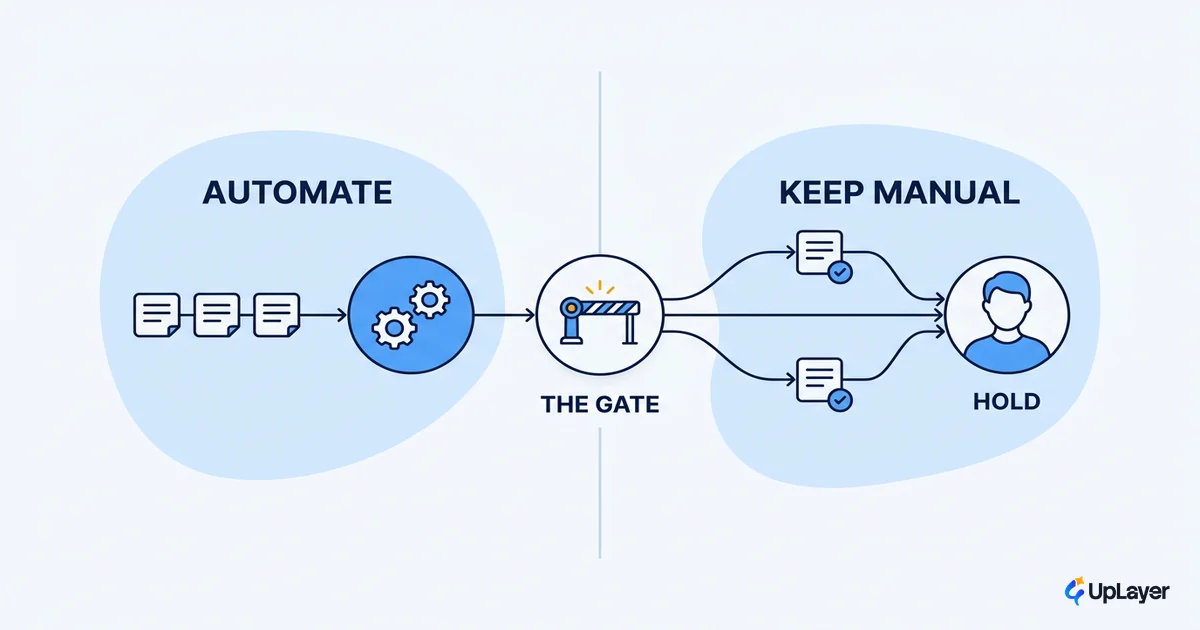
Deciding when to automate with AI comes down to the same three traits. A useful filter for ai workflow automation: the more a task repeats, the more predictable its inputs, and the cheaper a mistake is to catch, the higher the return. A copilot that drafts and a human that approves beats full autonomy almost every time, because the cost of a wrong answer is the silent line that sinks the ROI. Once a workflow clears these traits, the build cost in your payback formula depends heavily on how you pick an AI workflow automation platform, since the wrong foundation inflates both run cost and maintenance.
TIP
Score every candidate workflow on volume, repeatability, and the cost of being wrong before you build the model. The lowest-risk, highest-volume workflow is almost always the right first bet, even when a flashier one demos better.
What is a good payback period for AI automation
A good payback period for AI automation is under 6 months for a supportive workflow, and under 12 for anything larger. If the model says payback is past a year, the workflow is either too low-volume, too error-prone, or too expensive to maintain. That is a signal to shelve it, not to discount the build.
Two rules keep the payback number honest. First, run cost and maintenance are never zero, and pretending otherwise is the most common way a projection collapses in production. Second, set a coverage assumption you tested on a real sample, not a hopeful one. A copilot that "could handle 80%" but actually clears 50% on your messiest tickets halves your time-saved line overnight.
When not to automate with AI
The fastest way to protect your AI automation ROI is to refuse the workflows that will never earn it. Gartner predicts that 30% of generative AI projects will be abandoned after proof of concept by the end of 2025, driven by poor data quality, escalating costs, and unclear business value. Those are not technology failures. They are selection failures, and they are avoidable.
Knowing when not to automate with AI is half the skill. Skip the workflow when:
- Volume is low. A task that happens 30 times a month cannot save enough hours to clear run cost.
- Variance is high. If every input is a snowflake, coverage stays low and the time-saved line never materializes.
- Errors are expensive and hard to catch. When a wrong answer triggers a refund, a compliance issue, or churn, the error cost can swamp the upside.
- There is no baseline. If you cannot measure the workflow today, you cannot prove the automation moved it tomorrow.
Saying no to a workflow is not caution. It is the highest-leverage decision in the whole model, because it protects budget and credibility at the same time.
How to set a baseline the projected ROI survives
A projection only survives review if it rests on a baseline you measured before you built anything. Capture the current state for two to four weeks: volume, handle time, error rate, and the cost of each. That snapshot is what you compare against, and it is what turns "we think it helped" into "the metric moved by this much."
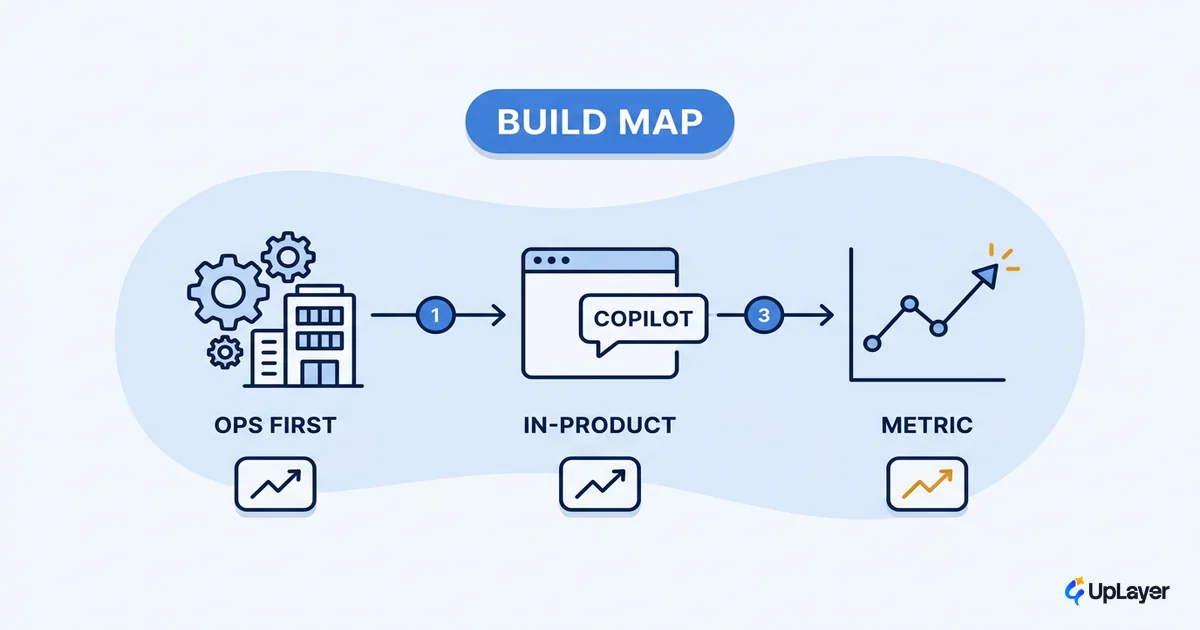
Then commit to a 30-day measurement window after launch, with the same definitions. The post-launch number rarely matches the projection exactly, and that is fine. The point is a closed loop: project, ship, measure, and adjust the next bet with real data. When you are ready to scope the work, a build map for the workflow turns this model into a sequenced plan. If your team is short on time or in-house expertise, weighing when to bring in an AI workflow automation agency against building it yourself is part of the same budgeting decision.
Demonstrating business value is the No. 1 barrier to AI adoption, per Gartner. A measured baseline is the cheapest way over that barrier.
Frequently asked questions about AI automation ROI
What is a good ROI for AI automation?
A supportive AI workflow should return several times its run and maintenance cost within the first year, with payback under 6 months. If your model cannot clear that with conservative coverage assumptions, the workflow is probably the wrong first bet.
How do you calculate AI automation ROI before building?
Model net monthly value: time saved plus errors avoided, minus run cost and maintenance. Pull every input from the person who owns it, test your coverage assumption on a real sample, and divide the build cost by net monthly value to get payback. Show the assumptions so the number survives scrutiny.
Why do most AI automation projects fail to show ROI?
They count the upside and ignore the downside. The time-saved line gets inflated by an untested coverage assumption, while run cost, maintenance, and the cost of wrong answers get rounded to zero. A model that includes all four lines, and a baseline measured before launch, is what separates the projects that pay back from the ones that get quietly abandoned.
The teams that win with AI automation in 2026 will not be the ones that ship the most features. They will be the ones who can stand in front of a board, point at a metric that moved, and prove the ai automation roi was real before they spent the first dollar. Start with the model, not the roadmap, and let the number decide what gets built.
TIP
Want the highest-ROI AI workflow in your product mapped, projected on a metric you already track, and proven with a working demo before you commit a build budget? How the AX Audit works.