AI workflow automation explained for founders
AI workflow automation, explained without the hype: what it is, how it works, where AI actually fits in a workflow, and how to know it pays off.
 Anamoul RoufAI Automation7 min read
The pitch for AI workflow automation is always the same: point software at your busywork, let it run, watch the hours disappear. The result is usually quieter. A team builds a slick pilot, it demos well, and then it stalls before anyone can point to a number that moved. The useful question is not "what can we automate." It is narrower and more honest: which workflow, tied to which metric you already track, is worth automating, and which ones should you leave alone. That framing is the whole game, and it is the one part most guides skip. The good news is that the cluster pillar already ties automation to ROI you can measure, so here we can stay on the fundamentals: what this is, how it works, and where AI honestly belongs.
What is AI workflow automation
A workflow is a repeatable sequence of steps that turns an input into an outcome. A support ticket arrives, someone reads it, decides what it is about, looks up an account, and writes a reply. AI workflow automation means software runs that sequence for you, and the AI handles the specific steps that need judgment, language, or messy-input handling instead of fixed rules.
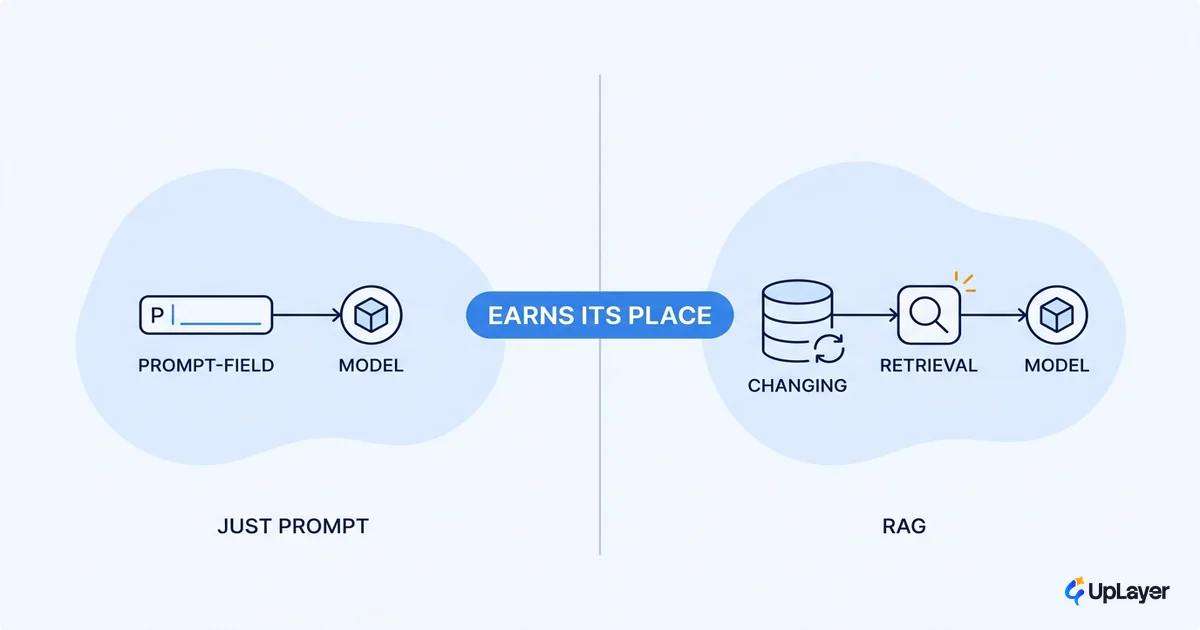
That distinction matters more than the label. Classic automation has existed for decades: if X happens, do Y. It is rigid and reliable. The AI part earns its place only where a rule would be brittle, like reading free-text, classifying intent, extracting fields from a scanned document, or drafting a first response. Everything else stays deterministic.
| Rule-based automation | AI powered workflow automation | |
|---|---|---|
| Handles | Fixed inputs, clear conditions | Messy text, images, intent, judgment |
| Logic | if status == "paid" then … | "Read this and decide what it is" |
| Fails when | Input shape changes | Edge cases, ambiguity, hallucination |
| Best for | Plumbing, routing, triggers | The one or two steps a rule cannot cover |
The practical model: keep most of the workflow as boring, testable plumbing, and drop AI into the narrow slots where it actually adds something. That is supportive AI, a layer on top of work you already understand, not a replacement for the people doing it. If you do not have engineers to wire that plumbing, no code AI workflow automation built for non-engineers covers how far you can get with visual tools before you need to write anything.
How does AI workflow automation work
Under the hood, almost every useful automation has the same anatomy. A trigger starts it, the system gathers context, an AI step does the judgment-heavy work, a deterministic action commits the result, and a human stays in the loop wherever the cost of being wrong is high.
trigger        → new email / form / row / event
gather context → fetch account, history, relevant docs (retrieval)
ai step        → extract fields | classify intent | draft output
guardrail      → validate, score confidence, check policy
action         → update record | send | route | create task
human check    → review when confidence is low or stakes are high
The part that decides whether this survives contact with reality is the unglamorous spine: the retrieval, the validation, the confidence threshold, the fallback when the model is unsure. Skip those and you get a demo, not a product. The failure data is blunt about this. Gartner predicts at least 30% of generative AI projects will be abandoned after the proof of concept by the end of 2025, citing poor data quality, weak risk controls, escalating costs, and unclear business value.
Most of those projects did not fail because the model was bad. They failed because the workflow around the model was never built to be reliable.
So "how does AI workflow automation work" has a short answer and a longer one. The short answer: it is a pipeline with AI in the judgment slots. The longer answer is that the engineering around the model, the guardrails and the human checkpoints, is what separates an automation that runs on Monday from one that quietly breaks on Tuesday.
Where does AI fit in a workflow
AI fits where three things are true at once: the work is high-volume, it needs judgment a simple rule cannot express, and a mistake is cheap to catch and reverse. Reading and tagging inbound messages, summarizing long threads, extracting line items from invoices, drafting a reply a human approves. These are reversible, frequent, and judgment-shaped. They are where supportive AI pays for itself.
It fits poorly where errors are expensive and irreversible, where the volume is too low to be worth the build, or where the human relationship is the actual product. The pressure to "do AI" pushes teams to ignore that line, which is exactly why so much of it stalls.
The adoption numbers and the value numbers tell that tension clearly. Stanford's AI Index reports 78% of organizations reported using AI in 2024, up from 55% the year before. Yet BCG's survey of 1,000 executives found only 26% of companies move past the pilot into tangible value, and just 4% have advanced capabilities across functions.
Adoption is nearly universal. Value is rare. The difference is not the technology. It is the discipline about where AI belongs.
Use this as a placement test before you build anything:
- High volume, judgment needed, reversible → good fit for an AI step.
- Low volume or fully rule-able → use plain automation, skip the model.
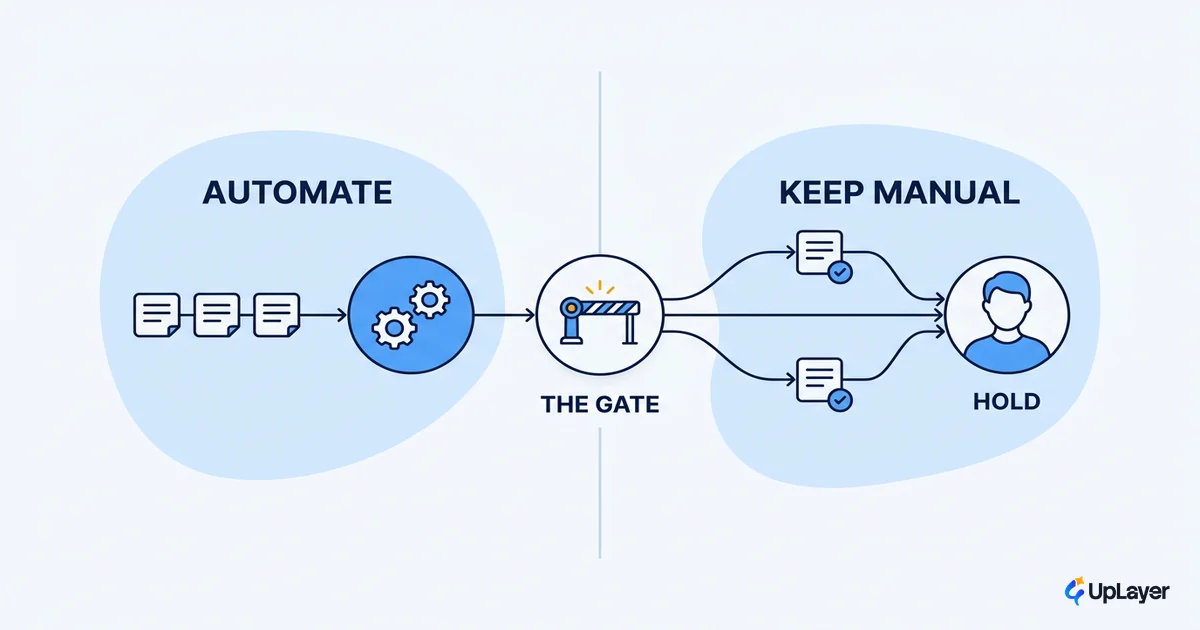
- Expensive, irreversible, or relationship-critical → keep a human in front, or do not automate it.
What not to automate
The fastest way to waste a quarter is to automate a broken process. Automation does not fix a mess, it makes the mess run faster and at scale. If a workflow is confusing for a person, an AI layer on top will inherit every bit of that confusion and add its own failure modes. Fix the process first, then decide whether AI belongs in it. This is the heart of doing business process automation with AI well rather than fast.
WARNING
Most AI features ship and move nothing. Before you automate a workflow, write down the metric it is supposed to move. If you cannot name one, you are building theater, not automation. Some work should never be automated at all.
There is also a quieter trap: assuming a pilot that demos well is ready to run. As IBM notes in its review of agent deployments, demos and production are different problems, and the gap between them is where budgets disappear. The work that survives is narrow, well-instrumented, and reversible. The work that does not is broad, autonomous, and unmonitored.
Three things to keep off the automation list, at least at the start:
- The irreversible. Anything that sends money, deletes data, or commits to a customer without a human checkpoint.
- The rare. A workflow that happens twice a month rarely earns the cost and risk of an AI build.
- The relationship. When a human conversation is the value the customer is paying for, automating it removes the product.
Does AI workflow automation actually pay off
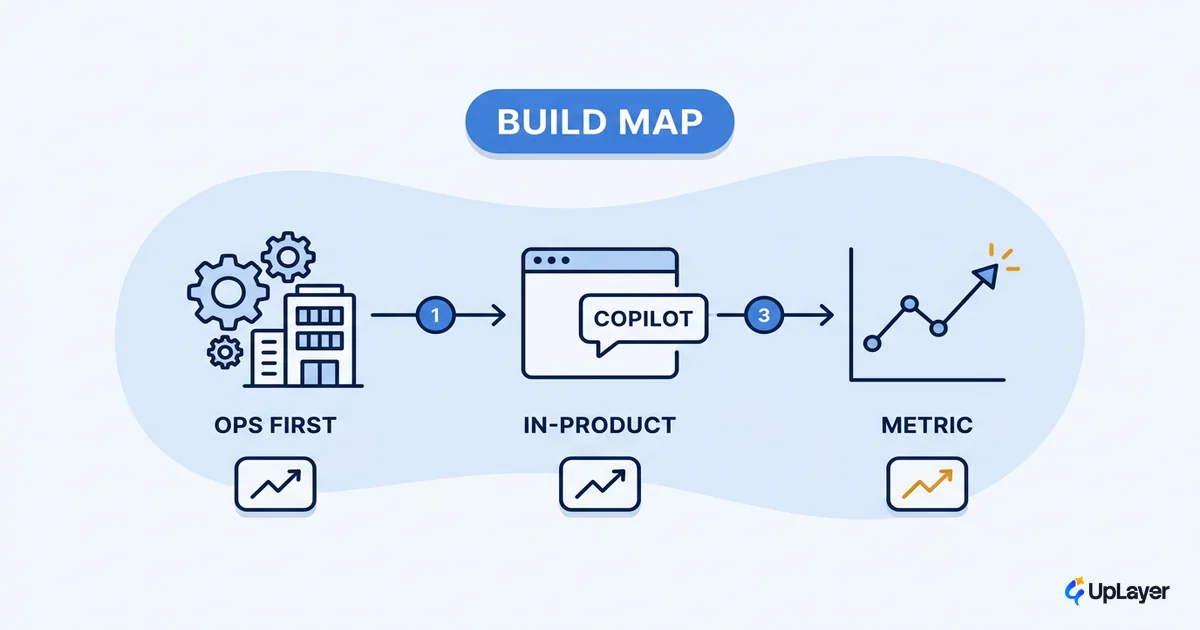
It pays off when you can attach it to a number you already watch and measure the delta. Not a vague "efficiency" story, an actual metric: hours per case, first-response time, deflection rate, error rate, time-to-onboard. Pick one workflow, tie it to one metric, ship the smallest version that moves it, and compare before and after. If the delta is real, expand. If it is not, you learned that cheaply. For a small team, that smallest version often runs on AI workflow automation software built for lean setups rather than a custom build, which keeps the first experiment cheap to walk away from.
| Workflow | Metric you already track | How to measure the delta |
|---|---|---|
| Inbound ticket triage | First-response time | Median response before vs after |
| Invoice data entry | Hours per batch | Logged minutes per 100 documents |
| Support deflection | % resolved without an agent | Self-serve resolution rate |
| Lead qualification | Time-to-first-touch | Timestamp gap, new lead to outreach |
This is where ai automation roi stops being a slogan and becomes arithmetic. We frame early estimates as projected ROI and prove them in a Concept Demo on your own data before anyone commits to a full build, so the number is grounded in your workflow rather than a case study from someone else's. For a sense of the shapes that tend to clear that bar, the concrete examples that ship value post walks through specific patterns.
NOTE
The test is deliberately strict. Tie one AI step to one metric, measure the delta, and let the number decide. A workflow that cannot name its metric does not get automated yet.
The honest version of AI workflow automation is small, supportive, and accountable to a number. Start with the single workflow where AI clearly earns its place, instrument it, prove the delta, and only then widen the surface. The teams who win with ai workflow automation are not the ones who automate the most. They are the ones who automate the right thing and can show, in a metric they already trusted, that it worked.
TIP
Want to know which single workflow is worth automating in your product, and what it is projected to return? How the AX Audit works..