AI workflow automation examples that ship value
Real AI workflow automation examples, each tied to the metric it moved and the money it saved, plus a simple filter for the ones that flop before you build.
 Sohanur RahmanAI Automation8 min read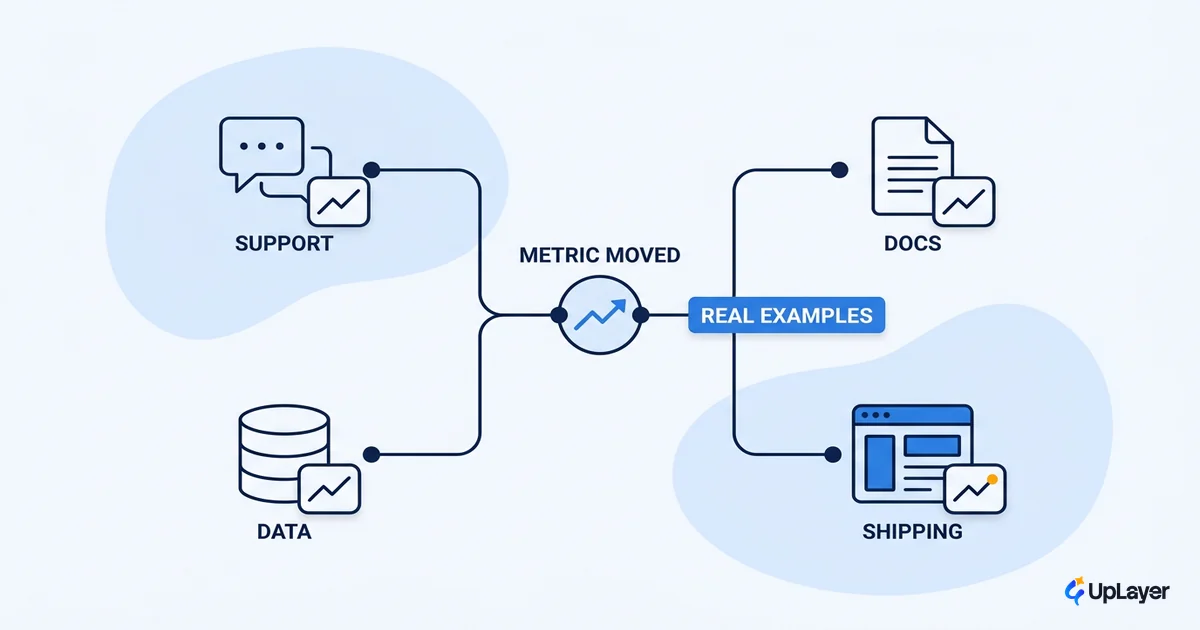
Most AI workflow automation examples you find online read like a parts catalog. Connect this app to that app, add a model in the middle, and the time saved is asserted but never measured. You can browse a hundred of them and still not know which one is worth your team's week. That is the real problem, and it is the one we are going to fix here.
This piece is a short list of automations that actually shipped value, each paired with the single metric it moved and the way that metric turns into money. We also cover the examples that flop, the ones that look productive and change nothing on your dashboard. The goal is not more ideas. It is a way to tell a good example from an expensive one before you build it.
What does a good automation example look like
A good AI workflow automation example moves one metric you already track, and you can name that metric before you build. That is the whole test. If you cannot point at a number on your current dashboard that the automation should move, you do not have an example worth building. You have a demo.
This matters because the volume of activity is misleading. Adoption is everywhere now, with 78% of organizations reporting they used AI in 2024, up from 55% the year before. Usage went mainstream while proof stayed rare. The gap between "we shipped an automation" and "the automation moved a number" is where most budgets quietly disappear.
The frame we use is before and after. Write down the metric, its current value, and the value you expect after the automation runs for a month. A real example has a before and an after on the same axis. A flop has a screenshot and a vibe. This is the same logic behind AI workflow automation ROI for SaaS teams: the return is a delta on a tracked metric, not a story about efficiency.
We call the useful version supportive AI. It sits beside a workflow your team already runs, takes the repetitive part, and leaves the judgment with a human. It does not replace the engine. It removes the grind around it, and you can see the grind disappear in a number.
AI workflow automation examples that moved a metric
Here are concrete examples that earned their place. Each one targets a single metric and converts to money the same way: volume times time saved times loaded cost, with reliability cost subtracted. The point is not the cleverness of the automation. It is the line on the scoreboard.
The clearest public proof comes from support. When Klarna put an AI assistant in front of its customer chats, it handled two-thirds of conversations and did the equivalent work of 700 full-time agents in its first month.
The Klarna assistant cut average resolution time from 11 minutes to under 2 minutes and drove a 25% drop in repeat inquiries, on par with human agents for customer satisfaction. Two numbers moved, both already on the support dashboard.
Engineering shows the same shape. In a controlled study, developers using GitHub Copilot completed the same task 55% faster than the group without it, finishing in 1 hour 11 minutes instead of 2 hours 4 minutes. The metric was cycle time, a number an engineering team already reports.
The table below is the working list. Each row is an example, its before-and-after, the metric it should move, and how that metric becomes money.
| Example | Before | After | Metric it moves | Converts to money via |
|---|---|---|---|---|
| Support triage and answer drafting | Agents read and route every ticket | AI drafts the answer, routes the rest | Handle time, tickets per agent | Loaded support cost per ticket |
| Document and report summarization | Analysts read full docs by hand | AI summarizes, human verifies | Hours per task, throughput | Loaded hourly cost of the role |
| Lead and record classification | Reps sort inbound by hand | AI tags and scores on arrival | Sales cycle length, conversion | Revenue per won deal |
| Churn-risk summaries for CS | CS guesses which accounts to call | AI ranks accounts by risk weekly | Net revenue retention | MRR retained per saved account |
| Internal knowledge search | Staff ping each other in Slack | AI answers from your own docs | Time to answer, interrupts | Loaded cost of interrupted work |
| Onboarding email drafting | Team writes each sequence cold | AI drafts, human edits and sends | Activation rate, time to value | New-account revenue past day 30 |
Support is the most measurable of these because the volume is high and the baseline is well documented. Customer-service expectations have shifted toward instant resolution, which means a triage automation moves handle time and satisfaction at the same time. That is two tracked numbers from one build.
If you want the full method for turning any of these rows into a defensible projection, the cornerstone on how to measure the ROI of an AI feature walks through the arithmetic. The examples here are the inputs. The ROI work is what tells you which input to fund.
Which automation examples actually save time
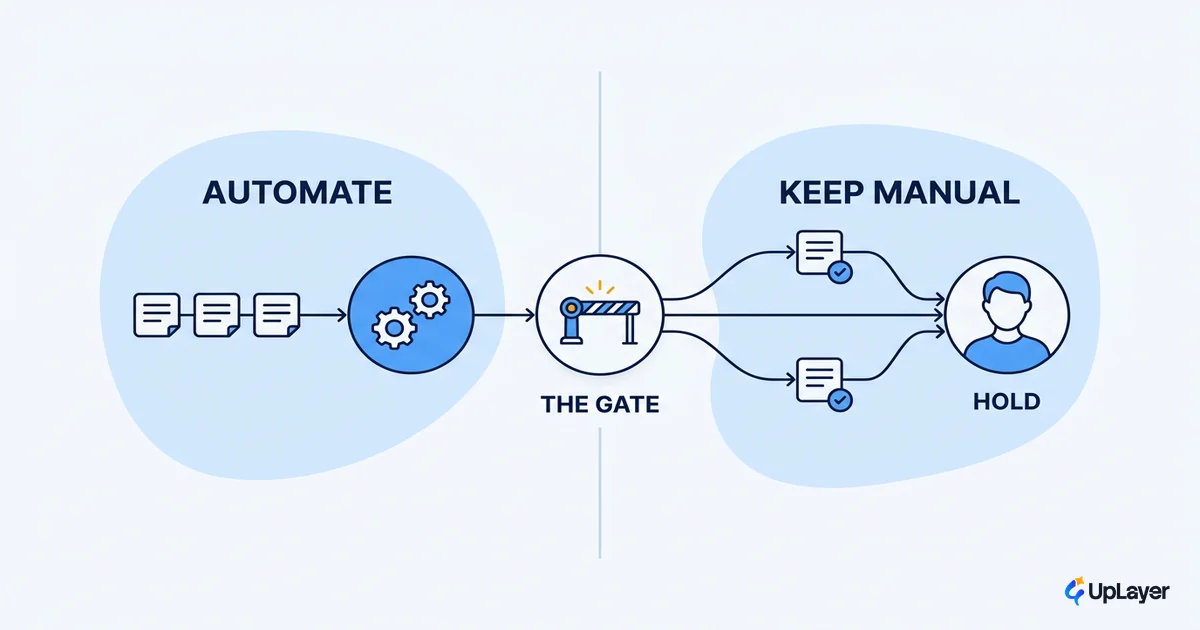
The automations that actually save time share four traits. The work is high volume, repetitive, well bounded, and tolerant of an occasional wrong answer that a human can catch. Miss any of the four and the time savings shrink or invert, because someone now has to babysit the automation.
Use this filter before you commit. If a candidate fails a line, it is probably a flop dressed as an example.
SAVES TIME IF all four are true:

[ ] Volume      The task runs often. Hundreds+ times a month, not a few.
[ ] Repetitive  The steps are the same each time. Low judgment per run.
[ ] Bounded     Inputs and outputs are well defined. No open-ended scope.
[ ] Tolerant    A wrong answer is cheap to catch and cheap to fix.

If any box is empty, the automation creates review work
that eats the time you thought you saved.
This is also the line between a good use case and a tempting one. Plenty of ai automation use cases are real but low volume, which means the build cost never amortizes. Others are high volume but intolerant, where one wrong answer is expensive, so a human has to check every run anyway. Both feel like wins and behave like costs. For the full decision on where the line sits, see when not to automate with AI.
The honest version of ai workflow automation starts here, not with the tool. Pick the workflow that passes all four tests, then choose the model. Teams that reverse the order end up with an impressive automation attached to a workflow that never needed it. If the mechanics under each of these examples still feel abstract, our walkthrough of how AI powered workflow automation actually works traces a single workflow from trigger to human checkpoint.
The AI automation examples that flop
The examples that flop are easy to predict once you stop counting activity. A net-new dashboard that no one asked for. A fully autonomous decision on a rare, high-stakes task where a wrong answer costs real money. An automation built because the model was available, not because a metric was stuck. These ship, they get a launch post, and the dashboard does not move.
WARNING
The most common automation failure is measuring activity instead of outcome. "The bot handled 4,000 messages" is activity. "Handle time dropped 30% and CSAT held" is outcome. If your automation reports volume but cannot show a move in a metric you tracked before launch, it is theater, and it is costing you the maintenance time it takes to keep it running.
The pattern under every flop is the same. The team picked the automation first and went looking for a metric to justify it second. A metric found after the fact has no baseline, so it cannot show a delta, so it cannot show return. This is why support leaders now judge AI by business impact rather than by how much the tool does. Doing a lot is not the same as moving a number.
There is a quieter failure too: the automation that works but solves a trivial problem. It saves four minutes a week for one person. It is real, it is reliable, and it will never repay the time spent building and maintaining it. Reliability does not rescue a small metric. Size the example before you fall for it.
How to size an AI workflow automation example before you build
Sizing an example is arithmetic, and it takes five minutes. Project the annual value, subtract the cost of being wrong, and compare what is left across your candidates. Build the one with the largest defensible number, not the one that demos best.
Annual value = runs_per_year
             × minutes_saved_per_run
             × loaded_cost_per_minute
             − reliability_cost (review time + error cleanup)

Build it only if:
  Annual value  >  3 × (build cost + yearly maintenance)
The reliability term is the one teams skip, and it is the one that sinks the projection. A summarizer that hallucinates erodes trust faster than it saves time, so its review cost climbs until the net value goes negative. Subtract it honestly. An automation that needs a human to check every output is not an automation, it is a slower workflow with extra steps.
This sizing is how you turn a long list of ai workflow automation examples into a ranked shortlist of one or two worth building. The same scoring decides which of the AI features that earn their place make the roadmap and which get cut before they cost you anything. The best automation example is rarely the flashiest one. It is the one that moves a metric you already report on, by an amount you can defend, for a cost you can recover. Start there, build that one, measure the delta, and let the next ai workflow automation example earn its way onto the list the same way.
TIP
Want to know which automation in your product is worth building first? How the AX Audit works. We map your opportunities, project the return on a metric you already track, and build a working concept demo of the one most likely to pay off.