AI features for SaaS worth adding (and what flops)
A buyer's map of the AI features for SaaS worth adding, the ones that flop, and the single metric each one is designed to move. No hype, just what pays off.
 Sohanur RahmanAI for SaaS & Features11 min read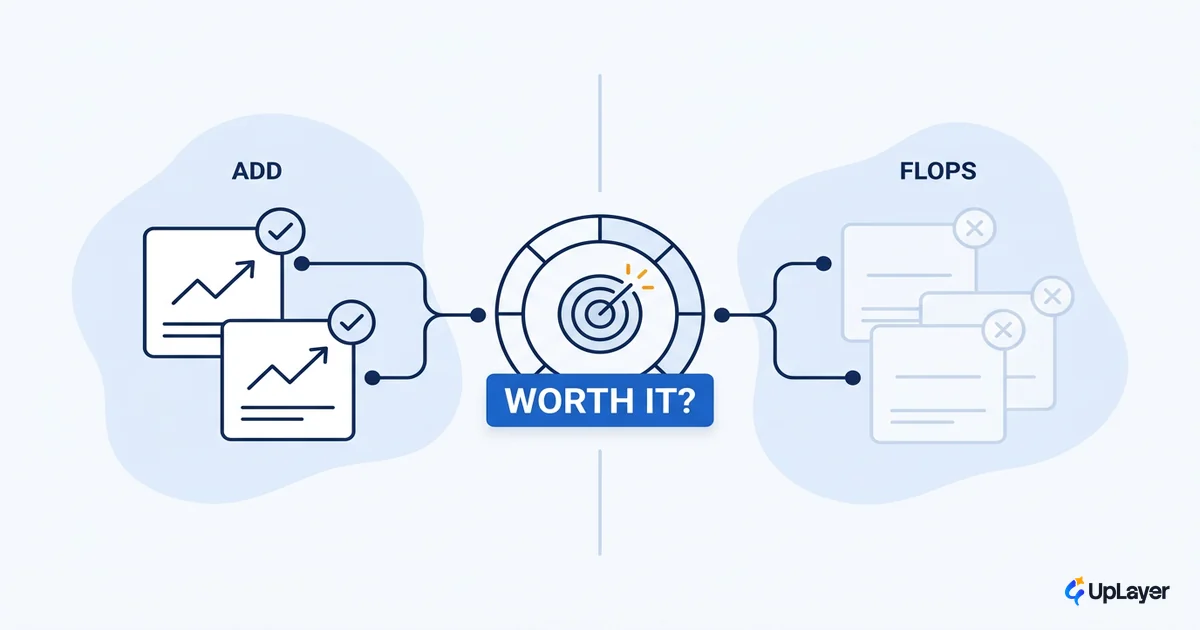
Most AI features for SaaS ship and move nothing. They demo well, they earn a line in the release notes, and three months later the dashboard tied to them is flat. When MIT's NANDA initiative studied enterprise AI deployments in 2025 and found that roughly 95% of generative AI pilots produced little to no measurable impact on profit and loss, that gap is exactly what it described. A small share saw rapid results. The rest stalled.
The problem is not the model. The problem is choosing the feature. Teams pick AI by what looks impressive in a board deck, not by which number they are trying to move. A chatbot gets bolted onto a product that already had good search. A "summarize" button appears on a screen no one reads twice. The feature works exactly as designed and still changes nothing, because it was never pointed at a metric.
This is a map, not a listicle. We sort the AI product features that earn their place from the ones that ship and flop, and we name the single metric each is designed to move: retention, activation, conversion, or expansion. If a feature can't be tied to one of those, it is theater. Use this to decide what to build next and, more usefully, what to skip.
Why do most SaaS AI features flop?
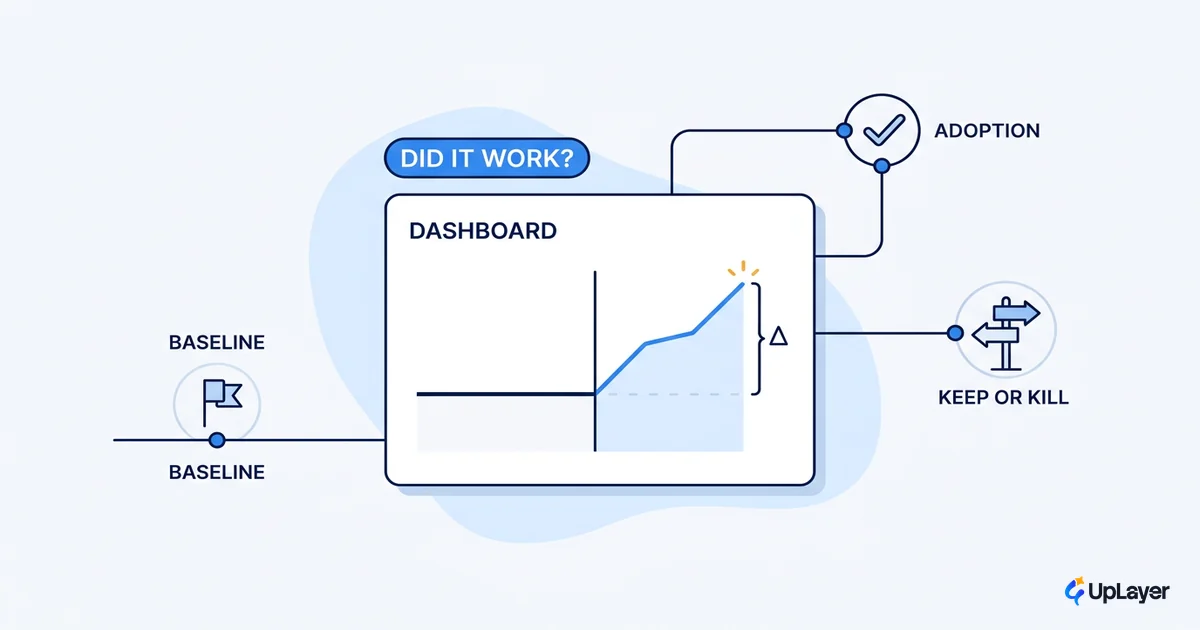
Most SaaS AI features flop because they were chosen for the demo, not for a metric. The feature has no baseline before it ships, so there is nothing to measure the delta against, and no one can say afterward whether it worked. That is the quiet failure mode behind the 95% of pilots stuck at little-to-no impact. We cover how to fix it in how to measure the ROI of an AI feature: instrument the number first, then ship.
The mechanism is predictable. A team feels board or competitor pressure to "do AI." That pressure is louder than any plan to do it right, so the team ships the most visible thing: a chat box. The chat box is generic, it competes with the product's own navigation, and it answers questions users were not asking. Adoption is a spike on launch day and a flat line after. Because no one set a baseline, the flat line never gets investigated. The feature stays in the product, costing inference spend and screen space, proving nothing.
There is a second failure mode that costs more: the embarrassing feature. An AI feature that hallucinates in front of a paying customer does not move a metric to zero, it moves trust below zero. A wrong answer delivered confidently is worse than no answer, because the user now distrusts every answer after it. This is why reliability guardrails and human-in-the-loop review are not polish. They are the difference between a feature that earns its place and one that quietly damages the account.
The MIT data points at the fix. Buying AI capability from specialized vendors and partners succeeded about 67% of the time in their sample, while internal builds succeeded at roughly one-third that rate. Read past the build-versus-buy headline and the real lesson is narrower scope. The features that worked were pointed at one job and one number. The features that failed tried to be a general assistant for everything and were accountable for nothing.
WARNING
Most AI features ship and move nothing. If you cannot name the metric a feature is designed to move before you build it, you are building theater. Define the number first.
The AI features for SaaS worth adding vs the ones that flop
The best AI features for SaaS share one trait: each is designed to move a metric you already track. The ones that flop share the opposite trait: they are graded on whether they exist, not on what they change. Here is the map. The right column is the only column that matters at planning time.
| AI feature | Worth adding or flops | Metric it's designed to move | Why |
|---|---|---|---|
| In-context copilot scoped to one workflow | Worth adding | Activation, retention | Lowers the effort to reach first value inside a job the user already came to do. |
| Semantic search over the user's own data | Worth adding | Retention, activation | Replaces failed keyword search with answers; users find what they couldn't before. |
| Summarization of long records (threads, logs, reports) | Worth adding | Retention, expansion | Removes a recurring task; the saved time is the value, and it is measurable. |
| Support ticket triage and routing | Worth adding | Retention (via support cost and speed) | Cuts handle time and first-response time on volume you can count. |
| Draft generation inside the existing editor | Worth adding | Activation, conversion | Gets the user to a finished artifact faster; shortens time-to-value in trials. |
| Anomaly and risk flagging on data you already store | Worth adding | Retention, expansion | Surfaces what the user would have missed; turns passive data into a reason to log in. |
| Generic floating chatbot bolted onto the UI | Flops | None reliably | Competes with your own navigation; answers questions no one asked. |
| "AI" rebrand of an existing rules engine | Flops | None | No new capability; users notice the label, not a result. |
| Open-ended agent that acts without review | Flops (and risks trust) | Negative on trust | One confident wrong action drops trust below zero; hard to scope, harder to guarantee. |
| Standalone "ask me anything" assistant | Flops | None reliably | Detached from any workflow; high novelty, no recurring job, fast drop-off. |
| AI-generated content with no human-in-the-loop | Flops (and risks trust) | Negative when wrong | A confident hallucination in front of a customer damages the account, not just the feature. |
The pattern is not subtle. Every feature in the "worth adding" rows attaches to a job the user was already doing and a number you were already watching. Every feature in the "flops" rows is a capability in search of a job. When you plan your next AI product features, start from the right column and work left, and choose the ones that move a number by projecting the metric movement before you write the spec. If you cannot name the metric, you have found a feature to skip.
Real AI product features that earn their place in 2026
The AI product features that pay off in real products are narrow, embedded, and accountable to a number. Look at what shipped and stuck, not at what got a press release.
In customer support, the move from "deflection" to measured resolution is the clearest example. Intercom's Fin agent averages a 76% resolution rate across thousands of customers, and many run higher. The metric matters more than the number: the industry shifted to charging per verified resolution rather than per deflected ticket. That pricing change is an admission that "the AI answered" is not the goal. "The problem got solved" is. A support copilot earns its place when handle time and resolution are the scoreboard, because both numbers existed before the feature did.
Summarization earns its place when it removes a recurring task, not when it adds a button. The version that works gives a human agent an AI-written summary of a record's history before they pick it up. That is a measurable delta on a job that happened thousands of times anyway. Notion's in-editor summarization and GitHub Copilot's inline code suggestion follow the same shape: the AI lives inside the flow of work the user already chose, and the saved minutes are the proof.
Semantic search is the most underrated feature in this list, because it fixes a problem users already had. Keyword search fails silently. A user types the wrong word, gets nothing, and assumes the answer is not there. Semantic search over the user's own knowledge base or record history returns the right answer to the wrong query, which is the entire point. It moves retention and activation because it turns "I couldn't find it" into "I found it," and you can measure the change in failed-search rate directly.
Triage and routing is the quiet workhorse. A model that routes incoming tickets, or resolves internal IT and HR requests through natural-language understanding, is not a general assistant. Each takes one high-volume, repetitive decision and makes it faster. That narrowness is why they survive. They are accountable to handle time and resolution rate, and those numbers existed before the feature did.
What AI features actually move a metric? The copilot trap
A copilot that 40% of seats touch is not the same as a copilot that moves a number. Microsoft's enterprise rollout makes the distinction concrete. Forrester's Total Economic Impact study of Microsoft 365 Copilot modeled a composite organization at 116% ROI and a $19.7 million net present value, with a 10-month payback and roughly 9 hours saved per user per week.
Forrester's composite organization saw a 116% ROI and a $19.7M net present value over three years, with a 10-month payback.
Those are real gains. But notice what they are measuring. Microsoft's own Work Trend Index research on early Copilot users reports that 70% of users felt more productive and completed tasks 29% faster on average, getting caught up on a missed meeting nearly 4x faster. Productivity and speed are inputs. Whether they convert into a renewal, an upsell, or a lower cost depends entirely on whether you connected the feature to a downstream number.
The lesson for your SaaS is that adoption and impact are two separate measurements, and only one of them pays. A feature can be "used" in the sense that people click it and still move nothing, because clicks are not the metric you sell on. The features that earn their place close the loop: they connect a usage event to a renewed contract, a faster activation, or a support cost that fell. If your AI feature's success story stops at "engagement is up," you have measured the wrong thing.
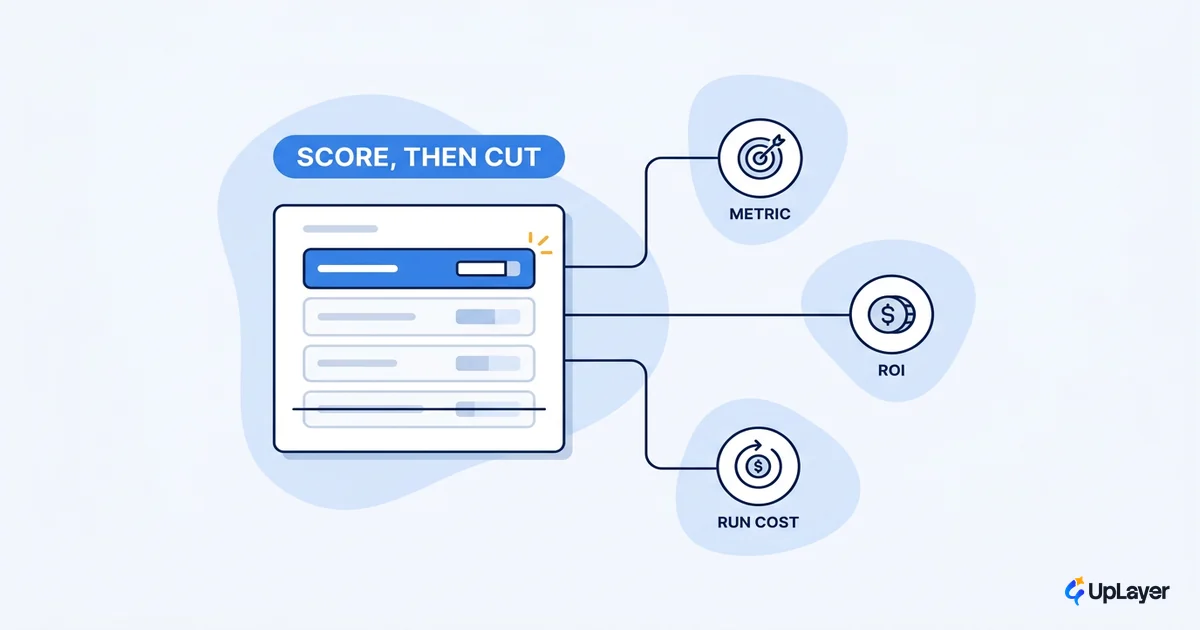
This is also why we tell teams to instrument the metric before they instrument the feature. Set the baseline first. Know your current activation rate, your current handle time, your current failed-search rate. Then ship the feature and watch the delta. Without the baseline, you are left telling a story about a flat line. The selection side of that discipline is in how to decide which AI features to build: score every idea against a metric and a cost before it earns a sprint.
Supportive AI vs core-engine AI: ship the layer, not the bet
The safest AI features sit as a supportive layer on top of the product you already built, not inside the engine that runs it. This is the single most important decision in the whole exercise, and it is where most of the risk lives.
Core-engine AI means a model is load-bearing. Your product does not function without it, a bad model day takes the product down, and a model swap is a re-architecture. That is a bet-the-company position for a $1M to $20M ARR SaaS, and it is rarely necessary to get the result you want. Supportive AI means the model assists the existing product: it drafts, summarizes, searches, triages, and flags, while the deterministic core keeps running underneath. If the model has a bad day, the feature degrades. The product does not fall over.
Every feature in the "worth adding" column above is a supportive AI layer. A copilot sits beside the workflow; the workflow still works without it. Semantic search augments your existing index; keyword search is still there as a floor. Triage suggests a route; a human can override it. This is what makes the features both safe and guarantee-able. You can put reliability guardrails and human-in-the-loop review at the points where trust matters, because the AI is advising, not deciding. We walk through the build-side mechanics in how to add AI to your SaaS without betting the company.
The supportive layer is also why model commoditization works in your favor instead of against you. When the AI is a layer above the core, swapping one model for a cheaper or better one is a configuration change, not a rebuild. You are never married to a single provider's roadmap or pricing. Commoditization eats the undefended layers, which is the real answer to whether AI kills SaaS or just raises the bar, and a supportive layer keeps your product on the defended side of that line. That is the difference between an AI feature that ages well and one that becomes a liability the moment the market moves.
NOTE
Supportive AI is the spine of every recommendation here. The AI advises; your deterministic core decides. That single rule keeps a model swap from ever taking your product down.
Best AI features for SaaS: the shortlist
The shortlist for most B2B SaaS products at this stage is short on purpose. You do not need a feature menu, and you do not need the generic must-have list either. The right feature depends on what you sell, which is why it helps to see AI features in SaaS mapped by product category before you commit. You need the smallest version of the one feature that touches your highest-friction workflow and attaches to a number you can baseline this week.
- A copilot scoped to your single highest-friction workflow, pointed at activation or retention.
- Semantic search over the data your users already keep in the product, pointed at failed-search rate and retention.
- Summarization of the longest record your users read, pointed at time-to-value and expansion.
- Triage on your highest-volume support queue, pointed at handle time and resolution.
Each of those attaches to a metric you already watch. Everything else is a maybe, and the generic chatbot is almost always a no. Here is the selection rule in one block. Run every proposed feature through it before it earns a sprint.
build_decision(feature):
  metric        = the number this feature is designed to move   # required
  baseline      = current value of metric                       # must exist before launch
  workflow      = the job the user already does                 # feature must attach here
  layer         = "supportive"                                  # advises, never load-bearing
  guardrail     = reliability + human-in-the-loop at trust point

  if metric is None or workflow is None:
      return SKIP        # capability in search of a job
  if layer != "supportive":
      return DE-RISK      # do not bet the core engine on a model
  return BUILD_SMALLEST_VERSION
If a feature cannot fill in the metric and workflow fields, it returns SKIP. That is the whole filter.
Which AI features should I add to my SaaS?
Start with the metric, not the feature. The order is the whole answer. Pick one number you already track and can defend to your board: activation rate, 90-day retention, trial-to-paid conversion, or net expansion. Then ask which AI feature is designed to move that specific number, and build the smallest version of it that touches a real workflow. The same discipline runs in reverse when you are still hunting for what to build: the best AI SaaS ideas start from a metric, not a demo.
If you cannot connect a proposed feature to a number you already watch, that is the signal to skip it, not to ship it and hope. The features that move nothing are not failures of execution. They are failures of selection. We keep a closer look at SaaS AI features that actually get used for the ones that survive contact with real users.
There is one rule under all of this. The AI features for SaaS worth adding are the ones designed to move a metric you already track, shipped as a supportive layer, embedded in a real workflow. The ones that flop are general, detached, and accountable to nothing. You do not have to guess which is which for your product. That is exactly what a focused audit is for: map your AI opportunities, project the impact on a metric you already track, and build a working concept demo of the top one, so you ship the layer that pays and skip the ones that flop. It is backed by the 3X Guarantee, which means the audit finds AI worth 3x the fee or it is free.
TIP
How the AX Audit works. In 14 days we find the one AI feature in your product worth adding, project its impact on a metric you already track, and build a working concept demo of it.