SaaS AI features that actually get used
Most SaaS AI features ship and sit idle. See the SaaS AI features that get used daily, why they stick, and how to test any feature before you build it.
 Anamoul RoufAI for SaaS & Features8 min read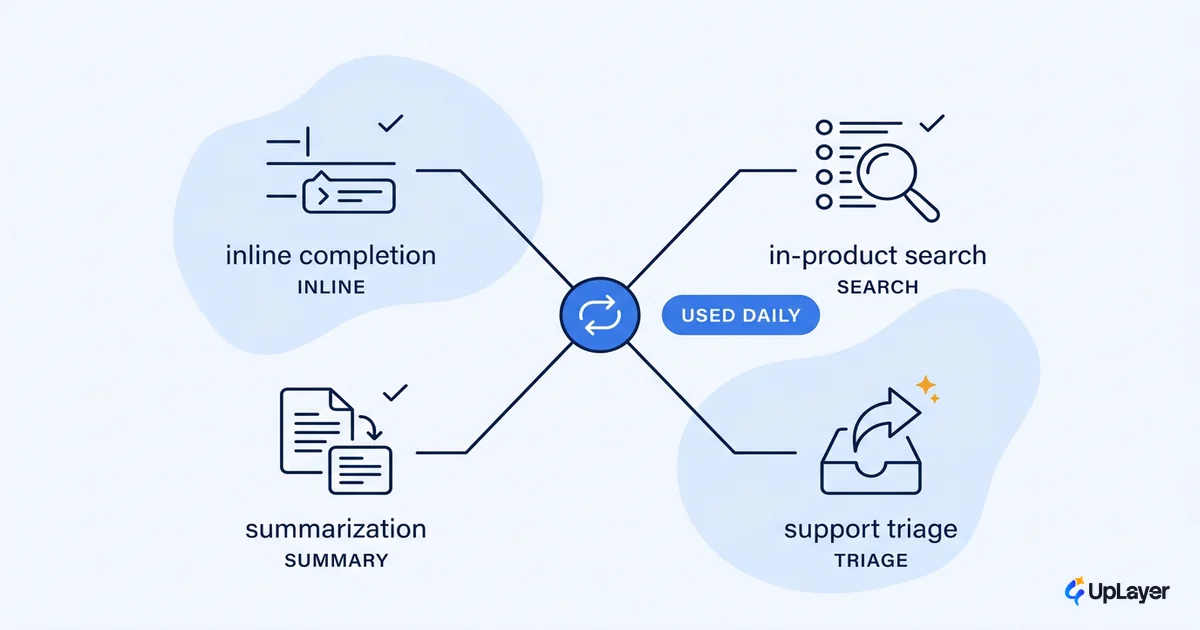
Shipping a SaaS AI feature and watching it get used are two different projects. Most teams finish the first and assume the second follows. It usually does not.
The SaaS AI features that actually get used share one trait. They remove a step the user was already doing, in the place they were already doing it. The ones that sit idle ask the user to go somewhere new, learn a new interaction, and trust an unfamiliar output, all for a benefit they have to imagine. That gap is why so much shipped AI moves nothing. The dividing line is rarely the model. It is whether the feature fits a workflow the user already runs.
This piece maps the features that earn daily use against the ones that demo well and then die. The goal is not a feature list to copy. It is a test you can run on any candidate before you commit a sprint.
Which SaaS AI features get used daily
The SaaS AI features that get used daily are the ones embedded in a task the user repeats: inline completion, in-product search, support triage, and summarization of content the user would otherwise read in full. They stick because the user does not change their behavior to reach them.
Coding is the clearest proof. In Menlo Ventures' 2025 enterprise survey, coding is the largest single category of enterprise AI spending at $4.0 billion, 55% of all departmental AI spend, with half of developers using AI coding tools daily and reported velocity gains above 15%. The reason coding assistants won is structural. The suggestion appears inline, in the editor, exactly where the developer is already typing. There is no new surface to visit and no decision to "go use the AI." Stack Overflow's 2025 survey backs the habit: 51% of professional developers now use AI tools daily. This is also the clearest case of which AI features for SaaS earn a place and which flop, judged on real usage rather than launch buzz.
That pattern generalizes. The features below earn their place because they live inside an existing motion.
| AI feature | Where it lives | Why it gets used |
|---|---|---|
| Inline completion | The field the user is already typing in | Zero context switch; accept or ignore |
| In-product semantic search | The existing search bar | Same entry point, better answers |
| Support triage and draft replies | The agent's existing inbox | Removes the blank-page step |
| Summarize long content | On the document the user already opened | Saves a read the user owed anyway |
| Smart defaults and autofill | The form the user already fills | Invisible until it helps |
None of these introduce a new place to go. Each one shortens a task the user repeats. That is the whole trick, and it is why the strongest in-product AI rarely looks impressive in a screenshot.
Why do shipped AI features sit idle
Shipped AI features sit idle when they require the user to leave their workflow, learn a new interaction, or trust an output they cannot verify. Any one of those is enough to stall adoption. Most idle features carry all three.
The most common failure is the standalone chatbot bolted onto a product that did not need one. It lives behind a button, opens an empty box, and asks the user to think of a question. That is three taxes at once: a context switch to open it, a blank-page problem to start it, and an unverifiable answer to act on. Compare that to a support agent that resolves real tickets every day, which works because it sits inside the agent's existing inbox and is measured on resolution, not on opens. The bolt-on chatbot is not a worse model. It is a worse place to put one. This is the same reason most shipped AI features move nothing: placement, not intelligence, decides the outcome.
The second failure is the trust gap. An AI feature that produces a confident answer with no way to check it asks for more trust than users will extend to something new. Expectations are already high. Zendesk's 2026 research found 83% of consumers still think their experiences should be better than they are today, so a single wrong, unverifiable output spends trust the feature has not earned yet. Reliability guardrails and human-in-the-loop review on consequential actions are not friction. They are what keeps a feature in daily rotation instead of the graveyard of things tried once.
WARNING
The pressure to "do AI" produces features that demo well, ship, and move nothing. Before you build, name the step in an existing workflow the feature removes. If you cannot name it, you are about to ship feature theater. The right call is often to not build it.
The third failure is benefit the user has to imagine. If the value only shows up across many uses, like a recommendation engine that improves over weeks, the user abandons it before the payoff lands. Features that get used deliver a visible win on the first try.
How do you measure feature use
You measure feature use with adoption depth, not a single activation count. The questions that matter: what share of eligible users touch the feature, how often they return, and whether they keep it after the novelty fades. A spike on launch week means nothing if the curve flattens to zero by week four.
Three numbers tell you whether a SaaS AI feature is actually used.
- Reach. The percentage of users who could use the feature and did at least once. Low reach is a discoverability or placement problem.
- Frequency. How often returning users come back to it. This is the real adoption signal. One-time use is curiosity, not value.
- Feature retention. The share of users still using it 30 days after first use. This separates a feature that earned a habit from one that got a polite first try.
Feature retention (D30) = users active with the feature on day 30
                          / users who first used it 30 days ago

Healthy ai feature adoption:  reach climbs, frequency holds,
                              D30 retention stays flat or rises.
Theater:                      reach spikes on launch,
                              D30 retention falls to ~0.
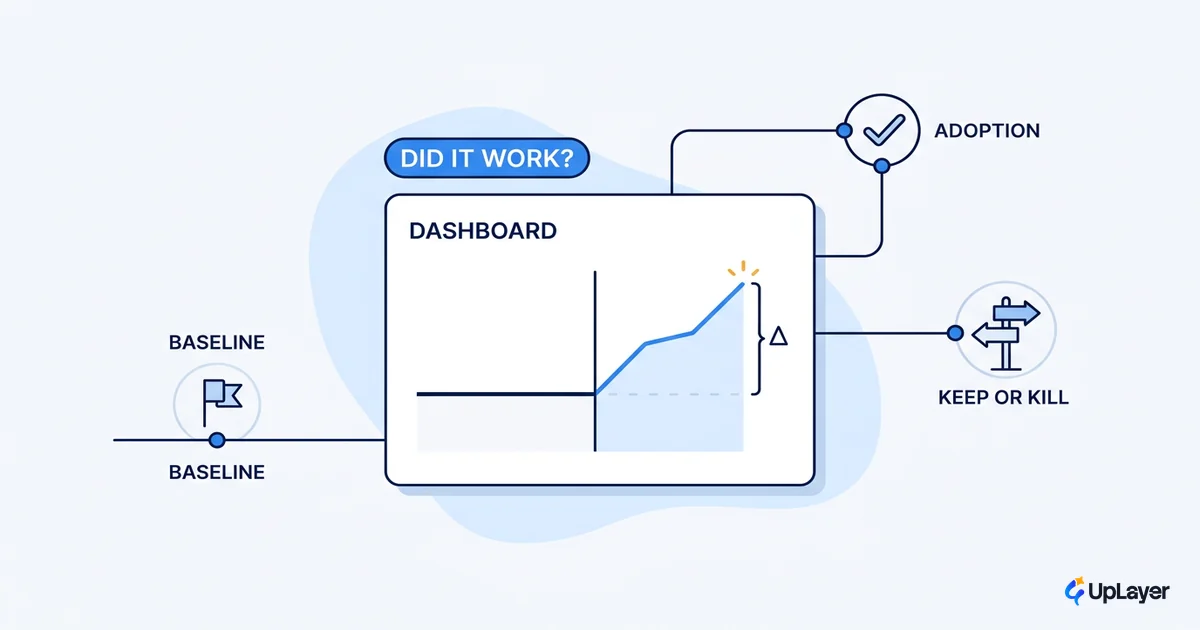
The mistake is reporting reach as if it were adoption. A feature that 60% of users tried once and never reopened is not an in-product AI win. It is a churned feature with a good launch. Tie the feature to a product metric it should move, then watch that metric, not the usage counter. If a support-triage feature is busy but ticket resolution time has not dropped, the feature is active, not valuable. For the full method on separating the feature's effect from everything else moving at the same time, see how to measure whether an AI feature actually worked.
What separates supportive AI from feature theater
Supportive AI assists a task the user owns. Feature theater performs intelligence the user did not ask for. The first earns retention. The second earns a screenshot in a launch post and nothing after.
The distinction is not technical sophistication. A simple autofill that saves four keystrokes per form gets more daily use than an elaborate agent that handles a task the user prefers to control. The features that compound on retention are the boring, reliable ones. They reduce effort on something the user repeats, they fail safely, and they surface where the work already happens. That is the logic behind shipping in-product AI that earns its place on the screen instead of as a separate destination.
| Supportive AI | Feature theater | |
|---|---|---|
| Lives | Inside an existing workflow | Behind a new button or page |
| Asks the user to | Accept or ignore a suggestion | Learn a new interaction |
| Wins on | Retention and a tracked metric | A clean demo input |
| When the input is ugly | Fails safely, defers to a human | Breaks or hallucinates |
Feature theater optimizes for the demo. It looks impressive in a controlled walkthrough and underperforms in the messy reality of a real account with real data. The tell is that the demo always uses a clean, ideal input. Real adoption survives the ugly inputs. If a feature only shines on the happy path, it will sit idle on every other path, which is most of them.
The best SaaS AI features are unglamorous on purpose. They remove a step in a task the user already repeats, fail safely when the input is messy, and pay off on the very first use. Run that three-part test on any candidate before you commit a sprint. If it fails any one of the three, the honest move is to not build it and spend the sprint on the feature that will.
TIP
Want to find the one SaaS AI feature most likely to get used and move a metric you already track? How the AX Audit works. We map the opportunity, project the return, and build a working concept demo. Under the 3X Guarantee, the audit finds AI worth at least three times the fee, or it is free.