AI features in SaaS, mapped by product category
AI features in SaaS, mapped by product category so the right feature fits your CRM, analytics, support, or ops tool, instead of a generic must-have list.
 Anamoul RoufAI for SaaS & Features7 min read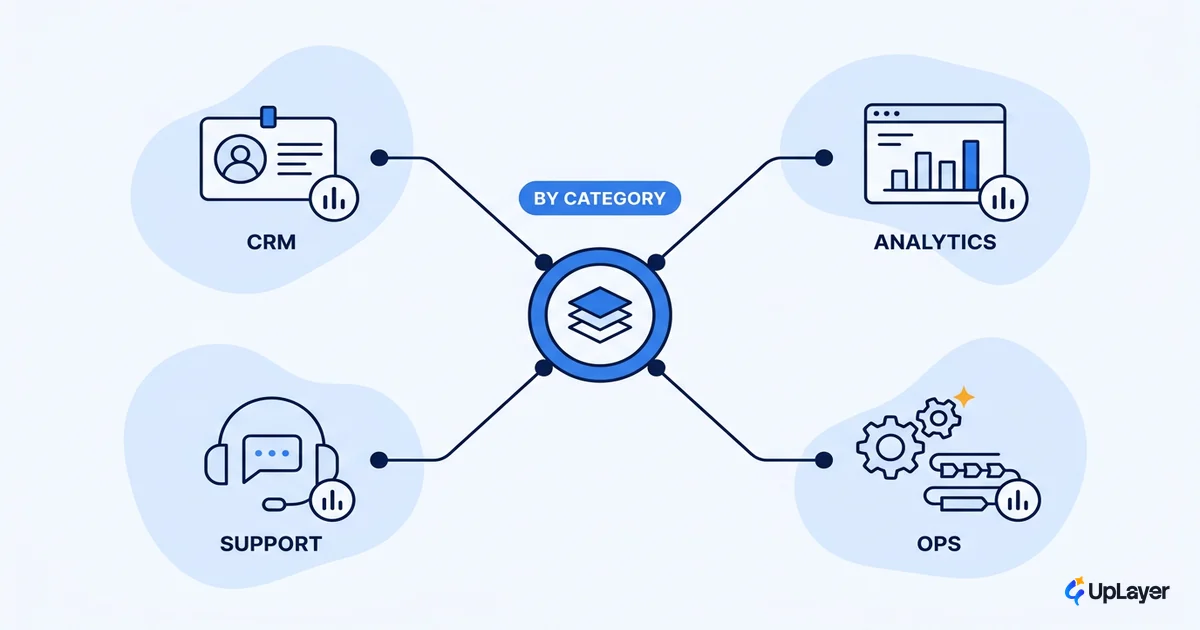
A "must-have AI features" list is the fastest way to build something that demos well and moves nothing. The reason is simple: the right AI feature depends entirely on what your product is for. A roundup that hands a CRM and an analytics tool the same checklist is telling you to ignore the one thing that decides the answer, which is the job your product already does for the user.
So this is not another list. The most useful way to think about AI features in SaaS is by product category, because a CRM, an analytics tool, a support desk, and an ops platform each have a different highest-leverage move and a different metric to move. Get the category right and the feature picks itself. Get it wrong and you ship a chatbot nobody opens. If you want the broader buyer's-job map of what earns its place, start with our guide to AI features for SaaS worth adding; this piece zooms into category fit.
Why AI features in SaaS should be chosen by category, not a checklist
The highest-leverage AI feature is a function of the job your product already does, not a function of what is trending. That is the whole argument. Generic feature lists fail because they skip the only question that matters: which number does this move, and does this product even track it?
The failure rate backs this up. Gartner predicts that at least 30% of generative AI projects get abandoned after a proof of concept by the end of 2025, citing poor data quality, escalating costs, and unclear business value. Unclear business value is the category problem in disguise. A feature copied off a list has no metric attached, so there is nothing to clear it against.
Spend patterns tell the same story from the other direction. In Menlo Ventures' enterprise data, departmental AI spending concentrates where the job already lives: coding takes 55% of departmental AI spend, well ahead of IT, marketing, and customer success. Money follows the function with the clearest payoff. Your product should do the same, and pick the AI feature that fits its function instead of the one that fits the headline.
Do AI features differ by product type?
Yes, and not by a little. The same feature carries completely different return depending on the product it lives in.
Take "AI summarization." Inside a support desk it can collapse a 40-message ticket thread into a three-line handoff, which moves resolution time. Inside an analytics tool the same summarization, pointed at a dashboard, usually moves nothing, because the user came to read the chart, not a paragraph about it. Same model, same buzzword, opposite ROI. Product type is the variable.
This is why we treat AI as supportive AI: a layer that sits above your core engine and assists the job the product already does, rather than a rewrite of the product itself. A support tool, a CRM, and an ops platform each have a different job, so each needs a different layer. The feature is downstream of the category.
The category map: AI features for SaaS by product type
Here is the map. For each SaaS category it names the highest-leverage AI feature, the metric it should move, and the trap to skip. Treat the metric column as the gate: if the feature you want does not point at a number this product tracks, it is the wrong feature. These are AI features for SaaS judged by a metric you already track, not by how well they demo.
| SaaS category | Highest-leverage AI feature | Metric it should move | Trap to skip |
|---|---|---|---|
| CRM / sales | Next-best-action and contact enrichment | Conversion, expansion revenue | A generic chatbot that just restates the record |
| Analytics / BI | Natural-language query and anomaly summaries | Time-to-insight, weekly active analysts | "Ask the data anything" with no guardrails on wrong answers |
| Support / helpdesk | Ticket triage, draft replies, thread summaries | First-response time, resolution time | Full auto-reply that ships hallucinations to customers |
| Ops / workflow | Suggested actions and exception flagging | Cycle time, error rate | Autonomous runs with no human-in-the-loop on risky steps |
| Content / collaboration | Inline drafting and smart search | Activation, time-to-first-value | A blank "AI assistant" box with no job attached |
Read the table as a filter, not a menu. The point is not to build every row. It is to find the one row that matches your product and ignore the rest.
What AI feature suits a CRM vs an analytics tool?
These two get confused constantly because both can ship something called an "AI assistant," yet the right feature, and the metric behind it, could not be more different.
A CRM's job is to move a deal forward. So its highest-leverage AI feature is next-best-action and enrichment: surface the right follow-up, fill the missing firmographic field, flag the account going quiet. The metric is conversion or expansion revenue, because that is what a CRM is measured on. In a B2B tool that revenue runs through a buying committee, and where AI for B2B SaaS actually pays off depends on which features survive procurement, not which ones demo best.
An analytics tool's job is to get someone to an answer. Its highest-leverage feature is natural-language query and anomaly summarization: let a user ask in plain language and explain what changed. The metric is time-to-insight, not revenue.
This mirrors how enterprise AI budgets spread unevenly across functions in Menlo's earlier data, where customer-facing and technical teams pulled very different shares. Different function, different leverage. Building a CRM-style assistant into an analytics tool is how you get a feature that demos in the deck and dies in the product.
Which AI features fit my SaaS category, and which to skip
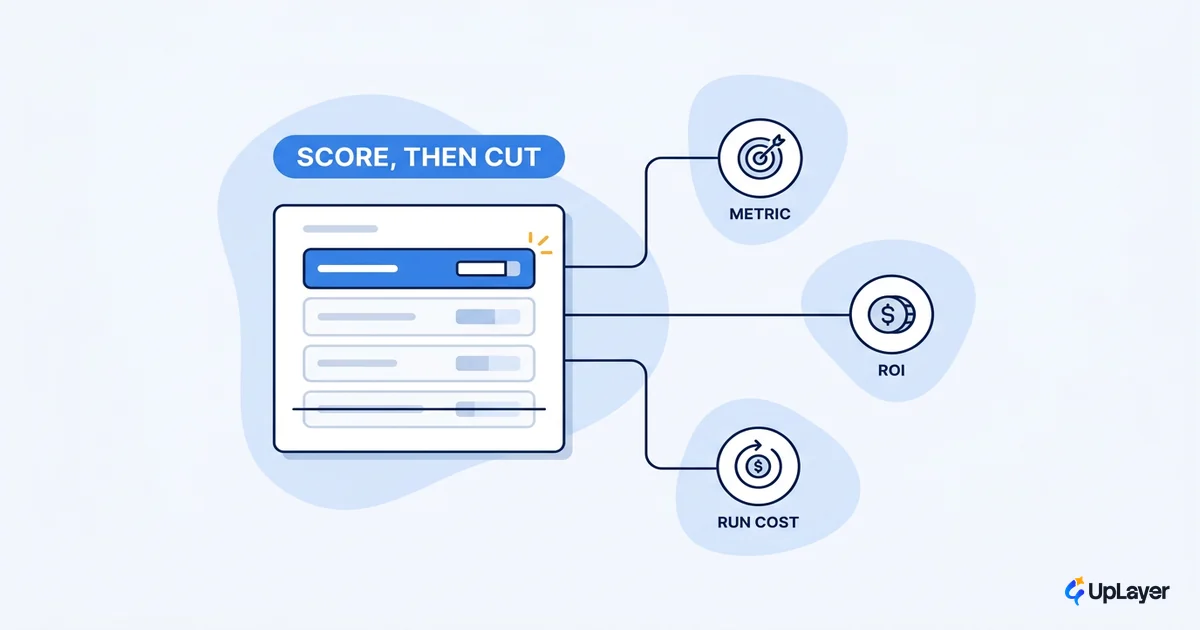
The honest answer to "which AI features fit my SaaS category?" is whichever ones survive a fit check. Run every candidate, including the ones off any best AI features for SaaS list, through the same three gates before it earns a place on the roadmap.
fit_score = category_job_match  ×  metric_lift  ÷  build_and_run_cost

category_job_match  = does this assist the job the product already does?   (0 or 1)
metric_lift         = projected move on a metric THIS product tracks       (0 = none)
build_and_run_cost  = build + inference + maintenance over 12 months

Decision:
  category_job_match = 0   ->  skip, no matter how good the demo
  metric_lift = 0          ->  skip, it is theater
  fit_score < 1            ->  it costs more than it returns; skip or shrink
A multiply-by-zero on either of the first two gates kills the feature outright. That is intentional. These are the ai product features that move a number; everything else is decoration. Keep the build itself boring: the implementations that work, in Anthropic's experience, use simple, composable patterns rather than complex frameworks, which keeps your run cost low enough for the fit score to clear.
WARNING
A generic "must-have AI features" list is how teams skip the fit check entirely. Every feature on it looks essential because none of them is scored against your product's metric. Define the metric before you pick the feature, never the other way around.
How to choose AI features in SaaS without guessing
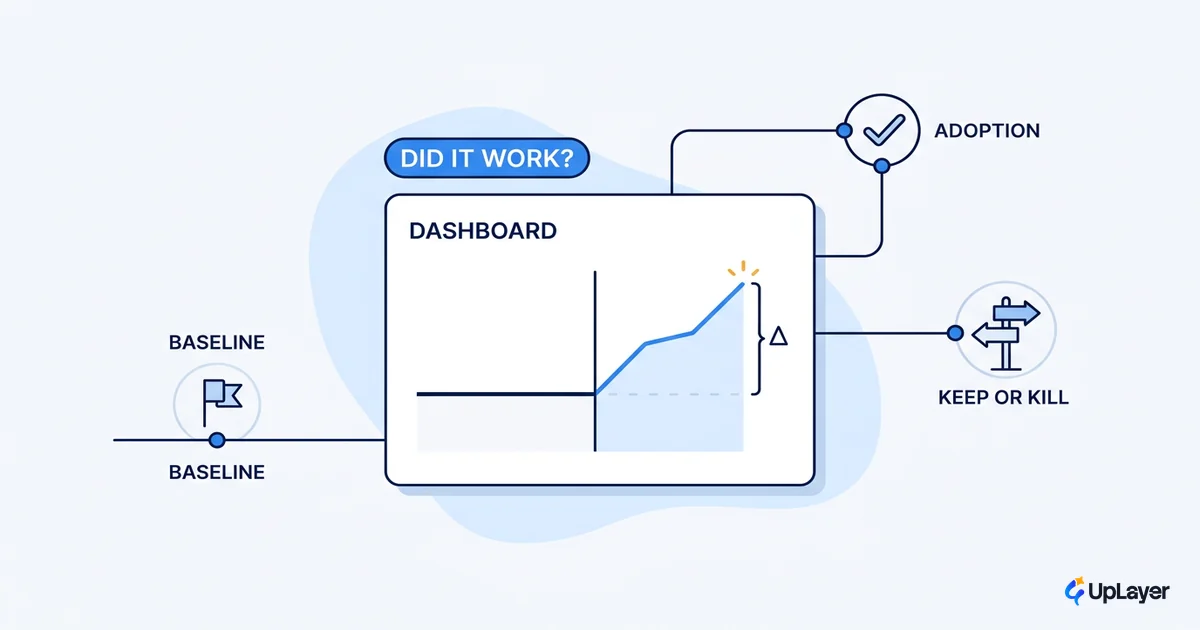
Choosing well is mechanical once the category is fixed. Find the row in the map that matches your product. Name the one metric that feature should move. Score the candidate against build and run cost, then score them by projected ROI so the roadmap orders itself. Ship the feature as a supportive layer and prove the lift with a concept demo before you commit the full build. The few that clear every gate are the ones worth your quarter.
NOTE
Same product, same data, different framing: a feature scored against a metric is a decision; a feature picked off a list is a guess. The category map turns the guess into a decision.
The right AI features in SaaS are the ones that fit the job your product already does and move a number you already report. Map the category first, gate on the metric second, and the long list of must-haves shrinks to the one or two features that actually pay off.
TIP
Not sure which AI feature your category should build first? How the AX Audit works. and we will rank the candidates against the metrics you already track.