AI workflow automation software for small teams
Right-size AI workflow automation software for a lean team: compare the tools, price the true cost, and keep every dollar of spend tied to a real payback.
 Shahriar P. ShuvoAI Automation7 min read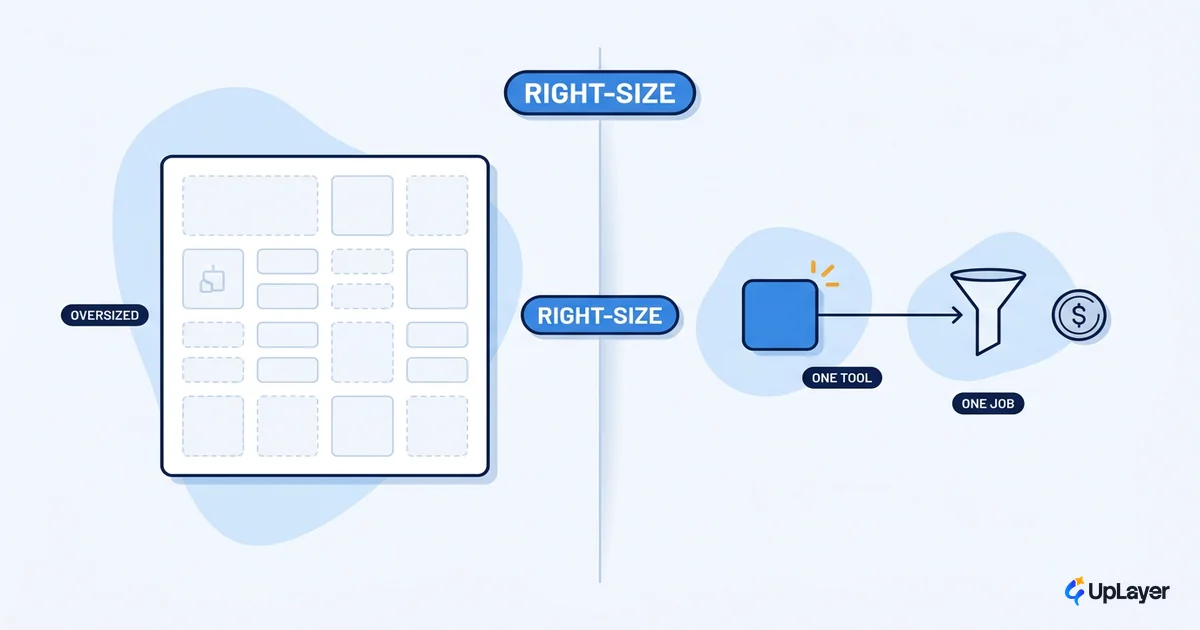
Small teams do not have an automation problem. They have a right-sizing problem. The market sells AI workflow automation software as if every team needs an enterprise platform, when most lean teams need one well-chosen tool wired to one expensive bottleneck. Buy the wrong size and you pay for capacity you never touch. Buy nothing and you keep paying a person to copy data between two tabs.
The adoption wave has already crested, so being late is not the risk. Spending without a payback is. We use the same projected-return discipline here that we apply to product features in AI workflow automation ROI for SaaS teams: every dollar of spend stays tied to a number you can defend.
This is a buying guide for lean teams. We will right-size the category, compare the three tools you will actually shortlist, price the whole cost rather than the subscription, and give you a gate for what to skip.
What AI workflow automation software actually does
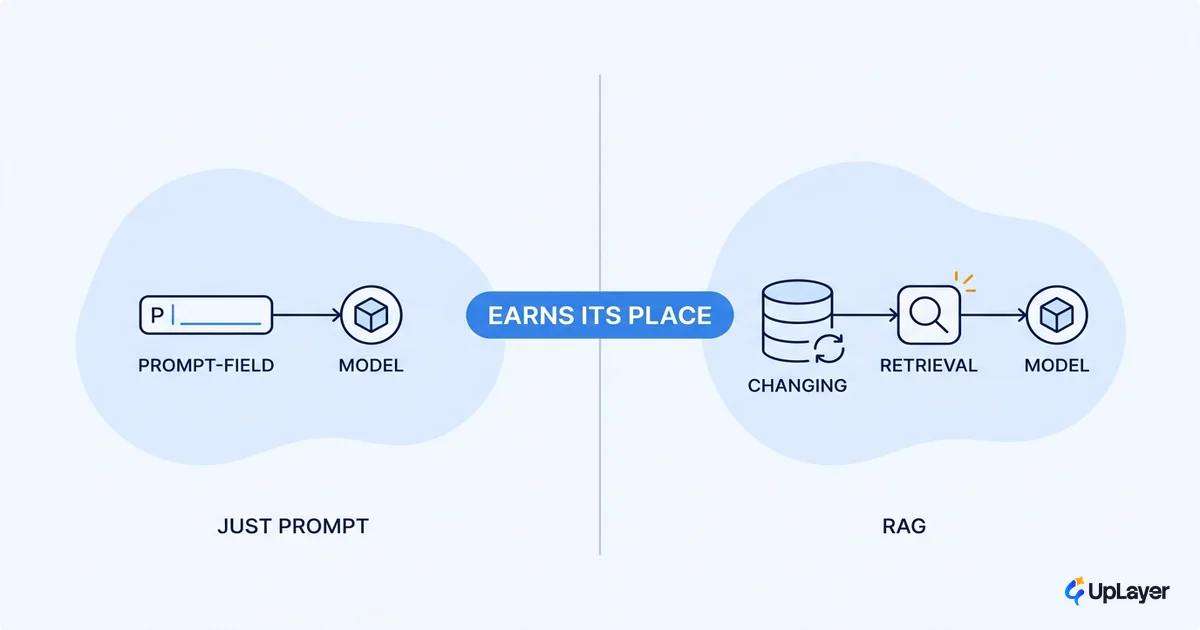
AI workflow automation software connects your apps and runs multi-step processes automatically, with an AI step somewhere in the chain that reads, writes, classifies, or decides. That AI step is what separates it from classic automation. Instead of only moving structured data on a trigger, the tool can summarize an email, categorize a ticket, extract fields from a document, or draft a reply before the next step fires.
For a small team, the boring connective work between systems stops being a person's job. The pull toward it is strong and broad: 82% of small business employers have already invested in AI tools, and 93% of those using it plan to keep investing next year, according to the SBE Council's 2026 survey of more than 500 owners. The typical small business now runs a median of five tools.
That adoption number is not permission to buy. It is a reminder that everyone is buying, and most of them are not measuring. The discipline is to automate the workflow that is genuinely costing you, not the one that is fun to automate. That single choice decides your ai automation roi more than the tool you pick.
Which AI workflow automation tools fit a small team
The tool that fits a small team is the one whose pricing model matches your volume and whose complexity matches your skills. For most lean teams the shortlist is three: Zapier, Make, and n8n. They are not interchangeable, and the difference shows up on your monthly bill long before it shows up in features.
| Tool | Best for | Pricing model | Entry point | Self-host |
|---|---|---|---|---|
| Zapier | Non-technical teams, fastest setup | Per task (every action counts) | Free 100 tasks; paid from ~$20/mo | No |
| Make | Best value, visual branching | Per operation / credit | No-time-limit free plan | No |
| n8n | Technical teams, complex flows | Per workflow execution | Free, self-hosted | Yes |
The billing model matters more than the sticker price. Zapier bills per task, so a 10-step automation that runs 1,000 times a month burns 10,000 tasks, and its Professional tier starts at $19.99 a month. Make bills per operation, where most actions cost a single credit, which stretches far more volume out of each dollar and is why it tends to be the value pick. And n8n is free if you self-host it, running as the Community edition without a license key, which makes it the cheapest option at volume for a team that can own the infrastructure.
The right call follows your reality, not the feature matrix:
- Non-technical team that wants something live this afternoon: Zapier.
- Cost-conscious team that can handle a visual canvas: Make.
- Technical team running high-volume or non-standard flows: n8n.
We go deeper on the trade-offs in how to choose AI workflow automation tools, but the short version is that these are pricing-model decisions wearing feature-comparison clothes.
How much does AI automation software cost, really
The software is the small line item. The real cost of business process automation ai is the build time, the maintenance, and the cost of a broken automation running silently. A $9 plan is meaningless if it takes a week to wire up and breaks every time a connected app changes its API.
So price the whole thing, not the subscription:
True monthly cost = subscription
                  + (build hours x loaded hourly rate, amortized)
                  + monitoring & maintenance time
                  + expected cost of a silent failure

Worth it when:  hours + errors reclaimed  >  True monthly cost
The vendor headline almost always quotes the gross win and skips the bill. The honest figure is lower. Even on a well-scoped automation, payback tends to land in four to six months once you count the implementation lift, and the net return runs well below the gross number the tool's marketing page shows you. That is fine. A four-month payback on one bottleneck is a good trade. A vague "boost productivity" is not.
WARNING
An automation that silently sends the wrong thing is worse than no automation at all. Design the failure case before you design the happy path, and make sure a human can catch a bad AI step cheaply.
Is AI automation software worth it for startups
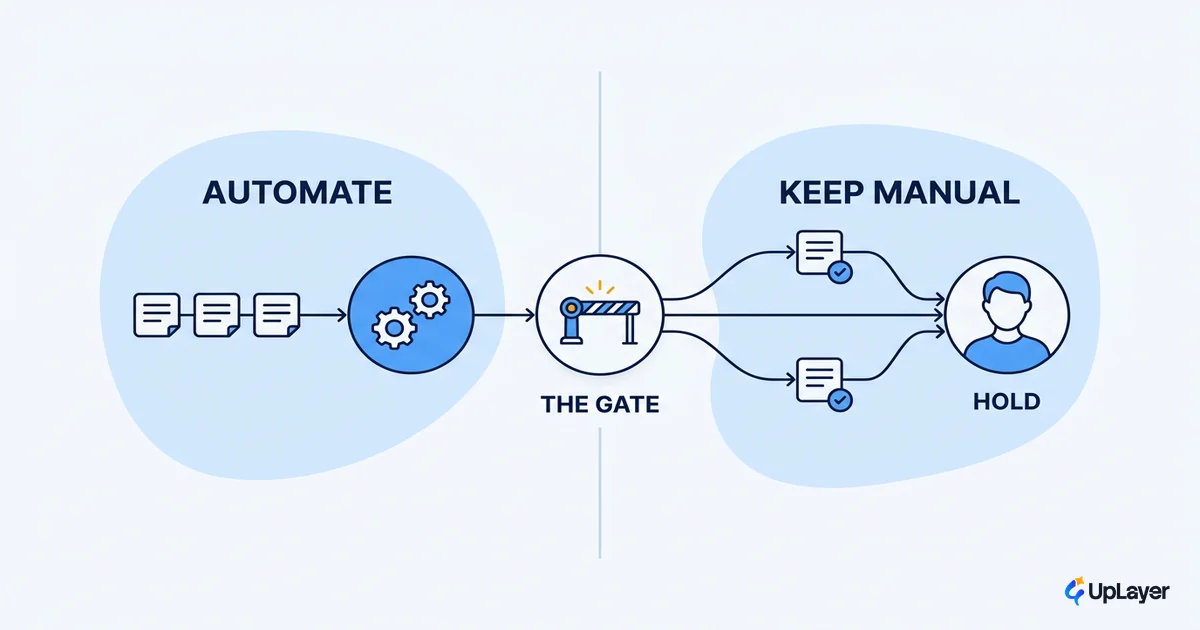
It is worth it when the workflow you are automating has a measurable cost today and a payback you can project before you build. It is not worth it when you are automating to look modern, automating a process that is about to change, or automating something a person does twice a week. The cheapest automation is the one you decided not to build.
Run this gate before you buy anything:
- Name the bottleneck. Which repetitive workflow costs the most hours or causes the most errors right now?
- Put a number on it. Hours per month times loaded cost, plus the cost of the errors it causes.
- Project the payback. Tool and build cost against the hours and errors reclaimed. If payback runs past six months on a small workflow, stop.
- Design the failure case. What happens when the AI step is wrong, and can a human catch it cheaply?
- Ship the smallest version. Automate one workflow, measure the delta for 30 days, then decide what to automate next.
This is deliberately conservative, because most automation regret comes from automating the wrong thing well. The judgment of what not to automate is worth as much as the tool, which is the whole argument of knowing when not to automate with AI.
How to ship one automation without regret
Scope to one bottleneck, ship the smallest version, and measure the delta for 30 days before you expand. A single no code ai workflow automation that reclaims ten hours a month and pays back in a quarter beats a sprawling platform rollout that impresses in a demo and quietly drifts out of use.
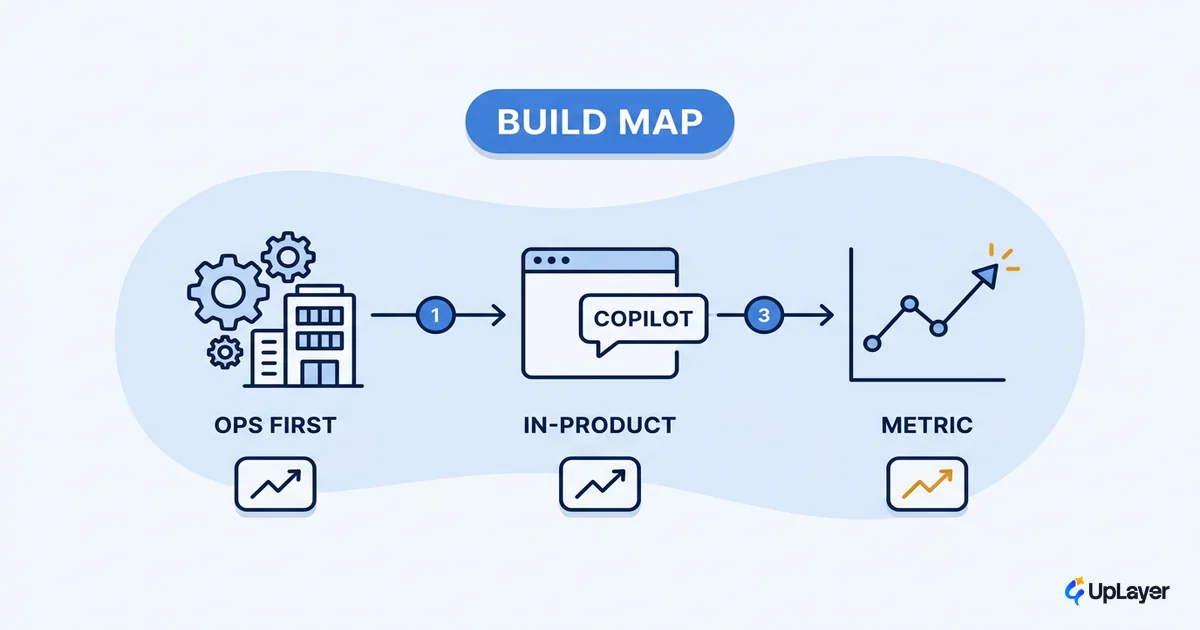
The sequence we would run on an internal workflow looks like this. Pick the process with the clearest cost. Build the thinnest version that touches it. Watch it for a month against the metric it was supposed to move. Only then decide whether the next automation earns its place. In a Concept Demo, that means projecting the reclaimed hours and the failure cost up front, so the payback is visible before any real spend is committed. The same pattern compounds across a team when it is applied with discipline, which is the operational picture in business process automation with AI, done right.
Right-sizing is the entire game. AI workflow automation software pays off for a small team when it is one well-chosen tool, wired to one expensive bottleneck, with a payback you projected before you built and spend that stays tied to a number you can see. Start with the bottleneck that costs the most, prove the delta, and earn your way to the next one.
TIP
The same projected-ROI discipline that right-sizes your internal automation also finds the highest-value AI opportunity in your product. How the AX Audit works.