How to kill an AI feature that is not paying off
AI feature prioritization includes deletion. Learn the signals an AI feature is dead, the cost-benefit gate that decides, and how to sunset it cleanly.
 Sohanur RahmanAI ROI & Strategy7 min read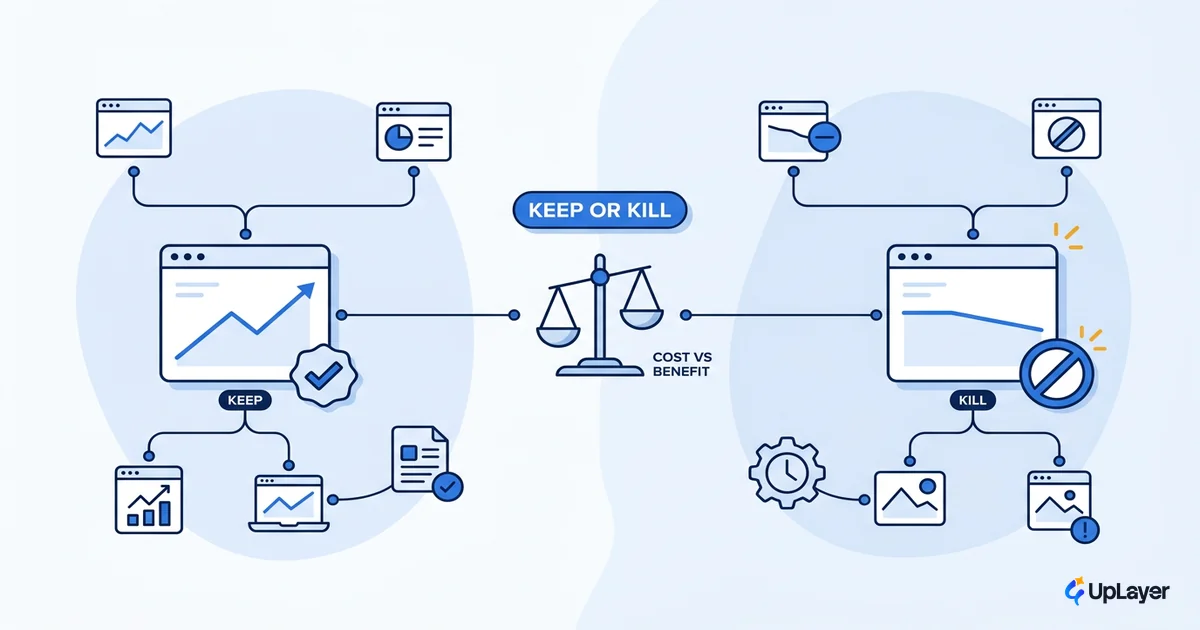
Most teams keep paying for AI features that move nothing. The feature shipped, the demo landed, the model bill arrives every month, and the metric it was supposed to lift sits flat. Nobody cuts it, because cutting feels like admitting the bet was wrong.
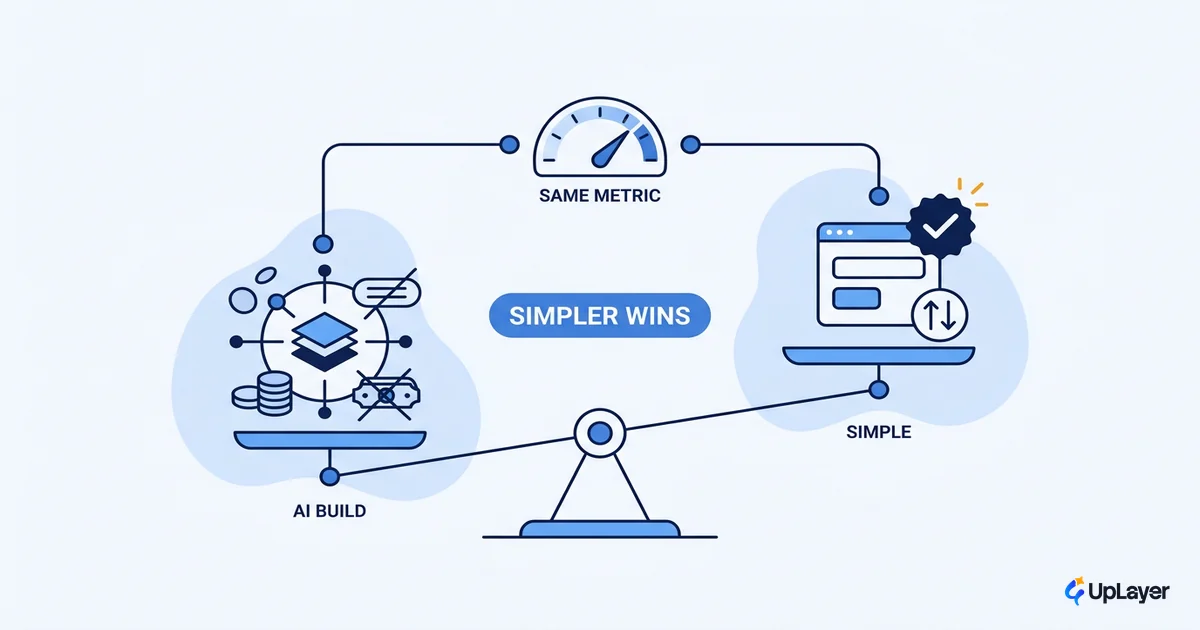
It is not. Deletion is part of ai feature prioritization, not the opposite of it. The same scorecard that ranks what to build ranks what to keep paying for. A feature that does not earn its place is sitting on the budget line your next idea needs. Retiring it is the math working, not the math failing.
This is the decision process for a feature you already shipped: how to read the signals, run the cost-benefit gate, and sunset it cleanly without the political fallout. It is the back half of the prioritization decision most teams only run forward.
Deletion is part of AI feature prioritization, not the opposite of it
Prioritization is a ranking. Ranking has two directions. The same effort-versus-projected-ROI scorecard you use to decide which AI features to build tells you which shipped features have fallen below the line. When a live feature scores worse than the next idea in your backlog, it is no longer a feature you own. It is a cost you are choosing to keep.
This post is the decision process, not a build-time catalog. If you are still in planning and want to avoid shipping the wrong thing in the first place, that is a different job, and we keep a catalog of AI features to kill before you ship them for exactly that. Here, the feature already exists, the cost is already real, and the only question is whether the return justifies the run rate.
The reframe matters because it removes the shame. You are not deleting a mistake. You are reallocating capital from a bet that did not pay to one that might.
How do I know an AI feature is not working
A feature is not working when it has stopped moving the metric you built it to move. That is the whole test. Not "users do not love it," not "the model is occasionally wrong," but a flat line against the baseline you set at launch.
The honest signals stack up fast, and they are quantitative before they are emotional. Abandonment at the proof-of-concept stage is already the mainstream outcome: Gartner predicts that at least 30% of generative AI projects get abandoned after proof of concept, citing poor data quality, escalating costs, and unclear business value. A shipped feature that never separated from its baseline is in the same category, just later and more expensive.
Watch four things against the number the feature was meant to lift:
- Metric delta. Compare current performance to the pre-launch baseline. No baseline means you cannot judge it, which is its own answer. Set the baseline before the next thing ships.
- Usage decay. A spike at launch that decays to a thin power-user tail is a feature people tried, not a feature people need.
- Support drag. Tickets, confusion, and trust complaints are negative ROI even when the model technically works.
- Cost creep. Token spend, inference, and maintenance that climb while the metric stays flat is the clearest kill signal there is.
If three of these point the same way and the metric has not moved, you do not have a feature that needs more time. You have a feature that needs a decision.
When should I kill an AI feature
You should kill an AI feature when the proven metric delta no longer covers its run-rate cost and no cheap fix is in reach. Keep it when the metric is moving. Fix it when the value is real but the delivery is broken. Kill it when neither is true.
The value gap here is not rare. It is the base rate.
Research from MIT's NANDA initiative found that about 95% of enterprise generative AI pilots produced no measurable impact on the business and only roughly 5% achieved rapid revenue acceleration. If most pilots never move a P&L line, most shipped features inherit the same odds.
Use a simple decision matrix. Score the feature on whether it can move a metric you already track, and what it costs to keep it alive. The right ai roi metrics are the ones already on your dashboard, not new ones invented to flatter the feature.
| Signal | Keep | Fix | Kill |
|---|---|---|---|
| Metric vs baseline | Moving, sustained | Flat but root cause is fixable | Flat with no fixable cause |
| Run-rate cost trend | Stable or falling | High but reducible | Rising while value is flat |
| Usage pattern | Growing or sticky | Decaying but reachable | Decayed to a thin tail |
| Cheap fix in reach | Not needed | Yes, scoped < 2 weeks | No, or already tried |
| Trust / support load | Low | Manageable | Net negative |
If a row lands in the Kill column on cost and value together, stop optimizing. More iteration on a feature that has already failed its metric is just a larger sunk cost.
Run the cost benefit analysis before you decide
The kill decision is a number, and the number is small enough to write on one line. Before you decide, measure the ROI of the AI feature against the metric it owns, then weigh that proven delta against what the feature costs to run. This is the same gate that the largest AI programs are now applying at scale: Gartner predicts over 40% of agentic AI projects will be canceled by 2027 over cost and unclear value, the exact pairing of escalating run-rate cost against unproven return.
The gate is one inequality:
KEEP if:  proven_metric_delta_in_dollars  >  annual_run_rate_cost

where:
  proven_metric_delta_in_dollars = (metric_now - baseline) x value_per_unit
  annual_run_rate_cost           = inference + tokens + maintenance + support_load + opportunity_cost

If the inequality is false, the feature is a net cost. Kill it.
The cheapest ROI win on your roadmap is often the line you stop paying.
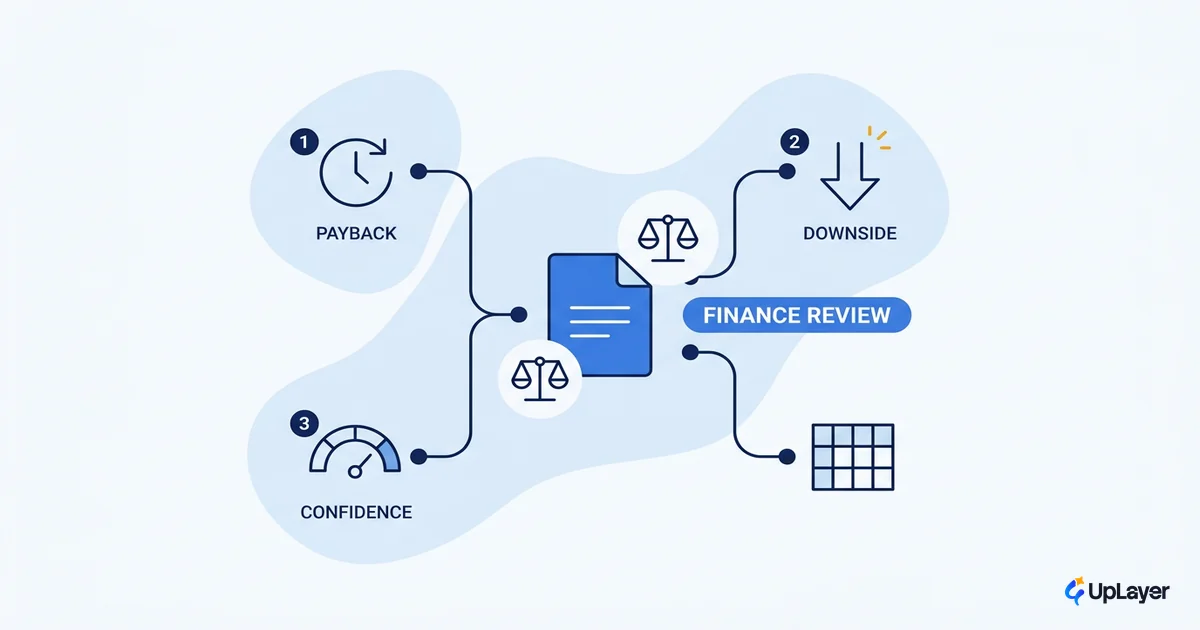
Two notes that decide most cases. First, count opportunity_cost: the feature is also blocking the team and budget that would build the next bet, so its true cost is higher than the invoice. Second, use a proven delta, never a projected one. Projection belongs before you build; once a feature is live, only the measured number counts. Running a full AI cost benefit analysis on the live feature is how you de-risk the decision so it survives a finance review instead of reading as a gut call.
How to sunset a failed AI feature cleanly
A clean sunset protects users, preserves the learning, and redeploys the budget. Do it in order:
- Announce early and plainly. Tell affected users before you flip anything. Quiet removals erode trust faster than the failed feature did.
- Migrate the dependent. Provide the fallback path, the data export, or the manual workflow the feature replaced.
- Gate, then remove. Feature-flag it off for a cohort first, confirm nothing breaks, then delete the code and cancel the spend.
- Archive the learning. Write down what metric it was meant to move, why it did not, and what you would test differently. A kill with no lesson is the only truly wasted one.
- Redeploy the budget. Move the freed run-rate cost onto the next prioritized bet the same week, so the saving is real and visible.
WARNING
The most expensive way to kill an AI feature is to kill it silently and learn nothing. Capture the metric, the cost, and the reason it failed before you delete it. That record is what stops the team from rebuilding the same dead feature under a new name in two quarters.
What killing the feature frees up
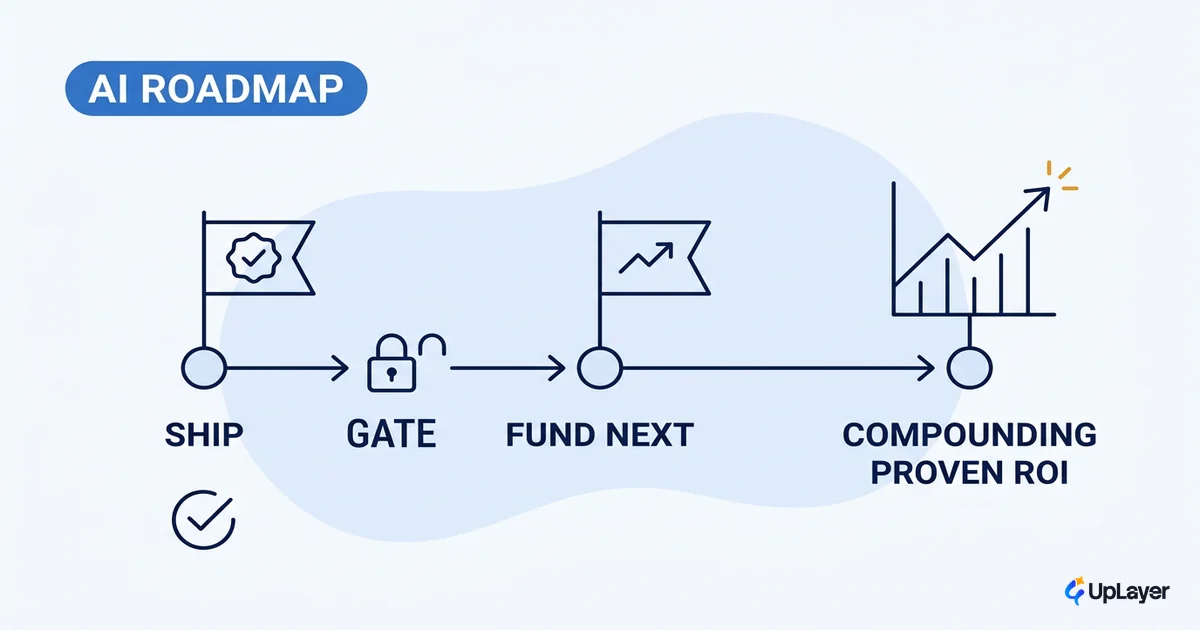
The budget you stop spending does not vanish. It funds the next item in your ranking. Knowing what to cut sharpens what to build, because every retired feature is a clearer read on which AI features to build next and which patterns keep failing your metrics. Clean ai feature prioritization is a loop, not a launch: rank, ship, measure, and cut what does not pay, so the budget always sits behind the bet most likely to move a number. The teams that win at AI are not the ones that ship the most features. They are the ones willing to delete the ones that did not earn their place.
TIP
Not sure which of your live AI features is quietly costing you? How the AX Audit works. and we will score each one against the metric it owns, so you keep what pays and cut what does not.