AI copilot design that users keep open
AI copilot design that earns daily use: the placement, trust, and adoption decisions that turn a one-time try into a habit, tied to a metric you track.
 Anamoul RoufAI Product & UX Design7 min read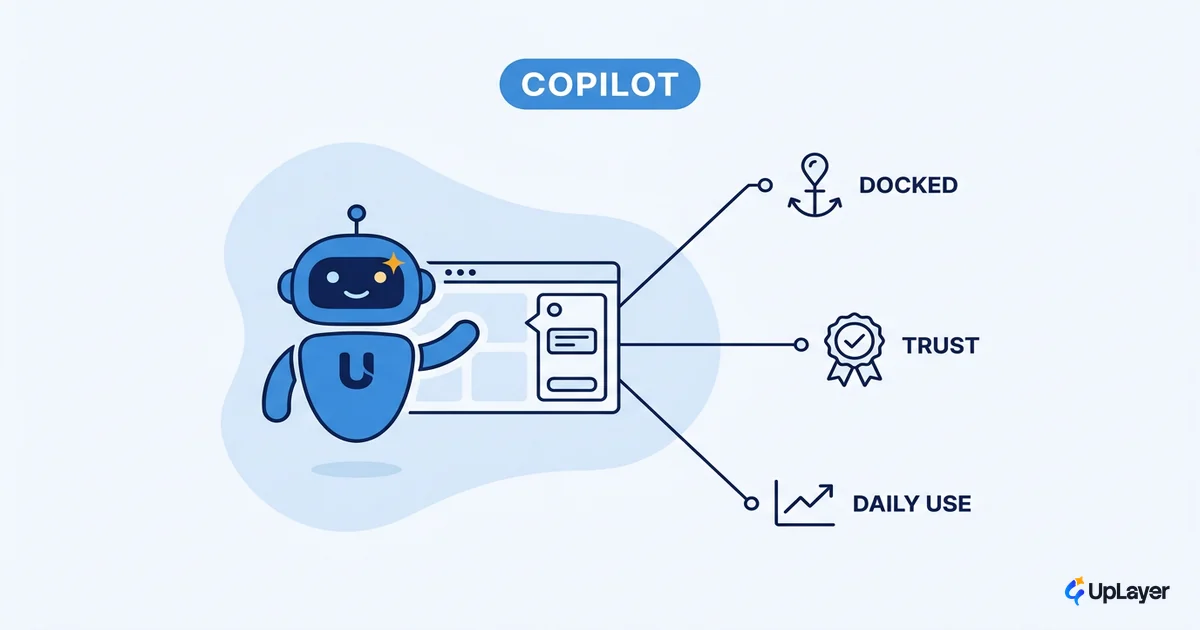
Most copilots get opened once. A user tries the new assistant, gets an answer that is close but not quite right, closes the panel, and never comes back. The feature still ships in the release notes. It still demos well. It moves nothing.
That failure is a design decision, not a model decision. Good AI copilot design is the difference between a feature that earns a permanent spot in someone's workflow and one that sits behind a button nobody presses twice. The model matters far less than where the copilot lives, how it admits uncertainty, and whether it recovers when it is wrong. Those are the choices we want to walk through, because they decide adoption before a single token is generated.
The lens we use is simple: a copilot is a supportive layer on top of an engine that already works, designed against one metric you already track. If you have not picked that metric yet, start with the AI UX patterns that drive feature adoption and come back. The patterns below assume you know which number this copilot is supposed to move.
Why AI copilot design lives or dies on the second use
Adoption is a trust problem, not a capability problem. People will try almost anything once. They keep using the thing that earns their confidence on the second and third attempt.
The data backs this up. In the 2024 Stack Overflow Developer Survey, 76% of developers reported using or planning to use AI tools and 72% felt favorable toward them, yet only about 42% said they trust the accuracy of AI output. That gap between "I will try it" and "I trust it" is exactly where copilots die. A copilot that cannot survive a wrong answer loses the user at the first one.
So the job of AI copilot design is not to make the assistant smarter. It is to make the assistant trustworthy enough that one good experience becomes a habit, and one bad experience does not end the relationship. Everything downstream is in service of that.
What supportive copilot design actually means
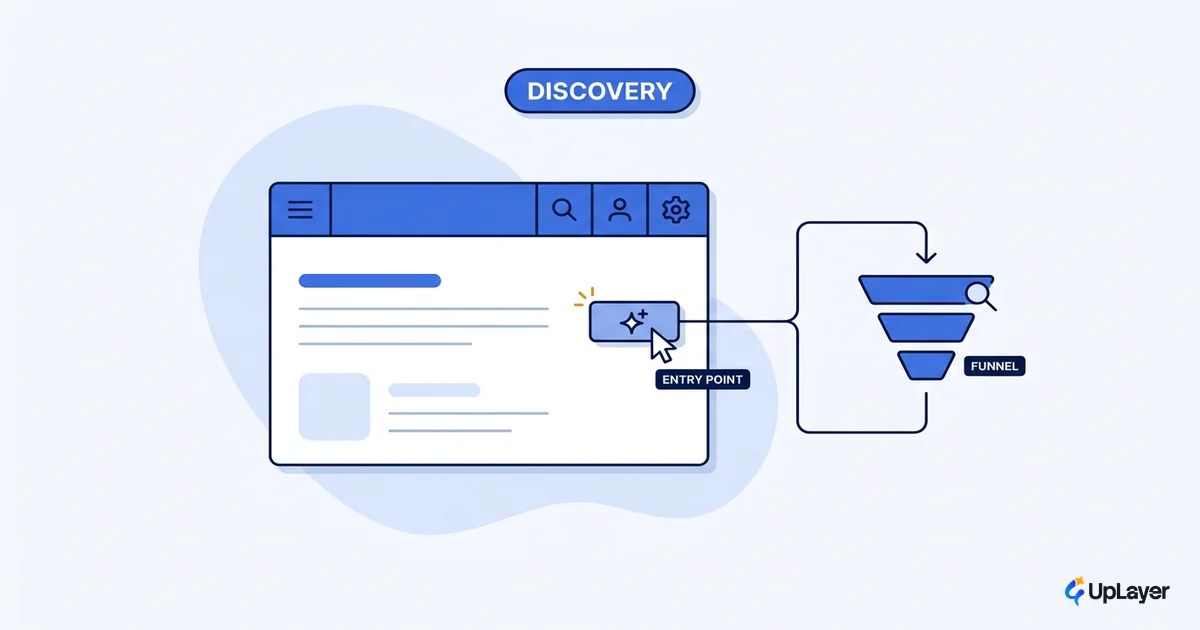
A supportive copilot sits on top of work the product already does well. It does not replace the core engine. It removes steps, drafts a starting point, or surfaces an answer the user would otherwise dig for.
This is the paradigm shift Jakob Nielsen describes as intent-based outcome specification: the user states what they want, and the system figures out how. The design consequence is that you are no longer laying out buttons for every action. You are defining goals and guardrails, what NN/g calls outcome-oriented design, and letting the copilot operate inside them.
The practical test of good ai interface design here is whether the copilot is woven into the workflow or bolted onto it. The difference shows up in adoption.
| Decision | Bolted-on chat box | Supportive embedded copilot |
|---|---|---|
| Location | Floating window, separate from the work | Inline, at the point of the task |
| Starting state | Blank prompt, user must know what to ask | Context-aware, suggests the next action |
| When it is wrong | Dead end, user retypes or leaves | Editable output, one-click correction |
| Metric it moves | Vanity usage (opens) | Repeat use, task completion, retention |
| Adoption pattern | Tried once, abandoned | Returns daily because it saves real steps |
The left column demos well in a sales call. The right column is the one people keep open.
How do you design an AI copilot that gets used daily?
What makes an ai copilot get used daily is fit, not novelty. The copilot has to land where the work already happens and behave the way the surrounding product already behaves.
GitHub Copilot is the clearest proof. It lives inside the editor, follows the existing code-completion interaction that developers already understand, and in GitHub's own research developers completed tasks 55% faster with it enabled. The win came from placement and a familiar pattern, not from a flashier interface.
Use four decisions as a checklist before you build. If you cannot answer all four, the copilot is not ready.
Adoption-fit framework for AI copilot design

1. PLACEMENT   Does it live at the point of the task,
               or in a separate window?
               -> If separate, it competes with the work. Move it.

2. TRUST       Does it show confidence, sources, and limits,
               or does it speak with false certainty?
               -> Calibrated trust survives the first wrong answer.

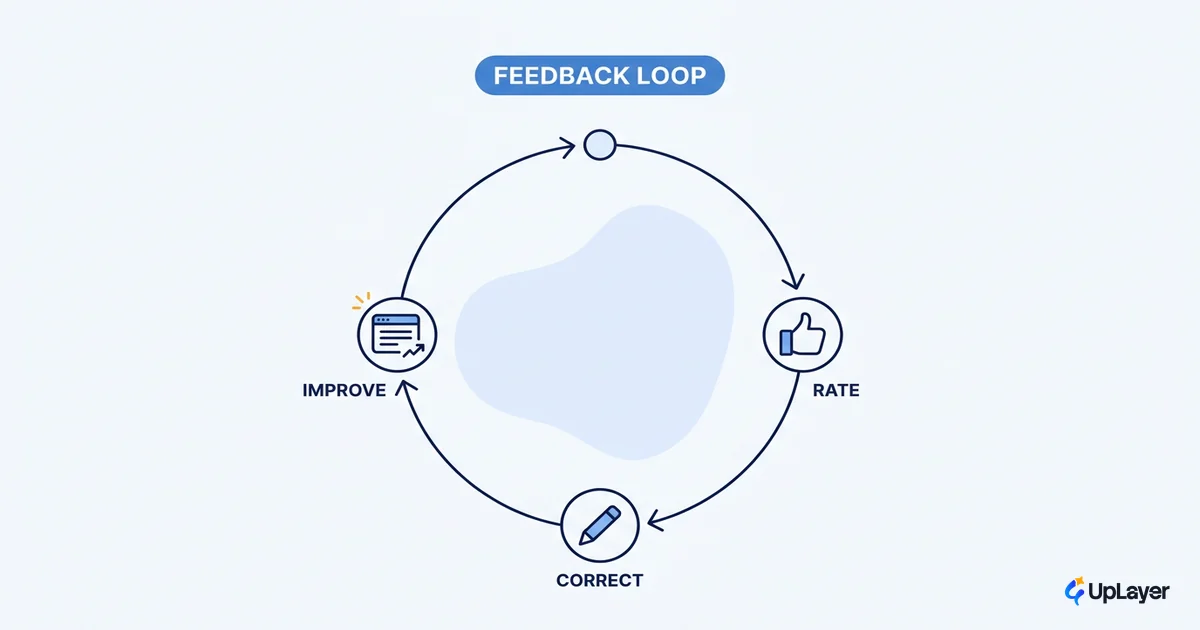
3. RECOVERY    When it is wrong, can the user edit in place
               and continue, or do they hit a dead end?
               -> Recovery turns a miss into a save.

4. METRIC      Which number does it move (repeat-use rate,
               task completion, activation, retention)?
               -> No metric, no copilot. Define it first.

Adoption fit = placement x trust x recovery, measured against the metric.
A zero in any factor zeros the result.
This is the same discipline as deciding which features to build at all. A copilot is a bet, and the four factors are how you check whether the bet pays off before you spend the engineering.
Conversational AI design beyond the chat box
Conversational ai design is not the same as adding a chat window. The chat box is the least helpful default in most products, because it hands the user a blank prompt and asks them to do the work of figuring out what the copilot can do.
WARNING
The floating chat box is the feature that demos well and moves nothing. It puts the burden of imagination on the user. Most people open it, type one vague question, get one mediocre answer, and never return. Design for the specific job, not the open-ended conversation.
Better conversational design is contextual and action-oriented. Suggest the next step. Pre-fill the prompt with what the user is looking at. Offer a small set of high-value actions instead of an empty field. The goal is to calibrate user trust by setting honest expectations about what the copilot can and cannot do, so the first interaction lands inside the user's mental model rather than outside it. For a deeper treatment of the surface itself, see our piece on conversational AI design.
Designing trust signals that turn one try into a habit
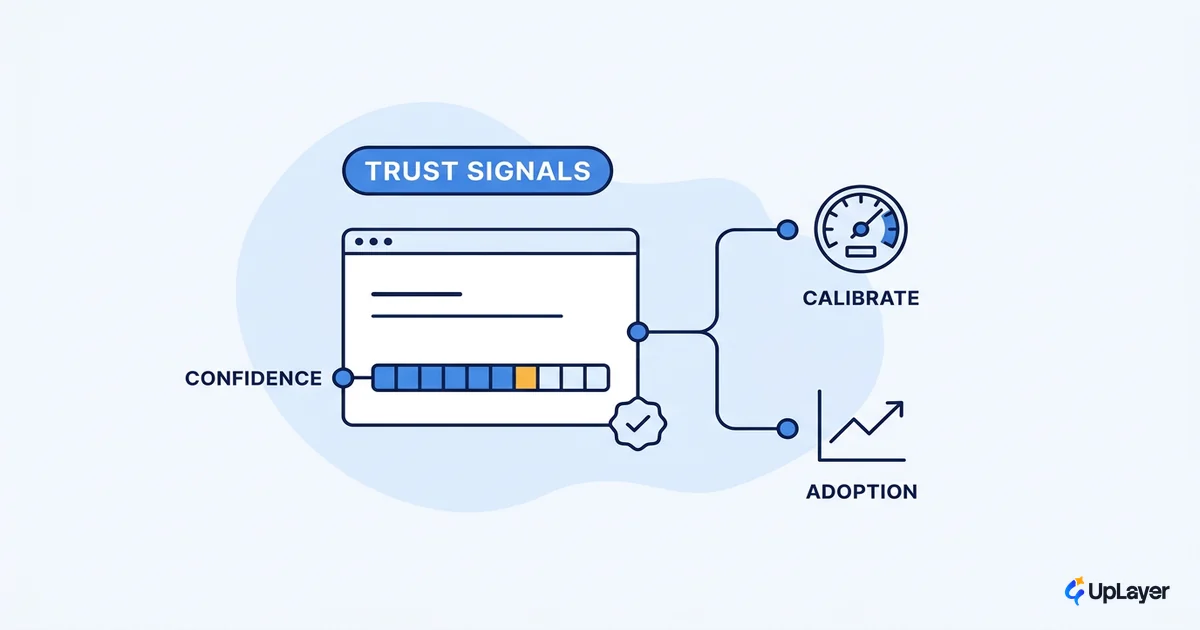
Trust signals are the ai ux patterns that decide whether a single good experience becomes a habit. They are small, they are unglamorous, and they are where most copilots cut corners.
Four earn their place in almost every copilot:
- Confidence and sourcing. Show where an answer came from. Let the user verify rather than take it on faith.
- Editable output. Treat the copilot's answer as a draft the user owns, not a verdict they accept or reject.
- Graceful failure. When the copilot does not know, it should say so plainly instead of inventing a confident wrong answer.
- Visible limits. Tell users what the copilot is good at before they ask it to do something it cannot.
Microsoft's research-backed 18 guidelines for human-AI interaction organize these by the moments that matter: the first interaction, during use, when the system is wrong, and over time. The "when wrong" moment is the one teams skip, and it is the one that decides retention.
Trust in AI output is still an open question for most users. In the 2024 Stack Overflow survey, more developers were undecided or distrustful of AI accuracy than were confidently trusting it. The copilot that earns the second use is the one that handles being wrong gracefully.
How to know your copilot design is working
You will know your ai feature adoption is real when one metric you already track moves, not when usage spikes for a week after launch. Pick that metric before you build: repeat-use rate, task completion, activation, or contribution to retention.
Then project the delta and instrument it. In our Concept Demos, prototypes we build to show our thinking, we frame the target as the projected lift on that single metric and measure against it. The number is designed to move a specific thing, and we tie it to one metric you already track so the result is a fact, not a story. If the metric does not move, the copilot does not stay. That is the whole discipline.
The copilots that last are not the smartest ones. They are the ones whose ai copilot design earns a permanent place in the workflow, one calibrated, recoverable, well-placed interaction at a time. Build for the second use, measure the one metric that matters, and the daily habit takes care of itself.
TIP
Want to know which copilot is worth building, and what it would move? How the AX Audit works.