AI feedback loop design that improves output
AI feedback loop design that turns user corrections and ratings into better output and stronger retention. The patterns, a framework, and the ROI gate.
 Sohanur RahmanAI Product & UX Design7 min read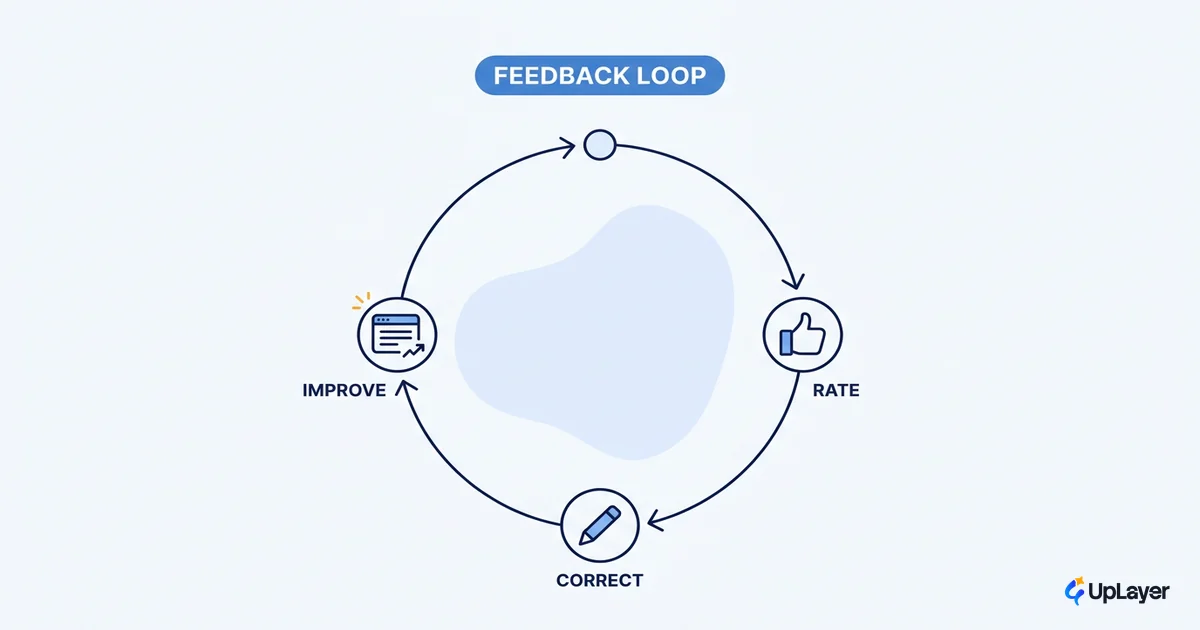
Look at the thumbs-up and thumbs-down in most AI features. Users tap them a few times, nothing visibly changes, and they stop. The widget keeps collecting taps that route nowhere. That dead control is the most common failure in AI feedback loop design, and it's worse than shipping no control at all, because it teaches users the AI doesn't listen.
A feedback loop is a product mechanism, not a sentiment survey. It earns its place only when the user can see their input change the next output. Done right, the loop is one of the few AI patterns that compounds: every correction makes the feature a little more useful, a little more trusted, and a little stickier. This piece covers the three loops you'll actually design, how the ratings improve the feature, the UI decisions that make a loop work, and the ROI gate that decides whether a loop is worth building at all.
What AI feedback loop design actually is (and the three loops you'll build)
A feedback loop is a four-step mechanism: capture a signal, route it somewhere, change the output, and show the user it changed. If any step is missing, you don't have a loop. You have a widget. Most teams build the capture step, skip the routing, and never close the loop, which is why so many ratings feel pointless.
There are three loops worth designing, and they protect different metrics. Correction loops fix the current output and protect task success. Rating loops capture quality judgments and protect retention by signaling responsiveness. Implicit loops read what users did next (accepted, edited, regenerated, abandoned) and quietly tune defaults. The clearest of these patterns belong in your broader system of AI UX patterns that drive feature adoption; a feedback loop is one pattern in that set, not a bolt-on.
| Loop type | What it captures | Metric it protects | Close speed | Failure mode |
|---|---|---|---|---|
| Correction | "Fix this output now" (inline edit, regenerate) | Task success | In-session | No path to act on the fix |
| Rating | "Was this good?" (thumbs, stars) | Retention | Over sessions | Tap routes nowhere |
| Implicit | What the user did next | Activation, defaults | Continuous | Signal never read |
The design job is to pick the loop that matches the surface and the metric, then close it fast enough that the user notices.
How do thumbs up and down improve an AI feature
Explicit ratings improve a feature two ways: in-session and over time. In-session, a thumbs-down is a trigger you can act on immediately, by offering a retry, a different answer, or a quick "what was wrong" prompt. Over time, aggregated ratings tell your team which prompts, retrieval sources, and defaults are weak, so you tune them. Google's PAIR team puts it plainly: when users give feedback to AI products, it can greatly improve the AI's performance and the user experience over time. The rating is a channel, not a vote.
The distinction that matters is between a rating that does something and a rating that's a sentiment dump. A thumbs-down that silently logs an event changes nothing the user can feel. A thumbs-down that triggers a regenerate, then asks one optional question, closes the loop in seconds. Microsoft's research-validated guidelines call this out directly, recommending teams encourage granular feedback so users can signal preferences during normal use, not in a separate survey.
WARNING
An open loop is worse than no widget. If a thumbs-down can't change anything within the session or the next one, you're training users that their input is ignored. Remove the control or close the loop. Do not ship it half-built.
So the honest answer to "do thumbs up and down work" is: only when they're wired to an action. The tap is cheap. The routing is the design.
How do you design AI feedback loops in the UI
Design the loop backward from the action, not forward from the widget. Start with what you can actually do with a signal, then place the control where that action makes sense. A correction control belongs inline, next to the output it fixes. A rating belongs at the moment of judgment, right after the user has read the result. This is core human AI interaction design: the affordance has to sit where the intent already is.
Here is the pseudo-framework we use to spec a loop before any UI is drawn.
designLoop(surface, metric):
  capture  -> pick the lightest signal that carries intent
              (thumbs, inline edit, regenerate, accept/dismiss)
  route    -> name the destination NOW
              (retry path, prompt tweak, retrieval re-rank, default change)
  respond  -> change the next output the user sees this session
  confirm  -> show the change ("updated", "trying again", a revised result)

  if route == null: do not build the control
  if respond happens > 1 session later: tell the user when to expect impact
Three rules fall out of that framework. First, give the user the right level of control: an easy correction, a clear regenerate, and a way to opt out of giving feedback at all. PAIR's guidance is that the right level of control builds trust, and trust is what keeps the loop running. Second, make correction efficient, with one obvious action rather than a form. Third, confirm the change, because a loop the user can't see closing is, to them, an open loop.
Designing for AI uncertainty so feedback feels safe
Feedback only flows when the surface feels safe to engage with. If users can't tell whether the AI is confident or guessing, they hesitate to correct it, and the loop starves. Lowering the cost of a wrong AI answer is the precondition for getting feedback at all, which is why designing for AI uncertainty and designing the loop are the same job done from two sides.
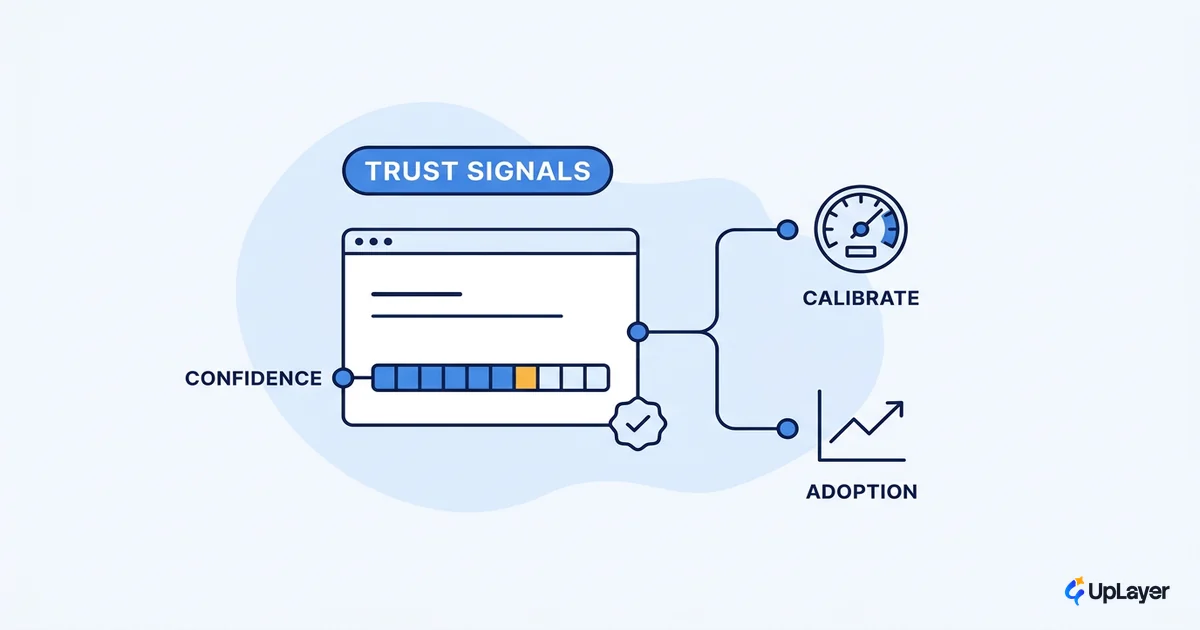
Three moves lower that cost. Reversibility, so any AI action can be undone without consequence. Clear confidence and trust signals, so the user knows when to check the work. And efficient correction, so fixing a bad output takes one tap, not a complaint. When correction is cheap and reversible, users correct more, the signal gets richer, and the loop improves faster. When it's expensive or scary, they abandon the feature instead of fixing it, and you lose both the output and the signal.
This is where most feedback designs quietly fail. The team adds a rating but never makes the underlying action safe, so engagement stays near zero and they conclude "users don't give feedback." Users give feedback constantly. They just won't do it on a surface they don't trust.
Tie the loop to a metric (or don't build it)
A feedback loop that doesn't move task success, retention, or ai feature adoption is theater, and theater is exactly what the market is full of. Adoption is no longer the differentiator. Stanford's AI Index reports that 78% of organizations were using AI in 2024, up from 55% the year before. Everyone has shipped something. Whether any of it moves a number is the open question.
The data on that question is blunt.
MIT's 2025 study found that roughly 95% of enterprise generative AI pilots produced no measurable impact on profit and loss, tracing the failures to integration and a learning gap, not model quality.
That learning gap is precisely what a closed feedback loop fixes, and what an open one fakes. So we apply one gate before building any loop: name the metric it protects and the route the signal takes. If a loop can't name either, it doesn't get built. That's the "what not to build" verdict applied to feedback. In a How the AX Audit works., we'd project the lift: a correction loop that cuts failed tasks by a few points, or a rating loop that lifts repeat usage, framed as projected, not achieved, until the metric dashboard proves it.
The loops you close are the ones users trust, and trusted features are the ones they keep. That's the whole return on AI feedback loop design: not more taps, but a feature that visibly gets better because people used it, and retains because of it. Build the loops you can close, kill the ones you can't, and tie every one to a number you already watch.
TIP
Want to know which AI feedback loop would actually move a metric you track, and which to skip? How the AX Audit works.