Conversational AI design beyond the chat box
Conversational AI design is a decision before it is an interface. When chat fits an AI feature, when it is a trap, and how to design turns that build trust.
 Sohanur RahmanAI Product & UX Design7 min read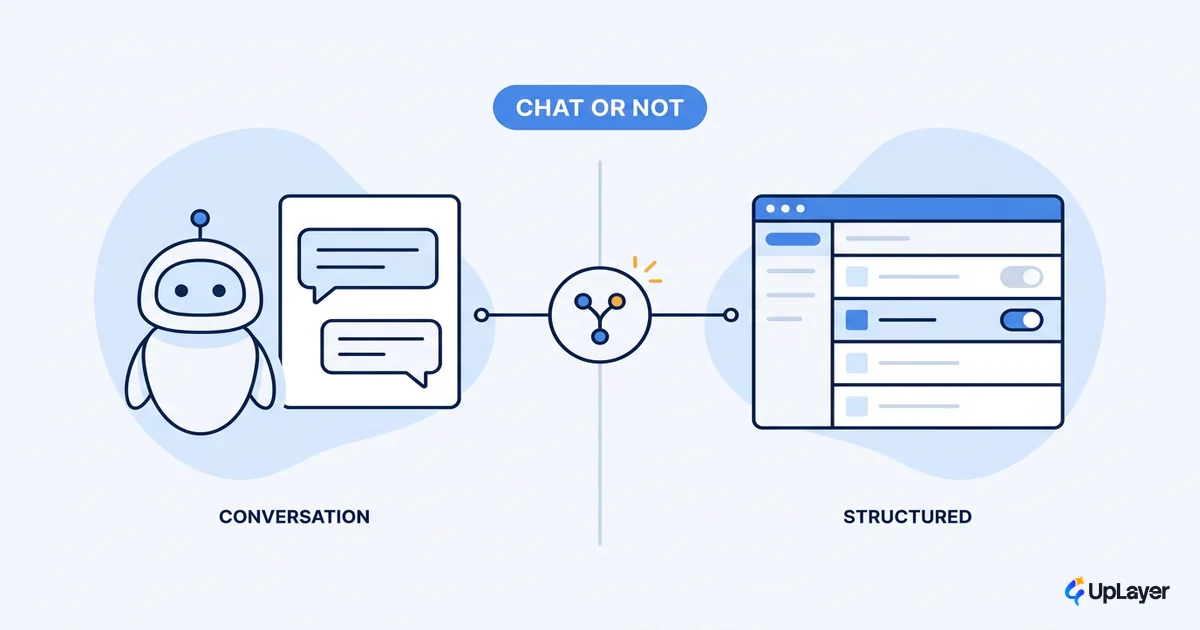
The chat box is the AI interface that shipped fastest, not the one that worked. A text field is the cheapest thing to build and the easiest to demo, so most teams reach for it, ship it, and then watch the feature get opened twice and abandoned. Conversational AI design is treated as a styling job when it is actually a decision: should this AI task be a conversation at all, and if it should, how do the turns earn trust?
That decision is what this guide delivers. We will separate the cases where chat is the right pattern from the cases where it quietly drags down activation, then walk the mechanics of designing a conversation that holds up: setting expectations, hybrid input, and recovery. If you are deciding which surface a feature should live on, start one level up with the AI UX patterns that drive adoption, then come back here for the conversation-specific calls.
The goal is not a prettier chat window. It is fewer chat windows, placed where they actually pay off.
What conversational AI design actually decides
Conversational AI design decides whether multi-turn natural language is the right interface for an AI task, and how to structure the turns when it is. It is a choice between patterns, not a default. Chat is one option next to inline assistance, structured input, and ambient suggestions, and it carries the highest interaction cost of the four.
The reason this matters is reach. Despite the noise, only about a third of U.S. adults have ever used ChatGPT, which means most of your users have little practice steering a free-text conversation toward a result. A blank prompt asks them to invent the question, the phrasing, and the follow-up. Many will type one vague thing, get a vague answer, and leave.
Good conversational ai design starts by being honest about that cost. The buyer's metric here is activation: the share of users who reach the feature's value on the first session. A conversation that demands skilled prompting taxes activation. A pattern that meets the user with structure protects it.
When is chat the wrong pattern for AI
Chat is the wrong pattern whenever the task is bounded, the answer is single-valued, or a button would be faster. If the user's intent can be expressed as a choice from a known set, a conversation just adds turns between them and the result. Reserve chat for genuinely open-ended, multi-turn work where the next step depends on the last answer.
Here is the pattern-fit matrix we use when deciding the surface for an AI feature. It sits underneath the broader AI UX design decisions for the product.
| Task shape | Best pattern | Why chat loses here | Metric at risk |
|---|---|---|---|
| Bounded choice (pick a plan, a date, a filter) | Structured input / buttons | Typing is slower than tapping; intent is already known | Activation |
| Single-answer lookup | Inline answer in context | A conversation buries a one-line result under turns | Time-to-value |
| Action on existing content (rewrite, summarize) | Inline assist on the object | Chat moves the user away from the thing they are editing | Retention |
| Open-ended, multi-turn exploration | Conversation | The next step truly depends on the last answer | Engagement depth |
| Proactive nudge ("you might want X") | Ambient suggestion | Forcing a chat opener kills a low-friction moment | Feature discovery |
The honest verdict: most AI features that ship as chat would move their metric further as inline or structured patterns. Conversation earns its place only in the bottom-weighted rows, where the value is in the back-and-forth itself.
WARNING
Defaulting to a chat box because it is fast to build is the most common AI UX mistake we see. The text field has unclear affordances, the same rectangle could be search, a command bar, or a bot, and the user is left guessing. Choose the pattern from the task, not from the framework you already imported.
Designing for AI uncertainty inside the conversation
If chat is the right call, the next job is designing for AI uncertainty without making the user absorb it. A model that sounds confident while being wrong does more damage in a conversation than anywhere else, because the format invites the user to trust it like a person.
The fix is to set expectations before the first response, not after the first failure. Google's People + AI research is direct about this: communicate the product's capabilities and limits early so users calibrate their trust instead of over-relying or dismissing the feature outright. A one-line scope statement at the top of the conversation does more for trust than any amount of polish on the bubbles.
Stakes are rising as adoption climbs. 78% of organizations now report using AI, up from 55% a year earlier, so your users are increasingly comparing your conversation to a dozen others they touch each week. The bar for a conversation that does not waste their time keeps moving up. For the full pattern set on showing confidence, hedging, and graceful failure, see designing for AI uncertainty; inside the chat, the short version is to never present a guess as a fact.
How do you design a conversational AI experience that builds trust
You design a conversational AI experience the way you design any high-stakes interaction: scope the turn, accept input in more than one form, answer with calibrated confidence, and recover well when you miss. Human ai interaction design lives or dies on that last step, because every conversation eventually breaks, and the recovery is what users remember.
Here is the turn loop we design against. Treat it as a framework, not a script.
TURN LOOP (per exchange)
1. SCOPE    greet + state what this can and cannot do (set expectations up front)
2. INPUT    offer hybrid entry: suggested actions/buttons AND free text
3. RESPOND  answer with a confidence signal; cite or link the source when stakes are high
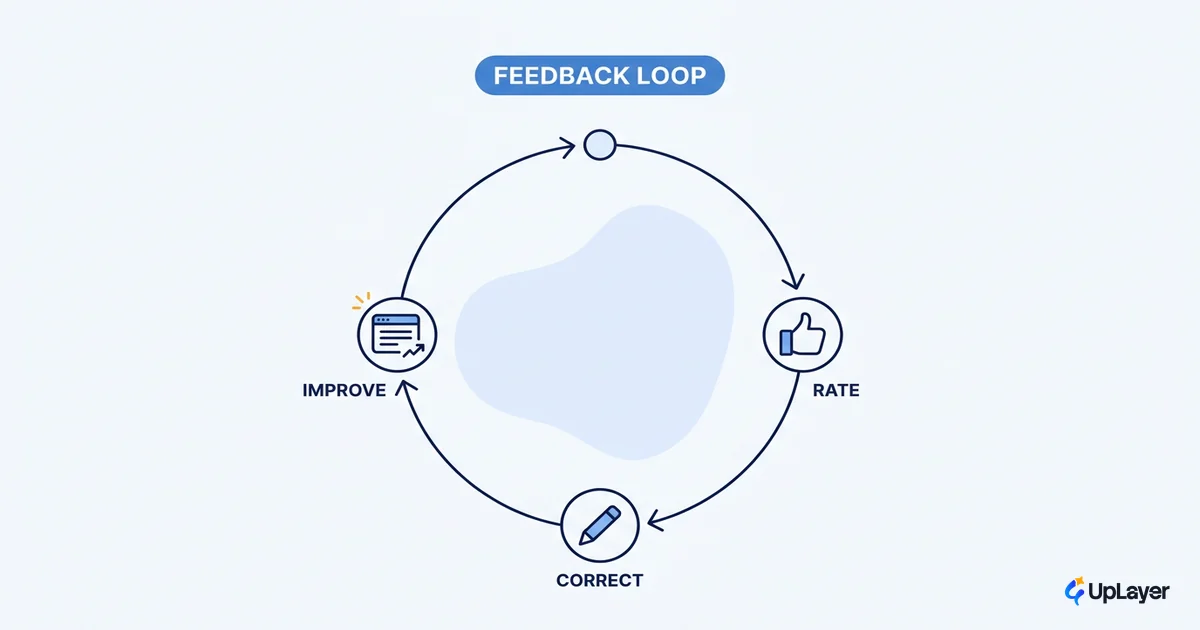
4. RECOVER  on miss: ask one clarifying question OR offer a human handoff with queue visibility
            never dead-end with "I didn't understand that"
Step 2 is where most chat UIs fail. Nielsen Norman Group's research is clear that both buttons and free text should be present: predetermined options save users from typing for common inputs, while free text gives them an escape from a too-strict script. Forcing one or the other is a measurable friction point, and users notice it immediately.
NOTE
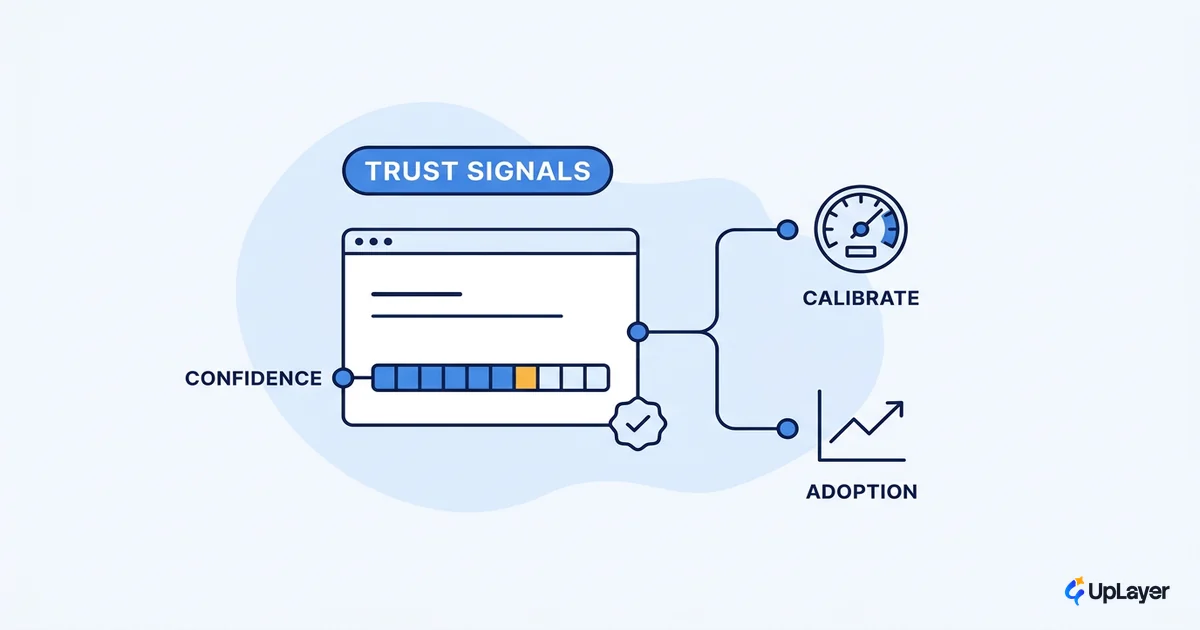
A confidence signal does not mean a percentage. It means the interface distinguishes "here is the answer" from "here is my best guess, check it." Hedged language, a source link, or a visible "I'm not sure" state all calibrate trust without pretending to a precision the model does not have.
The interface around the conversation
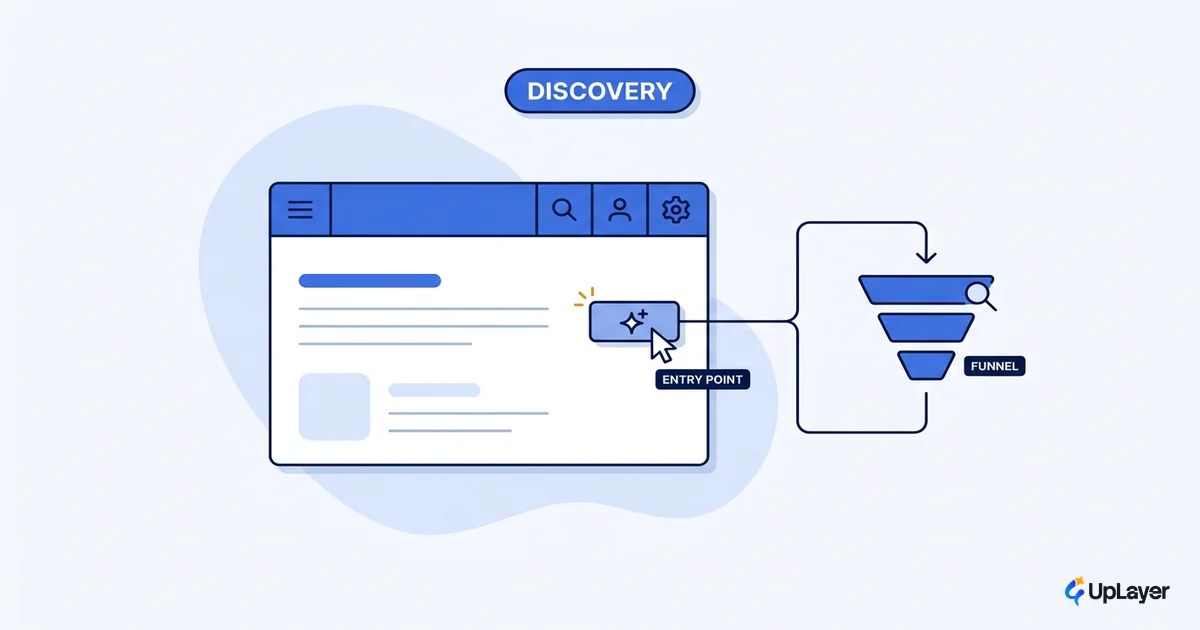
A conversation rarely carries trust on its own. The interface around it does most of the work: the entry point that sets context, the suggested first actions that lower the blank-prompt tax, the visible escape hatch, and the handoff when the model is out of its depth. This is where ai interface design earns its keep, by making the conversation feel bounded and recoverable rather than infinite and risky.
The strongest version of this is not a standalone bot at all but an AI copilot docked next to the work, where the surrounding product gives every turn context the chat alone never could.
We prototype this as a Concept Demo: a docked assistant with scoped entry points and hybrid input, designed to lift first-session activation by a projected 15 to 25 percent against the same feature shipped as a bare chat box. The numbers are projected, framed to show the thinking, not a client result. The point of the demo is to make the pattern decision visible before a line of production code is written.
Conversational AI design rewards restraint. The teams that win are not the ones with the cleverest chat box; they are the ones who reach for conversation only when the task demands it, then design the turns so trust survives the first wrong answer. Decide the pattern, set expectations, and build the recovery before you build the bubbles. That is the whole craft of conversational ai design, and most of it happens before anyone types a word.
TIP
Not sure whether your AI feature should be a conversation or something simpler? How the AX Audit works.