Why you need an AI ROI calculator before you build
An AI ROI calculator turns assumptions about an AI feature into a projected number, so the build decision is grounded in math, not a vibe or a vendor pitch.
 Anamoul RoufAI ROI & Strategy7 min read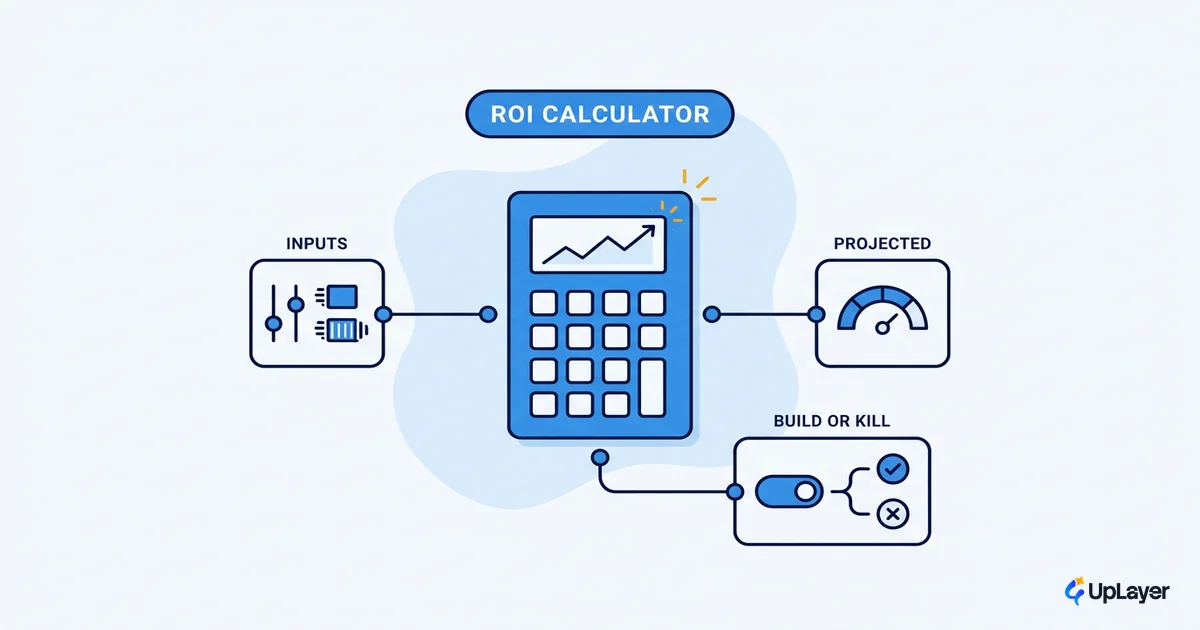
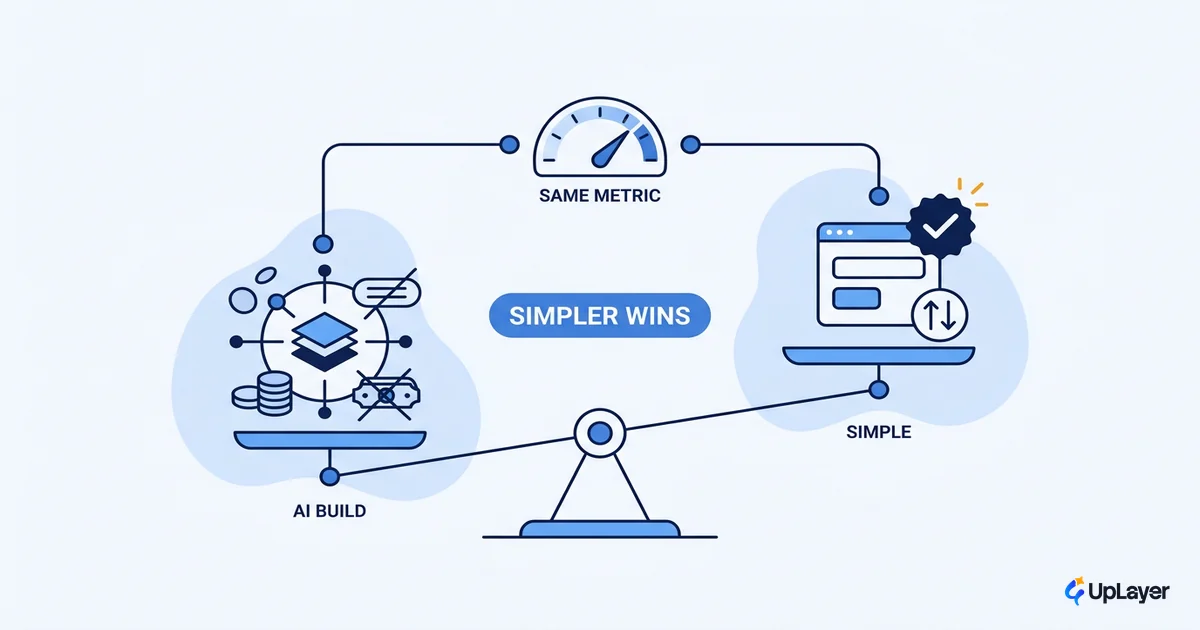
Most AI ROI calculators are built to say yes. You feed in a few rosy assumptions, the widget multiplies them by your headcount, and out pops a savings number large enough to approve the purchase. That is not a model. That is a sales tool wearing a spreadsheet costume.
An AI ROI calculator should do the opposite job. It should turn your assumptions about a feature into a projected number that is honest enough to talk you out of building. The point is not to justify the roadmap you already wrote. The point is to make the build decision math, not a vibe. When the number is thin, the calculator earns its keep by telling you to stop.
That matters because the hard part of AI is rarely the model. According to Gartner, the single biggest barrier to AI adoption is proving its business value, not the technology. Before you write code, you want the same clarity you would demand of any other investment: what moves, by how much, against what cost. This post walks through the model behind a credible calculator, the inputs that actually matter, and how to read a result that comes back negative. If you want the deeper measurement playbook, start with how to measure the ROI of an AI feature and use the calculator here as the pre-build version of that work.
What the calculator actually is, and what it is not
An AI ROI calculator is a small model that converts assumptions into a projected number tied to one metric you already track. That is the whole definition. It is not a crystal ball, and it is not a vendor's savings estimate dressed up as your own.
The difference is where the math starts. A vendor widget starts from the savings and works backward to a cost you can stomach. A real calculator starts from a metric you already own, like churn, activation, conversion, or expansion, and asks how much an AI feature could realistically move it. The output is a projected number you can defend in a room full of skeptical people.
This is also where the calculator connects to strategy. You are not modeling "AI" in the abstract. You are modeling one feature against one metric, which is exactly the discipline you need to decide which AI features to build in the first place. A calculator that cannot name the metric it moves is not measuring anything.
NOTE
A good calculator should regularly output "do not build this." If yours only ever returns green lights, it is not a calculator. It is a permission slip.
How does an AI ROI calculator work
The mechanism is one formula and a lot of honesty about the inputs. Projected ROI is the value you expect the feature to create, minus everything it costs to build and run, divided by that cost. The trick is counting the cost fully and discounting the value for how unsure you are.
projected_roi = (annual_value − annual_cost) / annual_cost

where:
  annual_value = affected_volume
               × baseline_metric
               × projected_lift
               × value_per_unit
               × confidence            # 0.0 to 1.0, your honesty dial

  annual_cost  = build_cost            # design, engineering, evaluation
               + run_cost              # inference, infra, monitoring
               + maintenance_cost      # model updates, prompt upkeep, support
Two parts of this break most calculators. The first is confidence, a discount you apply to the value because a pre-build estimate is a guess. The second is annual_cost, which is almost never just a license fee. Teams forget the build, the evaluation work, and the ongoing maintenance, and then wonder why the returns never show up. That gap is not theoretical. Gartner expects at least 30% of generative AI projects to be abandoned after proof of concept by the end of 2025, with escalating costs and unclear business value high on the list of reasons. A calculator that ignores run and maintenance cost is recreating that failure on paper.
What inputs go into an AI ROI calculator
Every input maps to a question you should be able to answer before you build. If you cannot answer one of them with a real number, that is a signal, not a gap to paper over with optimism. This is the heart of any honest ai cost benefit analysis, and it is worth running with the same rigor you would bring to a full AI cost benefit analysis of a feature.
| Input | What it means | Where the number comes from |
|---|---|---|
| Baseline metric | The current value of the metric you want to move | Your analytics, today, before any AI |
| Projected lift | The realistic delta the feature creates | A conservative estimate, not the vendor's best case |
| Affected volume | How many users, tickets, or sessions the feature touches | Product usage data |
| Value per unit | What one unit of that metric is worth in money | Finance: LTV, gross margin, support cost per ticket |
| Build cost | Design, engineering, and evaluation to ship it | Your team's real rate and timeline |
| Run cost | Inference, infrastructure, and monitoring per year | Token pricing × volume, plus infra |
| Maintenance cost | Upkeep: model swaps, prompt drift, support load | A standing percentage of build cost |
| Confidence | How sure you are, as a multiplier from 0 to 1 | Your honesty dial; lower it when in doubt |
The confidence dial is the input people most want to skip. Skip it and the calculator becomes a vendor widget again. A 40% projected lift at 0.5 confidence is a 20% expected lift, and planning against 20% is what keeps you solvent when reality lands between the pitch and the worst case.
How to estimate AI ROI before building
Estimating AI ROI before building is a sequence, and the order protects you from your own enthusiasm. Run it once per feature idea, on one page, before anything reaches a sprint.
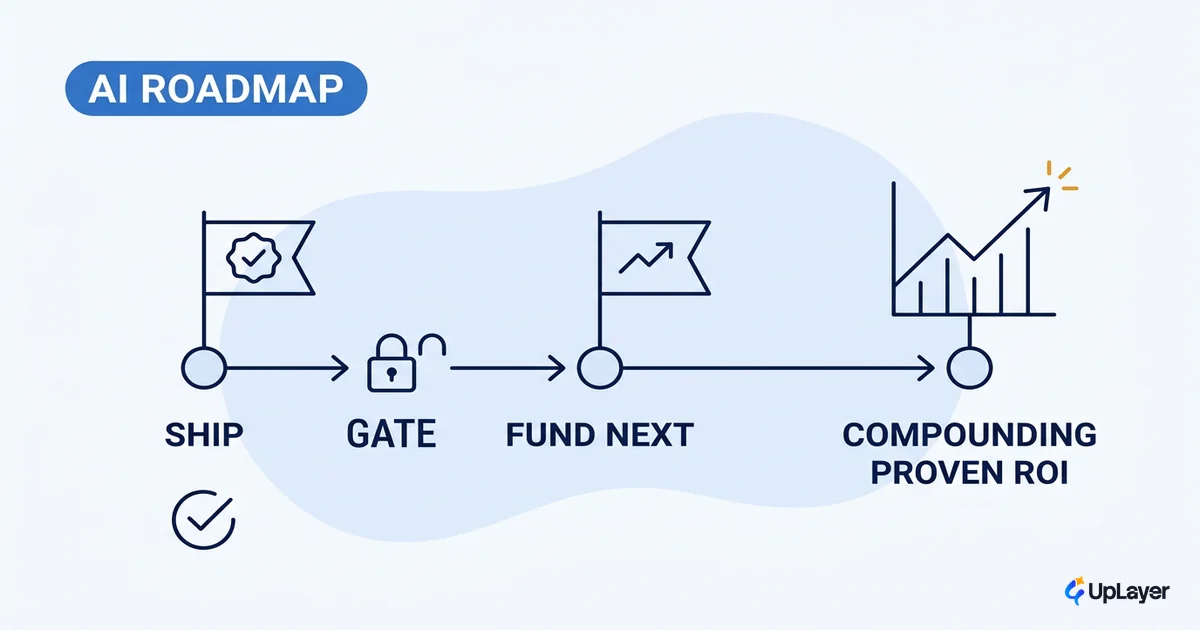
- Pick the metric first. Name the single metric the feature is supposed to move. One feature, one metric. If you cannot pick one, the idea is not ready.
- Set the baseline. Pull the current value from your analytics. No baseline means no way of measuring AI ROI later, so this step is non-negotiable.
- Estimate the lift conservatively. Use the low end of any range. Halve the vendor's number on principle.
- Cost it fully. Add build, run, and maintenance. Inference is a recurring bill, not a one-time fee.
- Apply the confidence discount. Multiply the value by how sure you honestly are.
- Read the projected ROI. A clean positive number is a candidate. A thin or negative number is a decision.
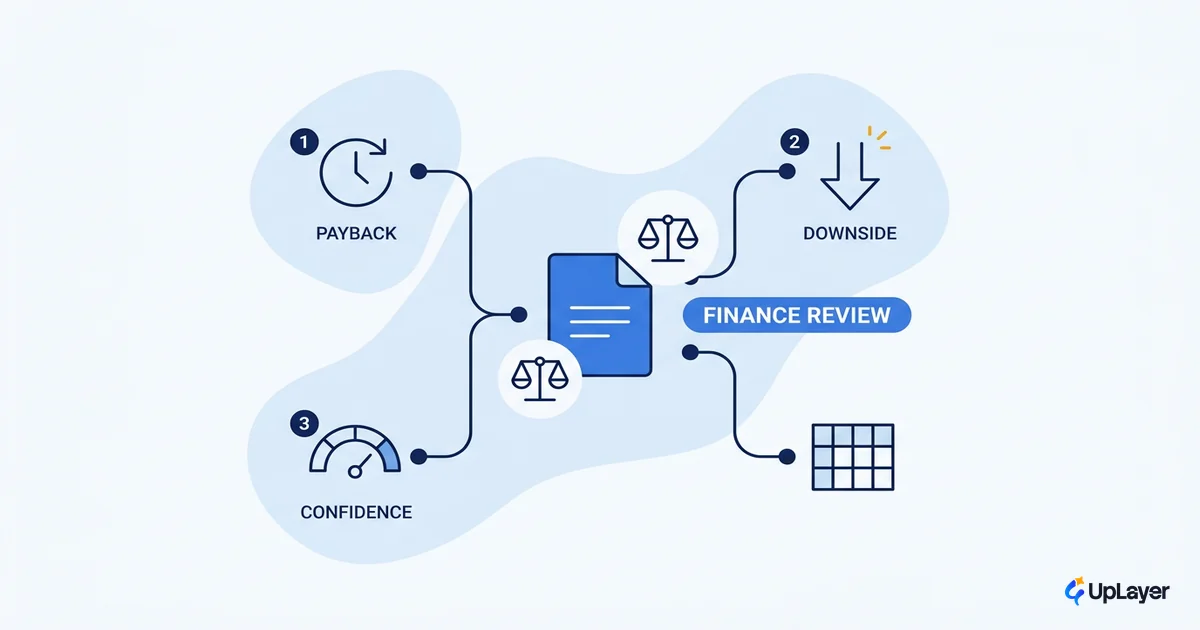
The output is a projected roi you can put in front of finance without flinching. Frame it as projected, not promised, because measuring AI ROI for real only happens after the feature ships and runs against its baseline.
WARNING
Never plug a vendor's savings figure straight into your calculator. Those numbers come from their best-case customer, not your product. Halve the lift, double the maintenance, and apply your confidence discount. If the result still works, you have something. If it only works at the vendor's numbers, you have a sales deck.
When the calculator says no, and why that is the point
A thin or negative result is not a failure of the calculator. It is the deliverable. The calculator just saved you a quarter of engineering time and a roadmap slot you can now spend on something that pays off. Saying no to a build on purpose is the cheapest win you will get all year.
This is also where the calculator becomes an ai business case. The same numbers that talk you out of a weak feature are the numbers that defend a strong one. When you can show the metric, the projected lift, the full cost, and the confidence discount, you have an AI business case that survives review instead of a story that collapses under the first hard question.
The market backs the caution. BCG found that only 26% of companies move beyond proof of concept to real value, which means roughly three in four are spending on AI that never pays off. A calculator that is willing to say no is how you land in the smaller group on purpose.
IMPORTANT
Treat a "no" as a result you paid almost nothing for. The expensive "no" is the one you discover after six months of engineering. The cheap one is the line in a calculator that took an afternoon.
Run this model before every AI feature and the calculator becomes the cheapest experiment in your roadmap. You spend an afternoon on a page of math instead of a quarter on a feature that moves nothing. An AI ROI calculator will not make the decision for you, but it will make sure the decision is grounded in a number you can defend, which is the only honest way to bet on AI.
TIP
Want the projected numbers for your own product instead of a generic model? How the AX Audit works.