Barriers to AI adoption and how to remove them
The real barriers to AI adoption are user-side: interface friction, the trust gap, and invisible value. Here is a shippable fix for each one, tied to a metric.
 Anamoul RoufAI Adoption & Trust8 min read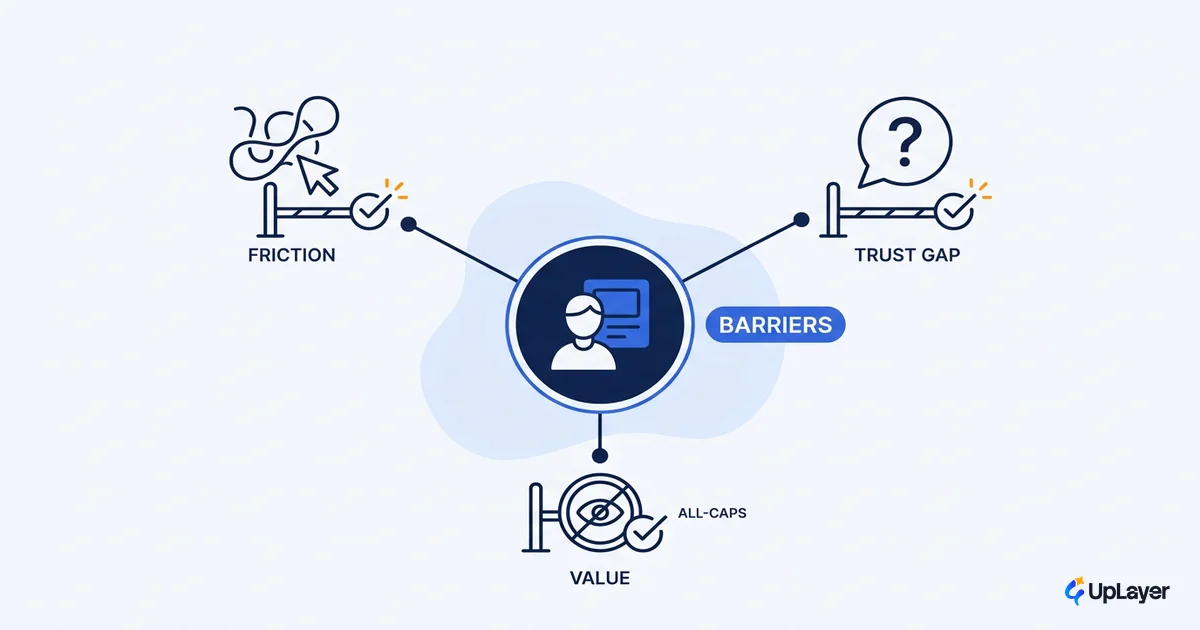
The feature shipped two weeks ago. The usage chart is flat. Someone in the standup says the model isn't good enough, and the team starts pricing a bigger one. The model is usually fine. What stopped people was friction they hit in the first ten seconds, long before model quality ever mattered.
That is the honest shape of most barriers to AI adoption. They are not procurement problems or org-readiness problems. They live inside the feature, between a skeptical user and a screen they don't yet trust. We hold an unpopular view here: most AI is theater, and the pressure to "do AI" ships features that demo well and move nothing. When those features stall, the cause is almost always a design or trust decision you control, not a model you need to replace.
This post names the three user-side barriers that do most of the damage and pairs each with a fix a product team can ship this quarter. For the wider playbook on getting features used, start with our guide to increasing AI adoption across your product. This one zooms in on the friction at the feature itself.
What are the main barriers to AI adoption
At the feature level, three barriers cause most stalled adoption: interface friction, the trust gap, and invisible value. Access is no longer the blocker. People already have AI in front of them and still don't use it.
The trust gap is the clearest signal. In the KPMG and University of Melbourne global study of more than 48,000 people across 47 countries, 66% of people already use AI regularly, but only 46% are willing to trust it, and trust has fallen as adoption has risen. Read that twice. Usage went up and trust went down. That gap is where your feature loses people.
Each barrier suppresses a metric you already track. Map them before you touch the model.
| Barrier | What the user feels | Metric it suppresses | The fix |
|---|---|---|---|
| Interface friction | "I don't know what to type or what this did" | Activation | Cut time-to-first-value; show a worked example |
| The trust gap | "I'm not sure this is right, so I'll do it myself" | Retention | Confidence cues, easy undo, human-in-the-loop |
| Invisible value | "I can't tell if this saved me anything" | Expansion | Surface the win; name the metric in the UI |
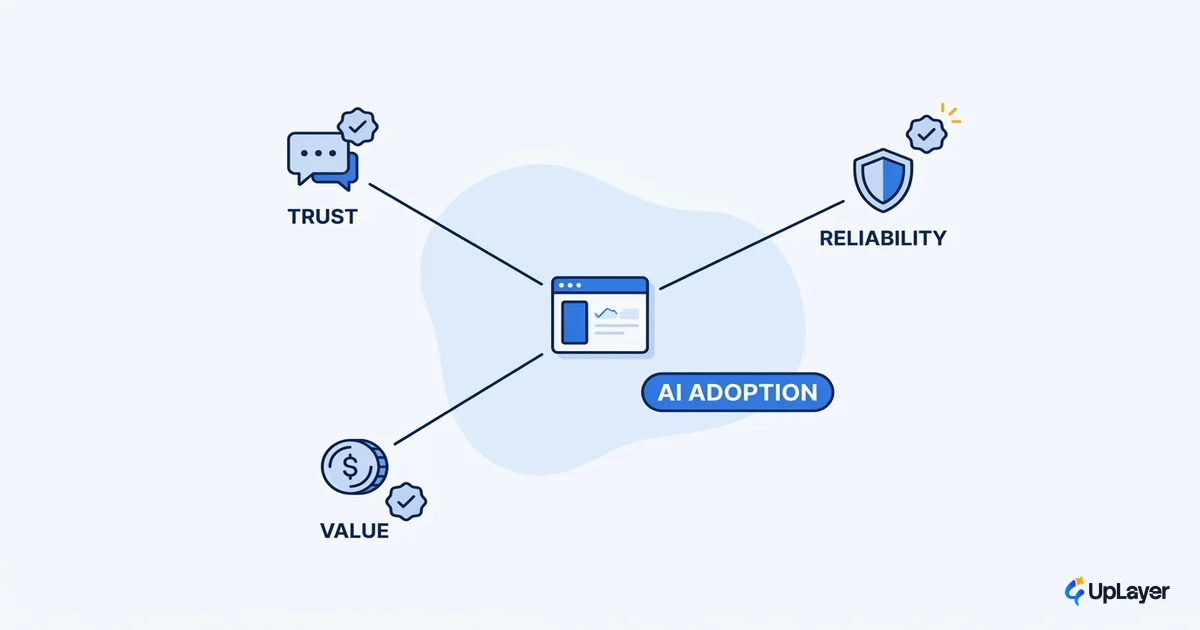
These are user-side and feature-level on purpose. For the broader, team-and-org view of why adoption fails, the companion piece on the broader AI adoption challenges covers reliability, unclear value, and change fatigue at the organizational layer. This post stays at the screen.
The interface barrier: what stops users from adopting AI features
The interface barrier is the friction a user hits before the model ever runs. Empty states with no obvious input. Output they can't read. A blank box that demands the user already know the magic words. The model can be excellent and still lose here, because the user never gets a clean first result.
This is the most fixable obstacle to AI adoption because it's pure design. The mechanism is simple: every second between opening the feature and seeing a useful result is a chance to leave. So compress that gap.
- Pre-fill the input with a real, relevant example so the first run is one click, not a blank-page decision.
- Make the AI's job legible. Say what it will do and what it won't, in plain words, near the control.
- Defer gracefully. When the model is unsure, show that instead of inventing a confident answer.
- Put the feature inside the workflow the user already runs, not in a separate tab they have to remember.
Interface friction maps straight to activation. If users never reach a first good result, no amount of model quality will rescue the number. Design the first ten seconds and you remove the cheapest barrier on the list. For the patterns that do this well, see our work on AI UX patterns that drive feature adoption.
The trust barrier: why users hesitate even when the AI is right
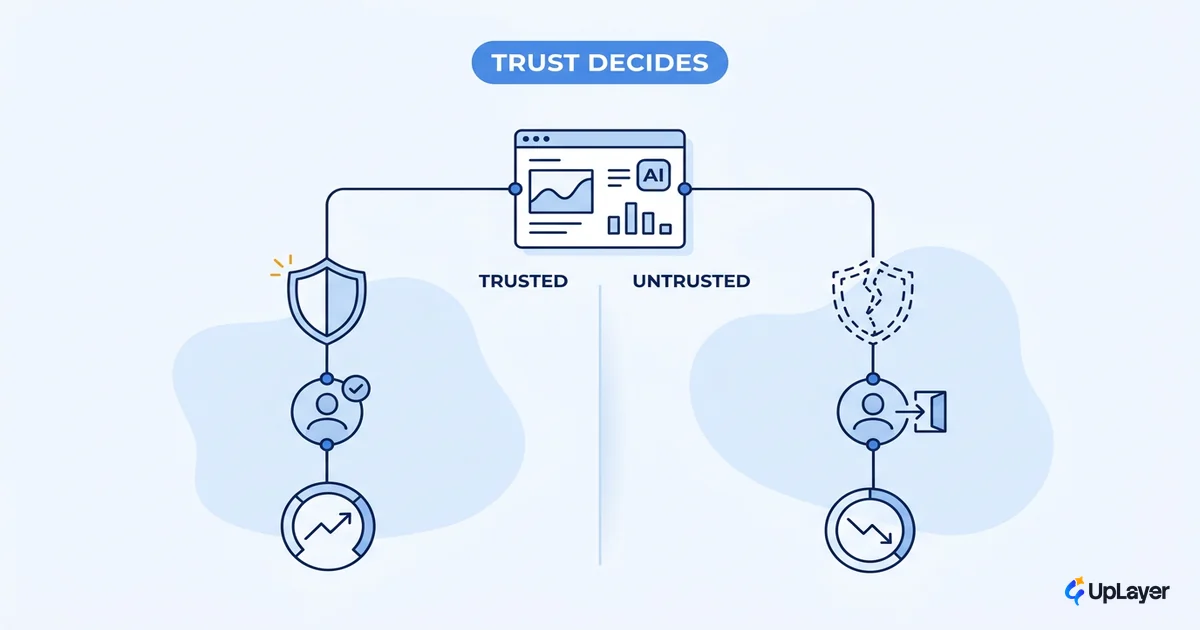
Trust is the largest user-side barrier, and it compounds. One confident wrong answer costs more than ten quiet correct ones, because the user stops believing the output and starts checking it by hand. Once they're double-checking, the feature is dead weight.
The public mood backs this up. Pew Research found that 50% of Americans are more concerned than excited about increased AI use, and about six-in-ten say they'd like more control over how AI is used in their lives. Your user arrives already wary. The interface either earns trust or spends it.
WARNING
When usage is flat, the instinct is to blame the model and buy a bigger one. The model is rarely the barrier. Hesitation, opacity, and the absence of an undo button are. Fix the trust signals before you touch the weights.
You earn trust back with design, not a better model. Show a confidence or uncertainty cue so the user knows when to lean in and when to verify. Keep a human in the loop on anything consequential. Make undo obvious and instant, so trying the AI never feels risky. Cite sources where the answer is a claim, not a guess. These are supportive-AI moves: the AI proposes, the user stays in control. Trust maps to retention, because the second and third use only happen if the first one felt safe. Our deeper guide on how to build user trust in AI features breaks each cue down.
The proof barrier: when value is invisible, adoption stalls
The third barrier is the quietest. Users don't adopt what they can't see paying off. The feature might genuinely save them six minutes, but if the UI never shows it, the saving doesn't exist in the user's head, and the habit never forms.
This is a perception problem as much as a value problem. Stanford's 2025 AI Index notes that public sentiment toward AI is still guarded even as use spreads, which means perceived value, not availability, is what gates adoption now. People need to feel the return, not just receive it.
So surface the win. After the AI does its job, name what it did in concrete terms: "drafted in 4 seconds," "12 duplicates merged," "ready to send." Tie the feature to a number the user cares about and show that number moving. Invisible value is also why so many features look like they failed when they actually worked. The broader version of this value gap, at the team and org level, is exactly what the AI adoption challenges piece unpacks. Here, the fix is narrow and visual: if the value is real, make it impossible to miss.
How do you remove barriers to AI adoption
You remove them one at a time, each tied to a metric, in a tight loop. Don't run a culture program. Pick the barrier suppressing your weakest number and design it out.
remove_one_barrier(feature):
  metric      = the number this feature is supposed to move   # activation | retention | expansion
  baseline    = measure(metric) before any change
  barrier     = the friction most responsible for the gap     # interface | trust | proof
  fix         = the smallest design change that removes it     # not a bigger model
  ship(fix)
  delta       = measure(metric) - baseline
  if delta <= 0:
      the barrier wasn't the blocker, or the feature has no job to do
      pick the next barrier, or stop building
  else:
      keep it, move to the next barrier
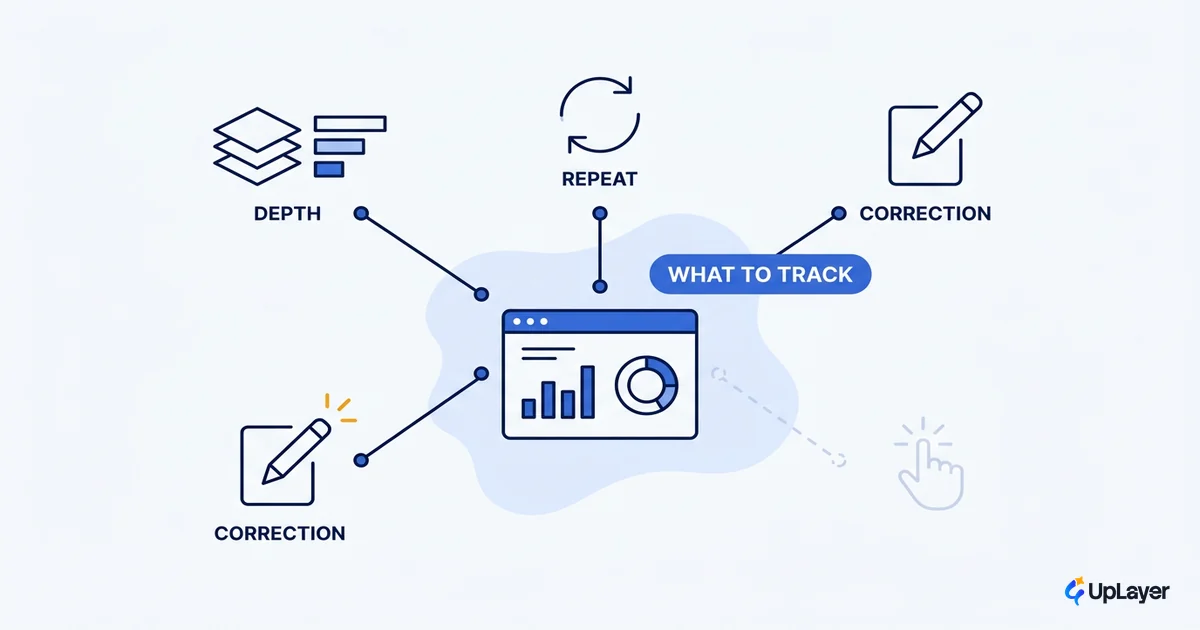
The honest part is the failure branch. Sometimes you remove every barrier and the number still won't move. That isn't a barrier. That's the feature telling you it had no metric to move in the first place, and the right call is to stop. Removing barriers starts with deciding what was worth building, which is why the cheapest path past a barrier is often to build less. Attach each fix to one of the AI adoption metrics to track so the loop has a scoreboard.
TIP
Define the metric before the model. A feature with no metric attached has nothing to prove and nothing to defend, so it has no way to tell you whether a barrier is real or whether the feature itself should ship.
As a projected example: in a Concept Demo for an in-app assistant, pre-filling a worked example in the empty state and adding an inline undo are designed to move first-week activation by reducing time-to-first-value and lowering the risk of trying it. Numbers like these are projected and meant to be measured against your baseline, never invented after the fact.
Common questions about barriers to AI adoption
Which barrier should you remove first
Start with the barrier suppressing your weakest metric. If activation is low, the interface barrier is almost always the culprit, and it's the cheapest to fix. If users activate but don't come back, the trust barrier is spending your retention. Removing the wrong barrier first burns a sprint and moves nothing.
Are AI adoption barriers a tech problem or a design problem
Mostly design and trust, rarely the model. The KPMG trust gap and the Pew control data both point at how the feature behaves and communicates, not at raw capability. A more powerful model on top of a confusing, untrustworthy interface still loses the user. That's why most ai resistance dissolves once the friction and trust signals are fixed.
How fast can you see adoption move
Fast, if the change is small and the metric is already instrumented. A focused fix to one barrier, shipped behind a flag and measured against a clean baseline, can show a directional read inside a couple of weeks. The honest answer is that you can't know until you measure the delta, which is the whole point of attaching a metric before you ship.
The barriers to AI adoption that sink most features are not exotic. They're the interface a user can't read, the trust you spent on one bad answer, and the value you forgot to show. All three are decisions you control, and all three are cheaper to fix than to ignore. Name the barrier, attach a metric, design out one thing, and measure. That's how adoption stops being a hope and starts being a number.
TIP
Want to know which barriers are quietly capping your AI features, and which features shouldn't exist at all? How the AX Audit works.