Building AI copilots that move a metric, not a demo
Building AI copilots that actually get used means scoping them to a metric you already track, before you write any code. Here is the method that works.
 Sohanur RahmanAI Copilots & Assistants7 min read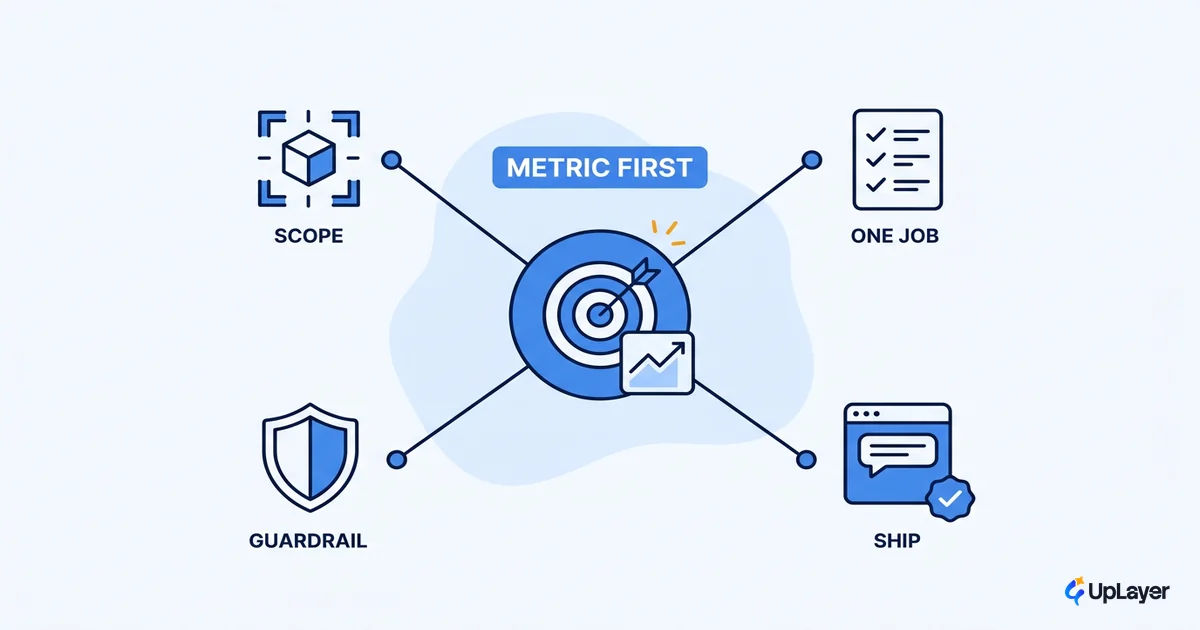
A copilot that demos well is the easiest AI feature to ship and the easiest to ship dead. It looks alive in a sales meeting, it impresses the board, and three months after launch nobody on the team can point to a number it moved. That is the trap at the center of building AI copilots: the feature is scoped to what the model can do, then a metric gets invented later to justify it.
Reverse the order. Pick the metric first. A product copilot earns its place when it makes a number you already track move in the right direction, and the time to decide that is before a line of code, not after the launch retro. This piece is the practical version of our designing AI assistants for B2B SaaS approach, narrowed to the copilot itself: how to scope it, what to refuse to build, and how to know it worked.
Building AI copilots: why most demo well and move nothing
A copilot demos well because the demo is the easy case. You feed it a clean question, it returns a fluent answer, and the room nods. Real usage is messier, and the gap between the demo and the metric is where most of these features quietly die.
The market has the receipts. Gartner predicts that at least 30% of generative AI projects will be abandoned after proof of concept by the end of 2025, citing unclear business value among the top reasons. A copilot is the most common shape that proof of concept takes, and "unclear business value" is exactly what happens when scope is chosen by capability instead of by outcome.
WARNING
If you cannot name the metric a copilot is supposed to move before you build it, you are building a demo. Define the number first. The model is the last decision, not the first.
The fix is one sentence: pick the metric before the model. Everything below is how to do that without slowing the team to a crawl.
Scope the copilot to a metric before you build
Scope a copilot to exactly one metric you already track. Activation, retention, or expansion. Not "engagement," not "AI usage," and not a number you would have to build new instrumentation to see. The metric has to already live on a dashboard someone checks, because that is the only kind of number a feature can be held to.
This discipline matters more now, not less, because the easy wins are gone. With 78% of organizations reporting AI use in 2024, up from 55% the year before, shipping a copilot is no longer a differentiator. Shipping one that moves a metric is. The teams pulling ahead are the ones who treat the copilot as a means to a number, not as the achievement itself.
Run every copilot idea through the same grid before it gets a sprint:
| Copilot idea | Metric it should move | How you would measure it | Build? |
|---|---|---|---|
| Draft the first version of a report the user writes weekly | Activation (first key action) | Time to first completed report, week-1 | Build |
| Suggest the next step inside a multi-step setup flow | Activation | Setup completion rate | Build |
| Surface the at-risk account and the reason, in-app | Retention | Logo retention on flagged accounts | Build |
| Recommend the upgrade the usage pattern justifies | Expansion | Expansion MRR from in-product prompts | Build |
| "Ask me anything" over the entire product | None you can name | n/a | Don't build |
| Summarize every screen the user lands on | None you can name | n/a | Don't build |
If a row reaches the last column with no metric and no measurement, that is your answer. The grid is not bureaucracy. It is the difference between a feature with a job and a feature looking for one.
What makes an ai copilot worth shipping
An AI copilot is worth shipping when it sits on a job the user already does, shortens the time to the outcome, and the outcome is measurable. Three tests. Fail any one and you are building theater.
The first test is the strictest. A copilot that invents a new job for the user is a copilot nobody asked for. The good ones attach to work that is already happening and make it faster. This is why the design frame that works is what Nielsen Norman Group calls intent-based outcome specification: the user states the outcome they want, and the copilot produces it, instead of the user driving the product one command at a time. Scope the copilot to the outcome, not to a chat box.
The proof that scoping to a real job pays off is in the data. In a controlled GitHub study, developers using a copilot completed a coding task 55% faster than those without one, and at a higher completion rate. That gain did not come from a clever chat interface. It came from the copilot sitting directly on a job developers already do, every day, and cutting the time to the outcome. That is the bar.
The second and third tests are practical. Shortening time-to-outcome means the user reaches the result in fewer steps, not the same steps with a friendlier voice. Measurable means the outcome is the metric you scoped to in the grid above. If you cannot connect the copilot's action to a number, you have not finished scoping. Deciding whether a copilot is even the right shape, versus an agent, is its own call, and when a product copilot beats an agent covers that fork.
The copilot features not to build
Saying no to a tempting copilot feature is the most valuable thing a product team can do here, and the hardest. Most AI is theater, and copilots are the most theatrical AI of all, because the features that demo best are usually the ones that move nothing.
Here is the line we hold:
| Tempting (demos well, moves nothing) | Supportive (scoped to a metric) |
|---|---|
| A general chat assistant floating over the whole product | A copilot that completes one specific job, with a clear entry point |
| "Summarize this for me" on every screen | A summary tied to the one decision the user makes on that screen |
| An open-ended bot that answers anything about your docs | An in-context answer at the moment of friction in a workflow |
| A copilot that talks a lot | A copilot that shortens time-to-outcome and then gets out of the way |
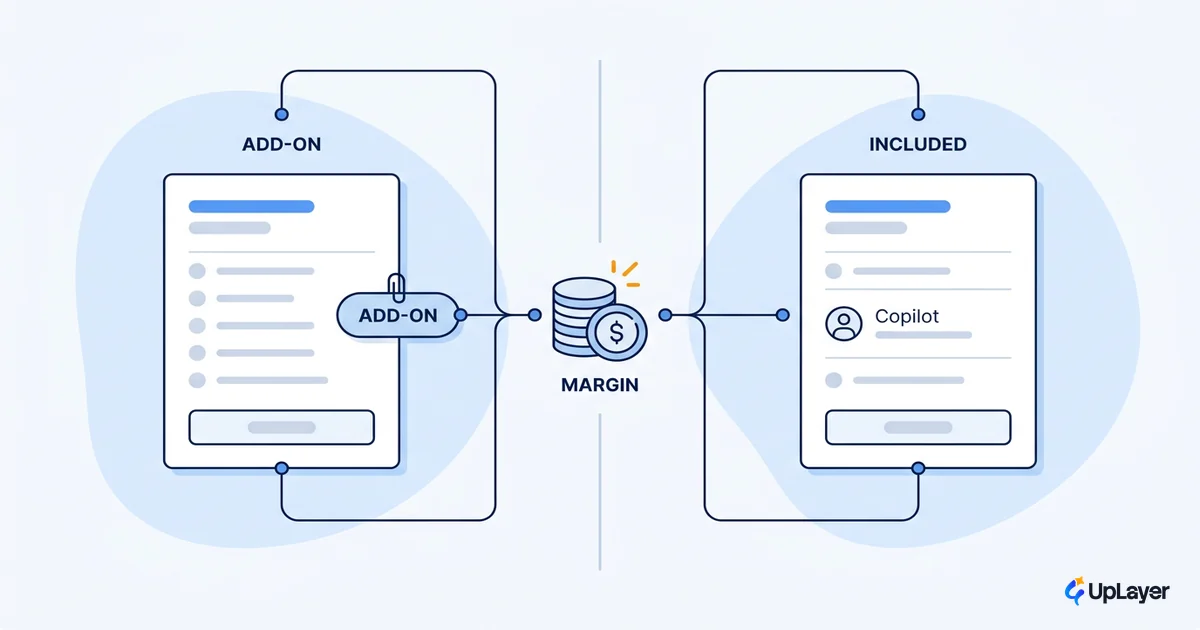
The pattern is consistent. The left column is scoped to the model's capability. The right column is scoped to a user's job and a metric. Supportive AI sits as a layer on top of the work, never as a replacement for the product's core engine. That posture is what lets you ship without betting the company, and it is the same discipline that carries through taking an AI copilot for SaaS from idea to a shipped feature.
NOTE
Our Ship-It Guarantee means we build until a feature is live and working. You only earn that guarantee on features scoped to a metric. A copilot with no metric has no definition of "working," which is exactly why so many never ship past the demo.
How do you build an ai copilot that gets used
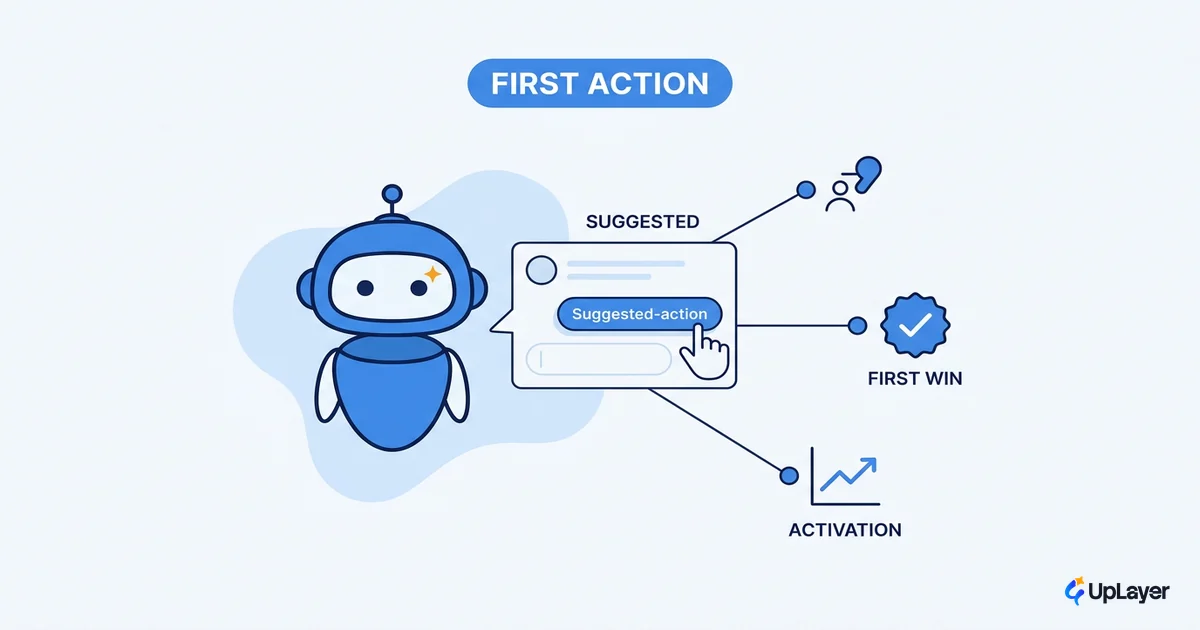
A copilot gets used when it is grounded in the user's real data, lives inside one workflow, has an obvious entry point, and fails gracefully. Adoption is a design outcome, not a model outcome. The first session carries most of the weight, which is why copilot onboarding that gets the first useful action done is worth designing as deliberately as the copilot itself.
Start with grounding. A copilot built on the model's generic training set gives generic answers, and generic answers do not move metrics. The useful ones are grounded in your company's own data and the user's current context, usually through retrieval over your product's data rather than a fine-tune. That is what makes the copilot feel like it belongs in your product instead of bolted on. The lower-level calls that follow, from how you stream output to how you signal uncertainty, are covered in our look at the LLM copilot design choices that shape the experience, and they all sit downstream of the scope and grounding decisions above.
Then constrain the surface. One workflow, one entry point, one job. The build decision reduces to a short, honest config you can write before any code:
# copilot scope: define this before the build, not after
job:        "complete the weekly status report"   # a job the user already does
metric:     activation                            # already on a dashboard we check
measure:    "time to first completed report"      # the number that must drop
surface:    report_editor                         # one workflow, not the whole app
grounding:  retrieval_over_user_workspace         # the user's data, not generic
fallback:   "hand off to manual editor, no dead end"
ship_if:    "projected delta on metric > build + run cost"
If you cannot fill in every line, you are not ready to build. The ship_if line is the whole game: a copilot ships when its projected ROI clears the cost of building and running it, and not before.
How do you measure if a copilot works
You measure a copilot by the one metric you scoped it to, before and after. Projected ROI sets the bar; the measured delta tells you whether you cleared it. No new vanity metric gets to enter at this stage.
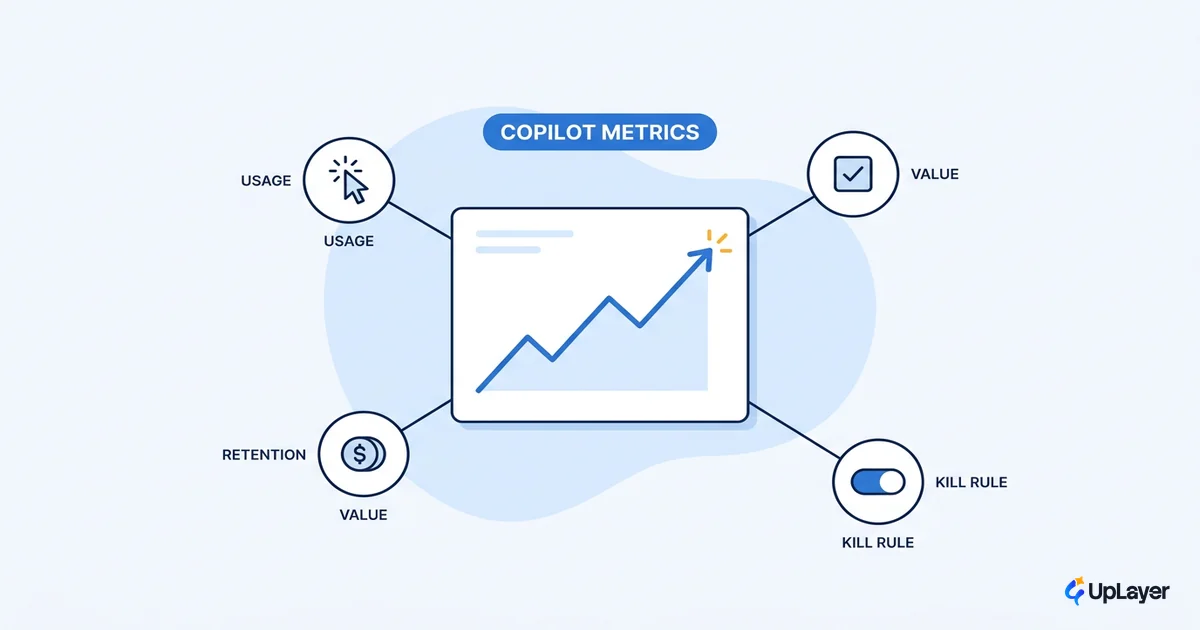
This is why scoping to an existing metric matters so much. The number was already on a dashboard, so the comparison is honest: activation rate, retention on the flagged cohort, or expansion MRR from in-product prompts, measured the same way it was measured before the copilot existed. The full instrumentation for this is its own topic, covered in AI copilot metrics that prove the feature works.
WARNING
Copilot adoption, message volume, and "AI sessions" are vanity metrics. A copilot can be used heavily and move nothing. Measure the business metric you scoped to, not the activity the copilot generates.
Hold projected ROI to the same standard as any other investment. We frame proof as projected before launch and measured after, never as an invented result, and a copilot that cannot show a credible projected delta does not get built.
Frequently asked questions
How do you build an ai copilot that gets used? Ground it in the user's real data, scope it to one workflow with a clear entry point, and tie it to a metric the user's job already moves. Adoption follows usefulness, and usefulness follows scope.
What makes an ai copilot worth shipping? It attaches to a job the user already does, it shortens the time to the outcome, and the outcome is a metric you can measure. All three, or it is a demo.
Is a copilot the same as an agent? No. A product copilot supports the user inside a workflow; an agent acts more autonomously. For a SaaS product, the supportive copilot is usually the lower-risk, higher-ROI shape.
The next decade of building AI copilots will reward the teams who scope to a metric and refuse the features that only demo well. Pick the number first, build the supportive layer that moves it, and let the projected ROI decide what ships. That is the whole discipline, and it is the difference between a copilot that earns its place and one more feature nobody can defend.
TIP
Not sure which copilot would actually move a metric in your product? How the AX Audit works.