Designing AI assistants for B2B SaaS that earn trust
A product-led guide to designing AI assistants for B2B SaaS: where one fits, the trust signals it needs, and how to prove it moved a metric.
 Sohanur RahmanAI Copilots & Assistants11 min read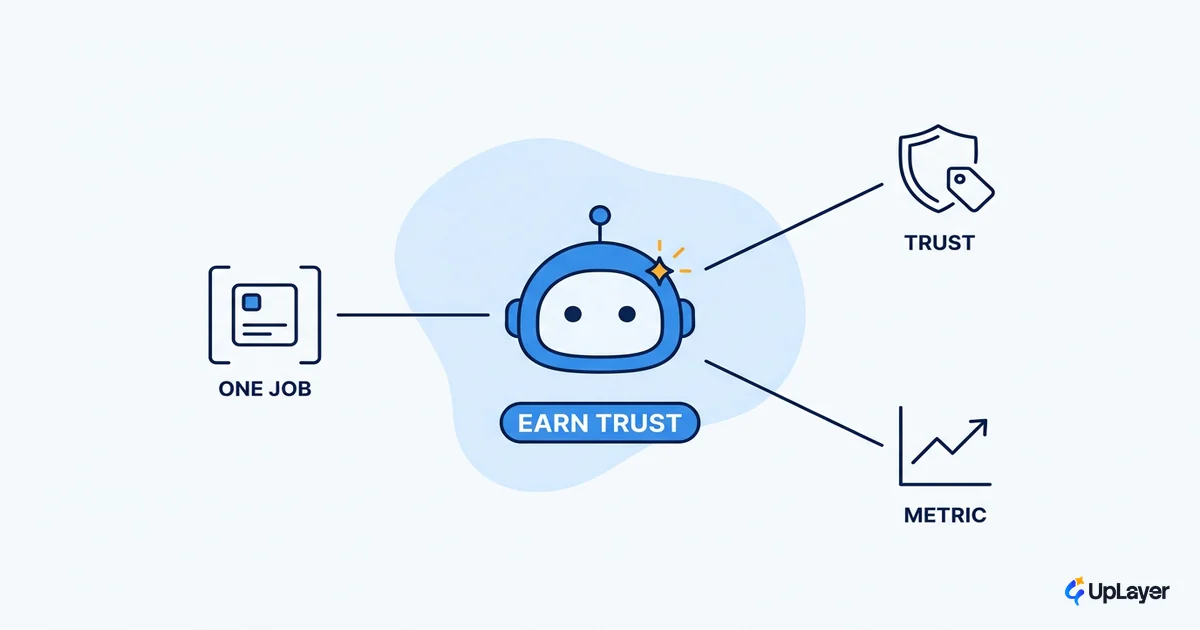
Most AI assistants ship, demo well in the launch meeting, and then sit there unused. The expensive mistake is rarely the model. It is deciding to build an assistant before deciding what job it does and what number proves it worked. Designing AI assistants for a B2B SaaS product is a product decision first and a UX decision second, and treating it the other way around is how teams burn a quarter on a feature nobody opens.
This guide takes the supportive-AI view: an assistant is a layer on top of the product you already have, not a second product bolted on. Its job is to move one metric you already track, earn the user's trust while doing it, and stay in its lane. Get that order right and the interface details get easier. Get it wrong and no amount of polish on the chat window saves you.
We will cover where an assistant actually fits, what separates a good one from theater, how to design for the trust that drives use, how to keep it supportive instead of letting it try to run the product, and how to prove the thing was worth building. There is also an honest section on the assistants you should not build at all.
Where does an AI assistant fit in your product?
Where does an AI assistant fit in a product? In exactly one spot: a job your users already do, repeatedly, where a small amount of help removes a real point of friction. It does not earn its place as a feature you add because the board asked what you are doing about AI.
AI adoption is no longer the differentiator. 78% of organizations reported using AI in 2024, up from 55% the year before, according to Stanford HAI's 2025 AI Index. When almost everyone has shipped something, the question stops being whether you have an assistant and becomes whether yours does a job worth doing. That is the framing that should drive the whole design.
Three jobs tend to be where an assistant pays off in B2B SaaS:
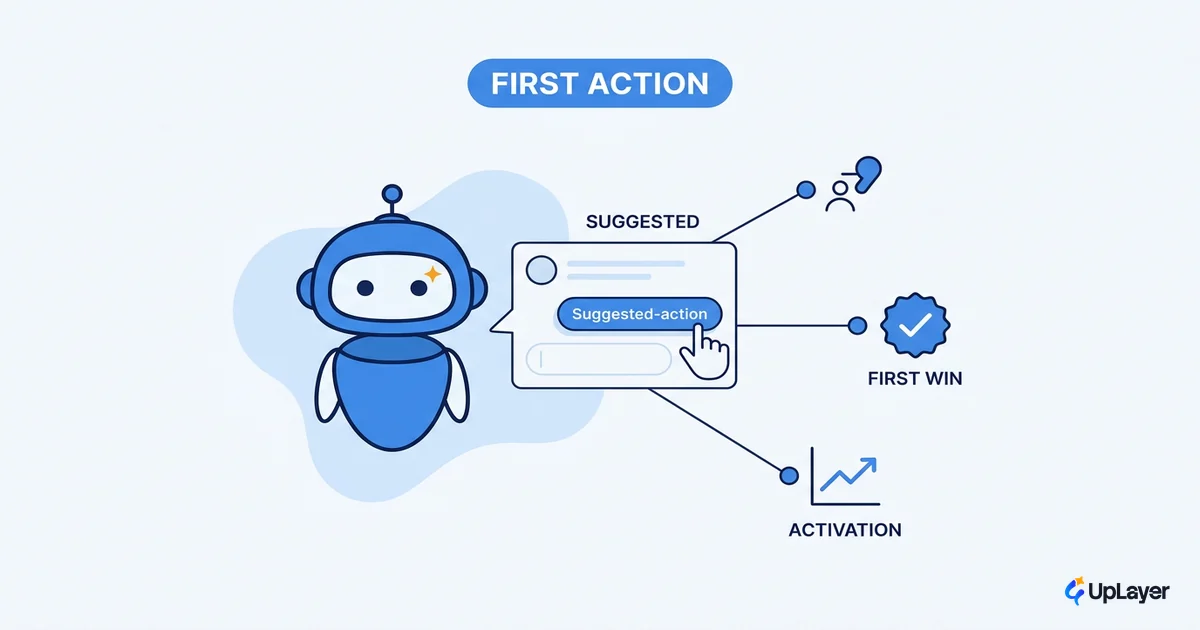
- Getting to the first useful action faster. New users stall on an empty state or a complex setup. An assistant that helps them complete the first meaningful task moves activation.
- Reducing the cost of a repetitive in-product task. Power users do the same multi-step thing dozens of times a week. An assistant that compresses those steps moves retention and expansion.
- Answering "how do I" without leaving the product. Users bounce to docs, support, or a competitor when they get stuck. An in-product answer keeps them in the flow. This is the job people reach for a chatbot to do, and getting it right means building an AI chatbot for SaaS that does more than answer FAQs rather than a deflection widget.
Before you design anything, decide the shape of the help. An assistant that suggests and waits is a copilot. One that takes multi-step action on the user's behalf is closer to an agent. That choice changes the trust bar, the guardrails, and the failure modes, so make it deliberately rather than by default. We go deep on that fork in our guide on whether your SaaS needs a copilot or an agent, and for this pillar the rule is simple: pick the smallest shape that does the job.
NOTE
A good test for fit: name the metric the assistant should move before you name the feature. If you cannot name the metric, you are designing a demo, not a feature.
What makes a good AI assistant for SaaS
A good AI assistant for SaaS is the one users keep opening because it is reliably useful and never embarrassing. That sounds obvious, and almost no shipped assistant clears the bar, because the bar is trust, and trust is built from specific signals, not from a polished chat bubble. For an AI assistant for B2B SaaS, the stakes are higher, because the user is doing accountable work and cannot afford a confident wrong answer.
Users do not arrive trusting your assistant. Many do not even register that they are using AI: Pew Research found that 44% of U.S. adults think they do not regularly interact with AI at all, and recognition of AI varies sharply by background. So the assistant has to earn trust on every interaction, in plain view, rather than assume it.
Here is the difference between an assistant that earns trust and one that is theater:
| Signal | Earns trust | Theater |
|---|---|---|
| Scope | Does one job well, says no to the rest | Claims to do everything, does nothing reliably |
| Honesty | Shows confidence and admits "I'm not sure" | Always answers, always sounds certain |
| Correction | Easy to undo, edit, or override | Acts, and you find out later |
| Grounding | Cites the source or the record it used | Answers from nowhere you can check |
These four signals are what "good" actually means. Notice none of them are about the personality of the bot or the cleverness of the prompt. They are about whether the user can rely on the assistant and stay in control. That is the whole game in B2B SaaS, where the user is accountable to someone else for the work. If you want the interaction-level patterns that support these signals, our breakdown of AI assistant UX patterns goes one level deeper than this pillar.
How do you design an AI assistant users trust?
You design an AI assistant users trust by treating uncertainty as a first-class part of the interface, not as a bug to hide. The assistant should make it obvious what it knows, what it is guessing, and what it just did, so the user can decide how much to rely on it.
The hard part is that models are built to sound helpful even when they are wrong. Nielsen Norman Group documented how large language models will agree with users even when they are wrong, a pattern researchers call sycophancy, because agreeable answers score well with people. A confident, agreeable, incorrect answer is the single fastest way to lose a B2B user's trust, because they will act on it and get burned in front of their own stakeholders.
So design the assistant in this order:
- Pick the one job (from the fit section above) and write down the metric it moves.
- Define the boundary. List what the assistant will do and, explicitly, what it will refuse to do or hand back to the user.
- Design the uncertainty states. Decide how it shows "I'm confident," "I'm guessing," and "I can't help with that." These are real UI states, not afterthoughts.
- Design the undo. Every action the assistant takes needs a cheap, obvious reversal.
- Ground every answer. Tie outputs to a record, a document, or a calculation the user can inspect.
- Then design the surface. Only now does the chat input, the inline suggestion, or the side panel get decided.
Most teams start at step six. Starting at step one is what separates ai assistant design that holds up from a feature that looks finished and erodes trust in the first week. For the in-product execution of this sequence, see our deep dive on building an in-app AI assistant your users trust.
You can scope the whole thing on a single page before you write code:
ASSISTANT SCOPING CARD

Job:            <the one repeated task it helps with>
Metric moved:   <activation | retention | conversion | expansion>
Shape:          <copilot (suggests) | agent (acts)>
Will do:        <explicit list>
Will NOT do:    <explicit list, this is the trust boundary>
Confidence UI:  <how it shows sure / unsure / refusing>
Undo:           <how the user reverses any action>
Grounding:      <the record or source every answer points to>
Proof:          <the metric delta that says it worked>
If you cannot fill in every line, the assistant is not ready to design, let alone build.
Designing AI assistants as a supportive layer, not a replacement
The supportive AI principle is the spine of this whole approach: the assistant sits on top of your core product engine and helps the user operate it. It does not replace the engine, and it is not handed the keys to run the product on its own.
This matters for two reasons. First, reliability. When the assistant is a layer, a model that misbehaves degrades one helpful feature; it does not take down the workflow the user depends on. The core paths still work without it. Second, trust. Users in B2B SaaS are accountable for their work, so they want help they can supervise, not autonomy they have to babysit. A supportive layer keeps the human in the loop by design.
WARNING
The pull toward "let it run the whole workflow autonomously" is strong because it demos well. Resist it. An assistant that acts on its own, without clear guardrails and an easy override, fails loudly and publicly the first time the model is wrong, and in B2B that one failure costs you the user's trust for good.
Keeping an assistant supportive is mostly about guardrails: scope limits, confirmation steps for consequential actions, and a hard boundary on what it can touch. Those guardrails are what let a copilot be useful without being dangerous, and they deserve their own treatment, which we give in our piece on guardrails that keep it in bounds. The design rule for this pillar: every increase in what the assistant can do on its own has to be matched by an increase in how easily the user can see and stop it.
Designing AI assistants as a layer rather than a replacement is also what makes them swappable. If the model underneath changes, or a better one ships, you change the layer without rebuilding the product. The engine is yours; the assistant is the help on top.
Building an in-app AI assistant that proves its worth
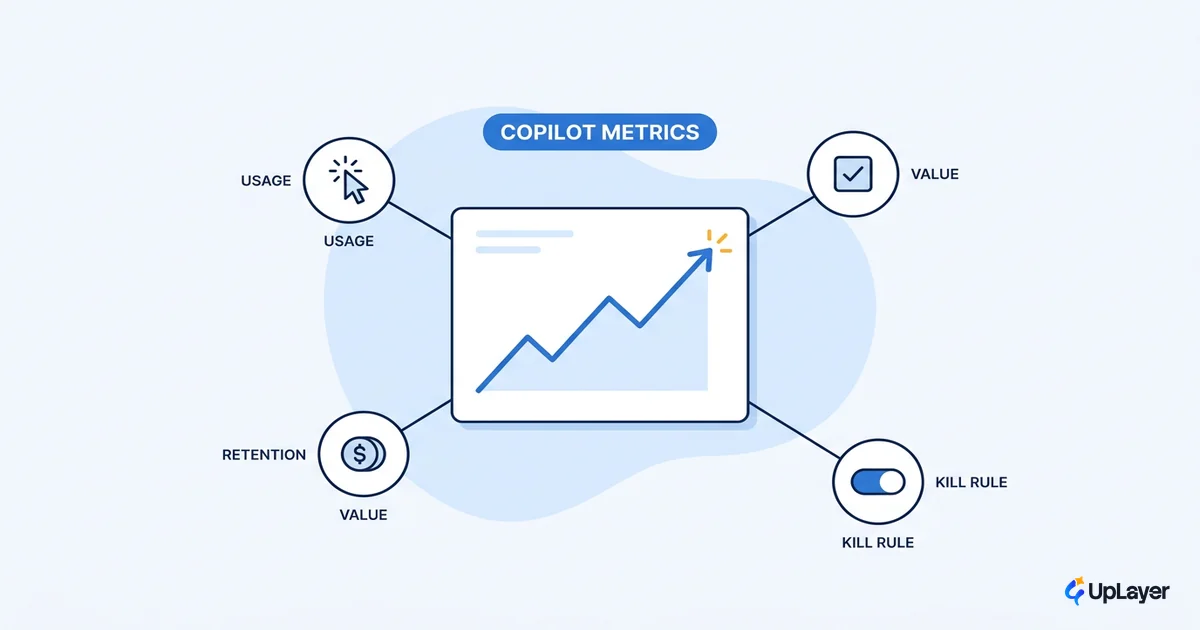
An in-app AI assistant proves its worth the same way any feature does: it moves a number you were already tracking, by a margin worth the cost of building and running it. If you cannot tie it to retention, activation, conversion, or expansion, you have a demo, not a feature, and demos get abandoned.
That abandonment is not hypothetical. Gartner predicts at least 30% of generative AI projects will be abandoned after proof of concept by the end of 2025, citing unclear business value and escalating costs among the top reasons. The projects that survive are the ones that named the value up front and measured it. Measuring it well is its own discipline, which is why this pillar leans on our cornerstone on how to measure the ROI of the feature.
The math is not complicated. Tie the assistant to one metric, estimate the delta, and weigh it against the all-in cost:
PROJECTED ROI OF AN AI ASSISTANT

baseline_metric      = current value of the one tracked metric
projected_metric     = expected value after the assistant ships
value_per_unit       = revenue or retention value of one unit of that metric
build_and_run_cost   = design + build + model/inference + maintenance (annual)

projected_gain = (projected_metric - baseline_metric) * value_per_unit
projected_roi  = (projected_gain - build_and_run_cost) / build_and_run_cost

# Ship only when projected_roi clears your threshold with margin to spare.
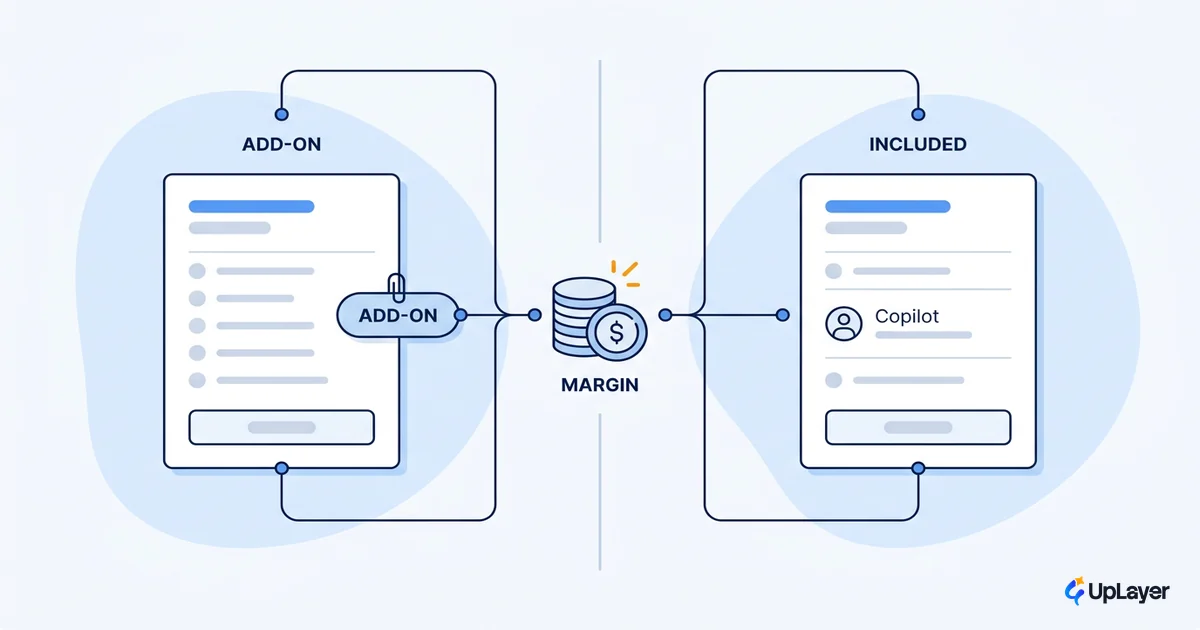
Use projected figures and a concept demo to make the case before you build, then measure the real delta after. We do not invent client numbers here; the point is the method. Run the projection, ship the smallest version that can move the metric, and check the delta against your projection. If the number does not move, you learn that cheaply instead of defending a feature nobody uses. Once it does move, how you capture that value becomes its own decision, which is why AI copilot pricing, whether it ships as an add-on or in the base plan, belongs in the same conversation as the build.
What AI assistants not to build
The most useful thing a product team can do is decide which assistants not to build. Saying no to the wrong assistant is how you protect the budget and the trust you would spend on it.
Do not build an assistant when any of these are true:
- You cannot name the metric it moves. A general "AI assistant" that answers anything is the most common version of theater. It moves nothing because it is for no one.
- The job is rare or low-value. If the task happens twice a year, automating it with an assistant costs more than it saves.
- The core workflow is still broken. An assistant on top of a confusing product makes the confusion conversational. Fix the workflow first.
- You cannot ground its answers. If there is no record or source to tie outputs to, the assistant will hallucinate confidently and you cannot stop it.
- You only want it because a competitor shipped one. Matching a competitor's feature is not a metric.
This is the part of designing AI assistants that the listicles skip, because "here are the ten assistants to build" sells better than "here are the five you should not." But the second list is where the savings are. An assistant you decided not to build costs nothing and risks nothing, and it frees the team to build the one that actually pays off.
The teams that win with assistants over the next few years will not be the ones that shipped the most. They will be the ones that designed AI assistants around a single job, proved each one on a metric they already tracked, and kept the rest of the product reliable underneath. Start with the number, design for trust, stay supportive, and the interface follows.
TIP
Want to know which single AI assistant would move a metric you already track, before you spend a quarter building it? How the AX Audit works.