LLM copilot design choices that shape the experience
An LLM copilot is decided by context, grounding, and failure handling, not the model. Here are the design choices that make a copilot users trust.
 Anamoul RoufAI Copilots & Assistants8 min read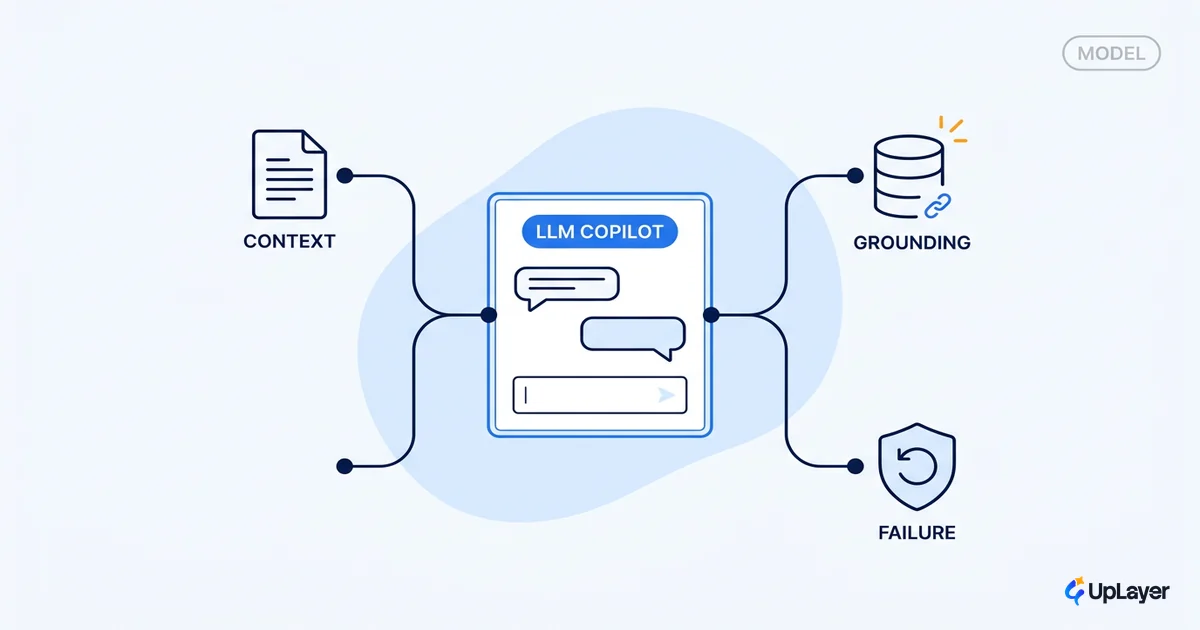
Most teams scoping an LLM copilot spend their first three meetings on the wrong question. They argue about which model. The model is the easy part, and it gets easier and cheaper every quarter. The part that decides whether your copilot feels trustworthy, the part users actually feel, is the layer around the model: the context you feed it, the grounding that keeps it honest, and what happens when it gets something wrong.
We build supportive AI layers on top of established B2B SaaS products, and the pattern holds every time. Swap the model and most users notice nothing. Fix the grounding or the failure handling and they notice immediately. This piece walks the design choices that actually shape a copilot experience, and ties each one to a number you already track, because a copilot that demos well and moves nothing is not worth shipping.
What is an LLM copilot in a product, really
An LLM copilot is a supportive layer inside an existing workflow that suggests, drafts, and assists while the user stays in control. It is not an autonomous agent that acts on its own, and it is not a model you bet the product on. It sits on top, like a knowledgeable pair of hands that hand the work back to you.
That control matters more than it sounds. The shift to chat and copilots is the first genuinely new interaction model in decades, one where users tell the software what they want rather than how to do it. Nielsen Norman Group calls this a genuinely new interaction model and notes it reverses the locus of control. A copilot that takes too much control feels unpredictable. One that keeps the user in the driver's seat feels like leverage. This is a product surface first and a model call second, which is why we treat it as part of designing AI assistants for B2B SaaS, not as a model-selection exercise.
So the real question is not "which LLM." It is "what does this product copilot do well, for which user, at which moment." Get that wrong and no model saves you.
The model is the easy part
The model layer is commoditizing fast, and that is good news for your roadmap. Inference cost for GPT-3.5-class capability dropped over 280-fold in under two years according to Stanford's 2025 AI Index, and open-weight models closed most of the quality gap with closed ones in a single year. The frontier you were anxious about is now table stakes.
That means the durable work, the part competitors cannot copy by switching API keys, is everything around the model. Here is where teams spend attention versus where the experience is actually decided.
| What teams obsess over | What actually shapes the experience |
|---|---|
| Which model is "best" this month | Which job the copilot does well at all |
| Benchmark scores | Latency and tone the user feels |
| Context window size on paper | What you actually put in the context |
| Raw model knowledge | Grounding in the user's own data |
| Demo wow factor | What happens when it is wrong |
None of the right-hand column is solved by a model upgrade. It is solved by design.
How do model choices affect a copilot UX
Model choice still matters, just not where teams think. It matters at the seams the user feels: latency, cost per call, context window, refusal behavior, and tone. A slow model turns a fluid copilot into a loading spinner. An expensive one forces you to ration calls. A model that refuses too eagerly reads as broken.
The practical move is to stop picking one model and start routing. Use a cheap, fast model for classification and triage, and reserve a stronger model for synthesis where quality is visible. Most of a copilot's calls are cheap work.
# copilot model routing (pseudo-config)
route:
  intent_classify:
    model: small-fast      # is this a question, command, or chit-chat?
    max_latency_ms: 300
  retrieve_and_ground:
    model: small-fast      # rank and summarize retrieved chunks
  final_synthesis:
    model: strong          # the answer the user reads and judges
    require_citations: true
  high_trust_action:
    model: strong
    require_confirmation: true   # never auto-execute
This is also where interaction patterns live: streaming partial output so the wait feels shorter, showing what the copilot is doing, and giving the user an easy way to correct it. We keep a working catalog of these in AI assistant UX patterns, because the model picks the words but the ai assistant ux decides whether anyone trusts them.
Context and grounding decide trust
Grounding is the single biggest lever on a copilot's trustworthiness. A raw model answers from memory, which is where confident mistakes come from. Retrieval-augmented generation feeds the model your actual product data at answer time, and the original RAG research found these models produce more specific, diverse, and factual language than a model relying on its parameters alone. Grounding is what turns a generic chatbot into a product copilot that knows your account, your docs, and your user's history.
The quality of that retrieval is itself a design choice with measurable stakes. Better context, not a better model, is what cuts failures.
Anthropic found that combining contextual embeddings with BM25 cut retrieval failures by 49%, dropping the top-20-chunk failure rate from 5.7% to 2.9%. Same model. Better grounding.
If you remember one thing about building AI copilots, make it this: invest in retrieval and context design before you invest in model upgrades. The model reads what you give it. Give it the right things.
How do you keep an LLM copilot reliable
Reliability is not a model property you buy. It is a set of failure-handling choices you design. Even a well-grounded copilot will sometimes be wrong, so the question is what the experience does at that moment. The difference between a copilot users trust and one they abandon is almost entirely here.
WARNING
The fastest way to kill a copilot is to let it answer confidently when it should say "I'm not sure." One visible hallucination on a high-stakes question, and users stop trusting every answer after it, including the correct ones.
A reliable copilot is built from a handful of patterns:
- Cite sources so the user can verify, and so a wrong answer is catchable instead of silent.
- Confirm before acting on anything that writes, sends, or deletes. Suggest, then let the human approve.
- Offer undo on every action the copilot takes.
- Say "I don't know" gracefully instead of inventing an answer.
- Keep a human in the loop on high-trust actions where a mistake is expensive.
Much of this is engineered through context, not model selection. OpenAI's own guidance is that explicit instructions and well-placed context drive reliability more than any single setting. These are reliability guardrails, and they are a design surface, not an afterthought. We go deeper on the permission and rollback layer in guardrails that keep a copilot in bounds.
Tie every copilot choice to a metric
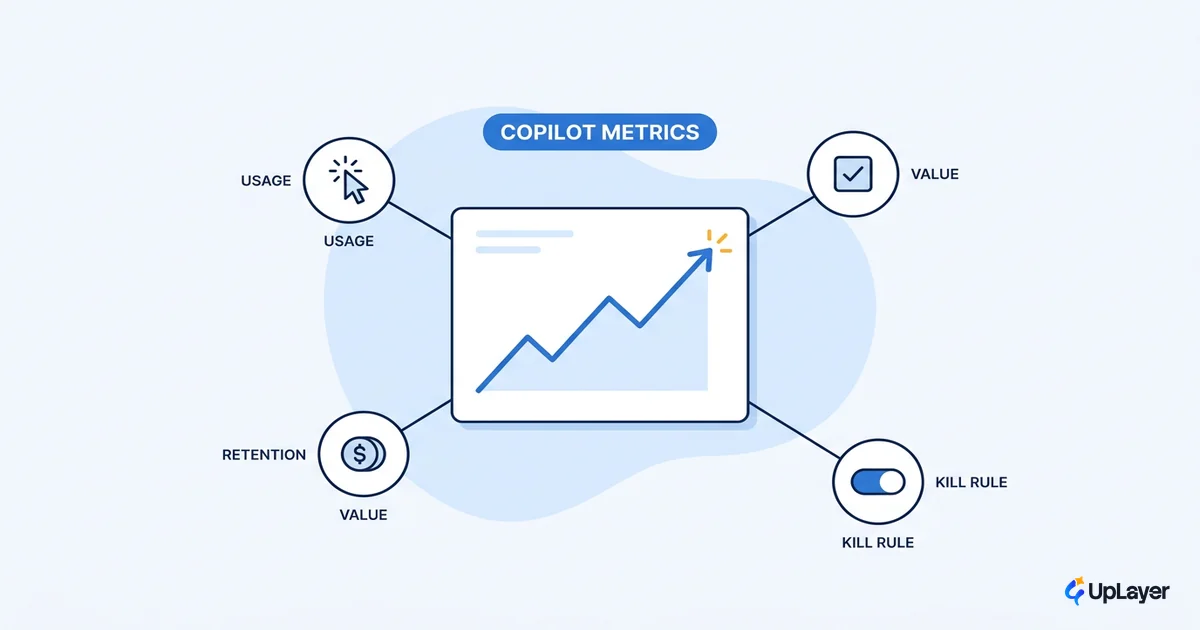
Every design choice above should ladder to a number you already track. Grounding and reliability are not academic virtues. They are what makes the copilot get used, kept, and expanded on. If a choice does not plausibly move activation, retention, or expansion, it does not earn its place.
There is hard evidence that a well-built copilot moves real work. In a controlled study, developers using GitHub Copilot completed tasks 55% faster than those without it, with a higher completion rate (78% versus 70%). That gap did not come from the model alone. It came from a copilot tuned to one job, grounded in the right context, sitting exactly where the work happens.
| Design choice | Metric it should move | How you'd know |
|---|---|---|
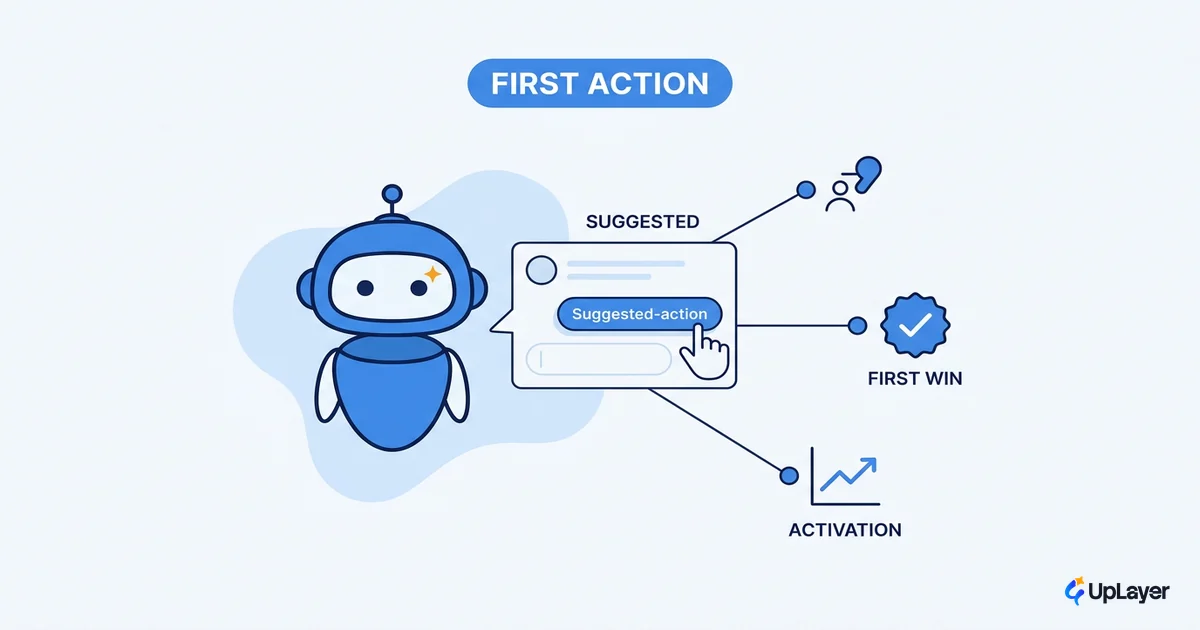
| Grounding in user data | Activation, task success | First-action completion rate |
| Confirm and undo patterns | Retention, trust | Repeat usage, low abandonment after errors |
| Latency and routing | Engagement | Daily active copilot use |
| Scoped, one good job | Expansion | Upgrade or seat growth tied to the feature |
That is the same discipline behind building AI copilots that move a metric, not a demo. We project the impact against a metric you already report, show the assumptions, and label any number that isn't measured yet as a Concept Demo projection rather than a result.
The model you choose for your LLM copilot will be outdated in a year, and it will barely matter, because the experience lives in the layer you design around it: the context, the grounding, and the way it fails. Build that layer well and the next model upgrade is a free improvement instead of a rebuild. Get an honest read on whether your planned LLM copilot will move a number before you spend the build budget.
TIP
Not sure your copilot idea will move a metric you actually track? How the AX Audit works.