Adding AI to a SaaS product the reliable way
Adding AI to a SaaS product works when you sequence it right: a metric first, reliability guardrails before features, then one measured launch at a time.
 Shahriar P. ShuvoAI for SaaS & Features7 min read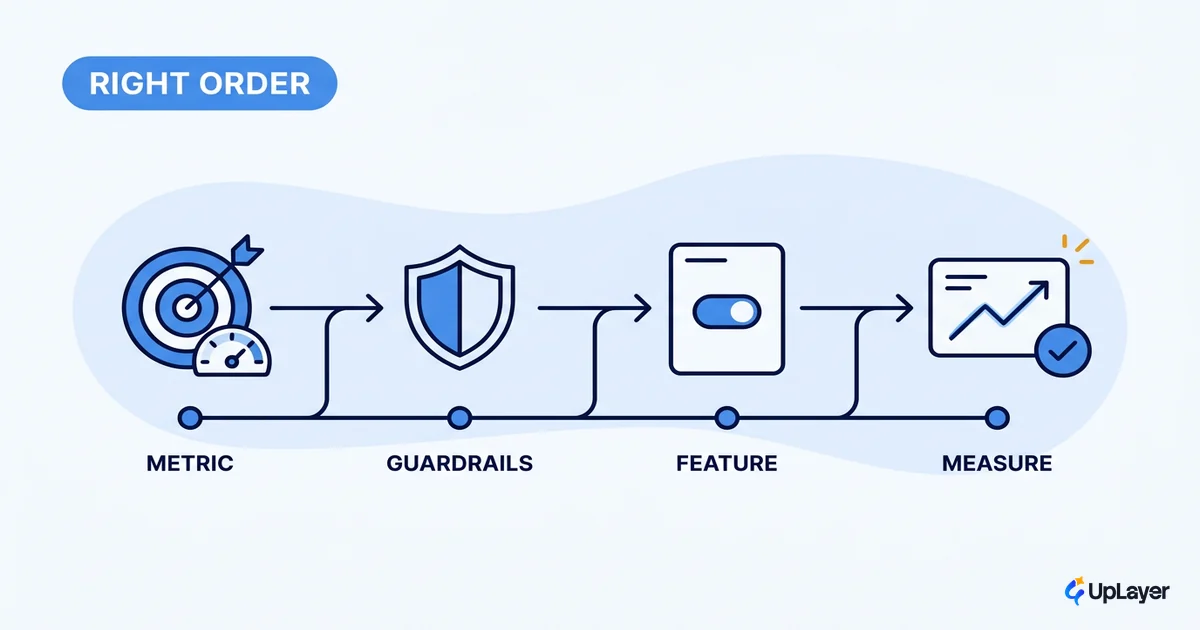
Most teams add AI to their product in the wrong order. They pick a model, wire up a chatbot, demo it to the board, and ship it. Then they watch it move no number at all. The feature works. It just doesn't matter.
Adding AI to a SaaS product is a sequencing problem before it's a technology problem. The order you do things in decides whether the feature earns its place or becomes another tab nobody opens. Get the order right and even a small feature pays off. Get it wrong and a clever model still flops.
This is the boring, reliable path: a metric before a model, guardrails before features, one thing at a time, and a measurement before you call it a win. It pairs with our cornerstone on how to add AI to your SaaS without betting the company, and it assumes you already have a product and a team. We're not telling you to be brave here. We're telling you to be sequenced.
Adding AI to a SaaS product is a sequencing problem
Add AI in a fixed order, metric first, not model first. That single rule separates the features that move a number from the ones that demo well and die quietly.
The gap is real and it's measurable. 78% of organizations reported using AI in 2024, up from 55% the year before, according to Stanford's AI Index. Adoption is nearly everywhere. Proof is not. Gartner predicted that at least 30% of generative AI projects would be abandoned after proof of concept by the end of 2025, citing poor data quality, inadequate risk controls, escalating costs, or unclear business value.
Nearly everyone is adding AI. Almost nobody can show what it returned.
Read those two facts together and the lesson is plain. The constraint is not access to models. It's the discipline to add AI in an order that produces evidence. The rest of this piece is that order.
What comes first when adding AI? A metric, not a model
The first thing you add is not code. It's a number you already track and want to move: activation, retention, conversion, or expansion. The AI feature is a hypothesis about that number, nothing more.
Pick one. Trying to move four metrics at once means you can't attribute the result to anything, which is how features end up "successful" and unprovable at the same time. Write the hypothesis down before you build, in one line, so the projected return is explicit and falsifiable.
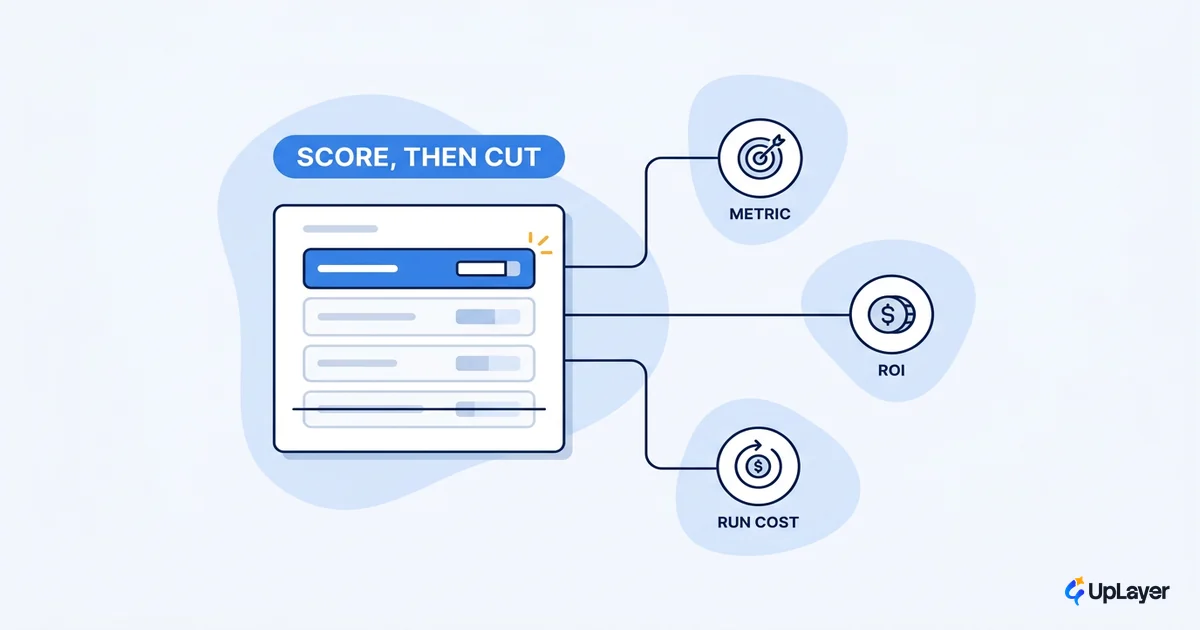
AI feature value = (metric delta) x (users affected) x (value per unit)
                   - (build cost + run cost + reliability cost)

Example hypothesis:
  "An in-app summary on the dashboard lifts week-2 activation
   from 41% to 47% for the 2,000 users who reach that screen."
If you can't fill that line in, you're not ready to build. You're ready to guess. The point of starting here is that the metric, not the model, tells you whether the feature is worth adding at all, and which feature to add first when several compete for the same sprint.
How do you add AI to a SaaS product step by step?
Here is the sequence, in order, with the gate that has to pass before you move on. Skipping a gate is how you end up in the abandoned-after-demo column.
| Step | What you do | Gate before the next step |
|---|---|---|
| 1. Name the metric | Pick one tracked number the feature should move | The hypothesis line is written and projected |
| 2. Set guardrails | Decide scope, fallback, and where a human stays in the loop | A failure mode list exists, with a safe default for each |
| 3. Build the layer | Add AI on top of the product, not into the core engine | Feature is reversible without touching the engine |
| 4. Run evals | Test the AI's outputs against known-good cases | Outputs pass an agreed quality bar, not a vibe check |
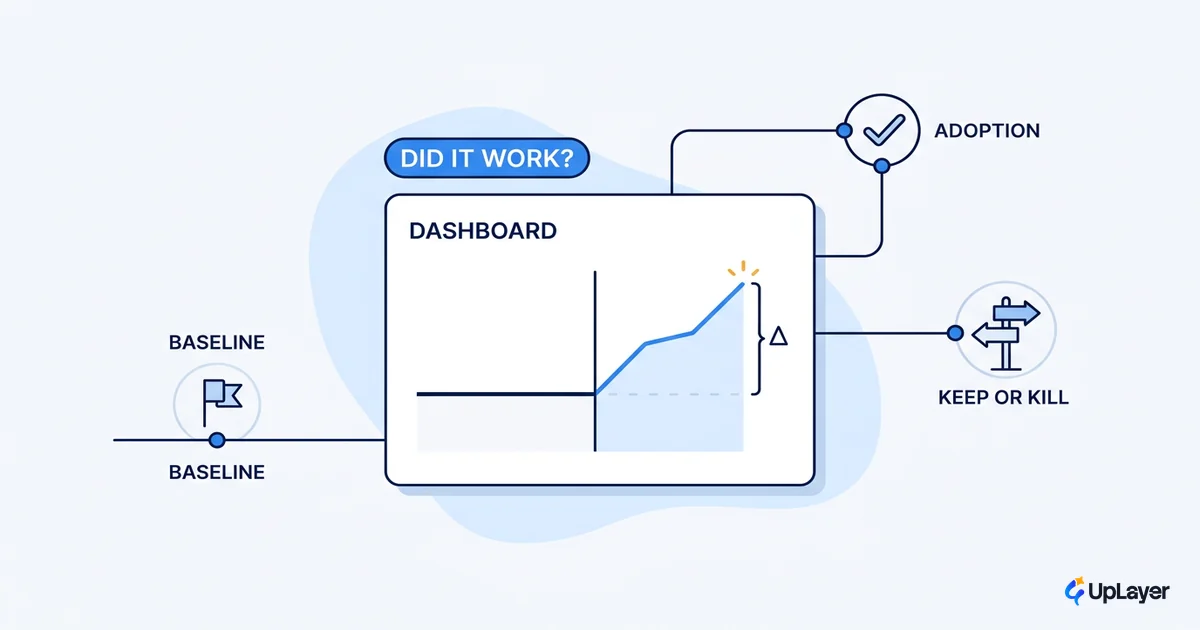
| 5. Ship to a slice | Release to a cohort, instrument the metric | Baseline captured before, delta captured after |
| 6. Read the number | Compare the metric to baseline, decide keep or kill | The delta is real, or the feature is cut |
Notice that "build" is step three, not step one. Two full gates come before you write feature code, and the last gate is a decision to keep or kill. That ordering is the whole method for how to add AI to your SaaS without it turning into theater. This is also the moment to be honest: some features fail the metric gate on paper and should never reach a sprint. Killing those is the cheapest win in the sequence.
Integrating AI into SaaS as a layer, not a rewrite
Integrating AI into SaaS works best as a layer on top of the product you already built, not a rewrite of the core engine. The copilot, the summary, the smart search, the triage step: these sit above your existing logic and call out to a model. Your core stays deterministic and owned. The AI is supportive, not load-bearing.
This is not a compromise. It's the reliable design. Anthropic's own engineering guidance recommends finding the simplest solution possible, and only increasing complexity when needed, which for most SaaS features means a focused call with retrieval, not an autonomous system you bet the product on. A layer is cheaper to build, easier to scope, and trivial to switch off if the metric doesn't move. That reversibility is what makes the boring sequence affordable.
NOTE
A layer keeps the blast radius small. If the model misbehaves, you disable a feature. You don't take down the engine that runs your business. That's the difference between supportive AI and a core-engine bet, and it's why we favor supportive AI rather than core-engine AI almost every time. For the full pattern, see integrating AI into SaaS as a layer.
How do you keep an AI feature reliable?
You keep an AI feature reliable by building reliability guardrails before the feature, not after the first embarrassing screenshot. Guardrails are step two for a reason: they're cheap before launch and expensive after.
Reliability is not a tax on the feature. It's the thing that lets users trust it enough to actually use it, which is the only way the metric ever moves. A few guardrails earn their place on almost every supportive feature:
- Scope the model narrowly. A summarizer that only summarizes can't confidently invent a refund policy.
- Keep a human in the loop on any action that's hard to reverse. Suggest, don't auto-execute, where trust matters.
- Give every call a safe fallback. When confidence is low or the model is down, degrade to the normal product, not to a blank error.
- Run evals continuously. Test outputs against known-good cases on every change, so a model swap doesn't silently regress quality.
WARNING
Shipping an AI feature with no evals and no fallback is how a single hallucination becomes a trust problem you can't screenshot your way out of. Define the failure modes before you write the happy path.
Reliability guardrails are where "adding AI" stops being a risk and starts being a feature you can defend in a board meeting.
A metric before you ship, not a vibe after
Define what "it worked" means in numbers before you ship, not after. Capture the baseline first. A delta you can only describe with adjectives is not a result, it's a story, and stories don't survive the next budget review.
Frame the projection honestly. In a Concept Demo, a summary feature is designed to lift week-2 activation by a few points for the users who reach the screen; that's a projection with stated assumptions, not an achieved number until the cohort data lands. When the data does land, you read it and decide: keep it, iterate, or cut it. If you want the measurement playbook, here's how to measure whether the AI feature actually worked.
Adding AI to a SaaS product is not the hard part anymore. Sequencing it so it proves out is. Name the metric, set the guardrails, ship the layer, read the number. Do that and you'll be in the small group that can say what their AI returned, instead of the large one still hoping the demo counted.
TIP
Want to know which AI feature will move a metric you already track, before you build it? How the AX Audit works.