AI design patterns that earn their place
A catalog of AI design patterns mapped to the adoption or trust metric each one moves, plus a rule for picking the pattern your feature actually needs.
 Anamoul RoufAI Product & UX Design7 min read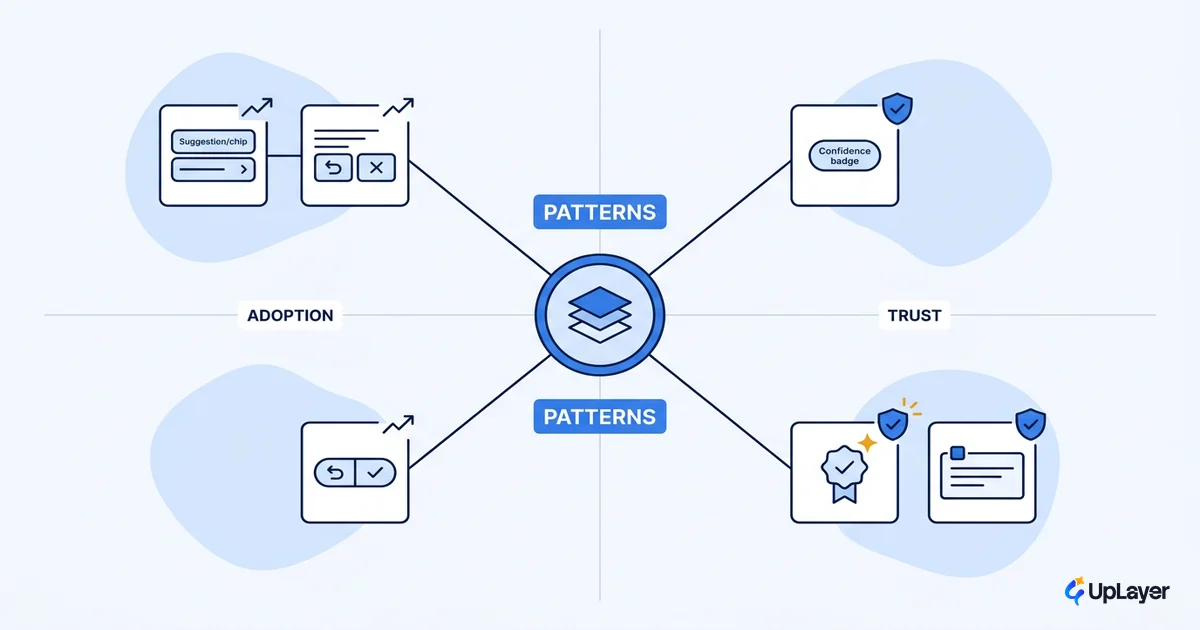
Most teams copy AI design patterns straight off ChatGPT: a chat box, a blinking cursor, a wall of streaming text. Then they wonder why the feature sits unused. A pattern is not decoration. It is a bet on one outcome, and most AI features lose that bet because the pattern was chosen for how it looks rather than what it moves.
The useful way to read this catalog is plain. Each AI design pattern exists to move a metric you already watch: activation, task completion, correction rate, or trust that shows up later as retention. Pick the pattern that matches the job and the risk, skip the rest. If you want the adoption-first companion to this piece, our cornerstone on AI UX patterns that drive feature adoption walks the same logic from the adoption side.
This is a working catalog, not a gallery. We name the patterns worth shipping, the ones that fake progress, and a rule for choosing.
What are common AI design patterns
An AI design pattern is a reusable solution to a recurring problem in how a person and a model work together. It is the same idea as a classic UI pattern, except the thing on the other side is probabilistic, so the pattern has to handle being wrong, being slow, and being doubted.
That difference is structural, not cosmetic. Jakob Nielsen calls conversational AI the first genuinely new interaction paradigm in decades, because the user states an outcome and the system decides how to reach it. Form and command patterns assume the system does exactly what it is told. AI patterns cannot assume that, so they carry confidence, recovery, and feedback as first-class parts of the design.
The patterns that hold up tend to live at four moments: the first time someone meets the feature, while they use it, when the model is wrong, and over time as it learns. That lifecycle is the backbone of human ai interaction design, and it is the structure we use below.
Two questions separate a real pattern from a habit copied off another product. What recurring problem does it solve, and what number changes when it works? If you cannot answer both, you are decorating. The patterns that survive contact with real users are the ones where both answers are obvious, and where the team can point at a metric on a dashboard and say "this moved because of that."
The AI design patterns that earn their place
A pattern earns its place when you can name the metric it moves and the moment it serves. Microsoft's 18 guidelines for human-AI interaction organize their design patterns the same way, across initial use, during use, when the system is wrong, and over time. Map your patterns to the metric you already track and the catalog stops being a mood board.
Here are the ones that consistently pull their weight, and when to leave each one out.
| Pattern | The problem it solves | Metric it moves | Skip it when |
|---|---|---|---|
| Suggested actions / prompt starters | Blank-box paralysis on first use | Activation | The task is obvious or single-step |
| Inline confidence and source signals | User can't tell a guess from a fact | Trust, correction rate | The output is deterministic |
| Human-in-the-loop confirmation | A wrong action has real cost | Trust, error rate | The action is cheap and reversible |
| Graceful uncertainty and recovery | The model fails and the user is stuck | Task completion | Failure is rare and self-evident |
| Progressive disclosure of reasoning | "Why did it do that?" kills trust | Trust, retention | The reasoning adds noise, not clarity |
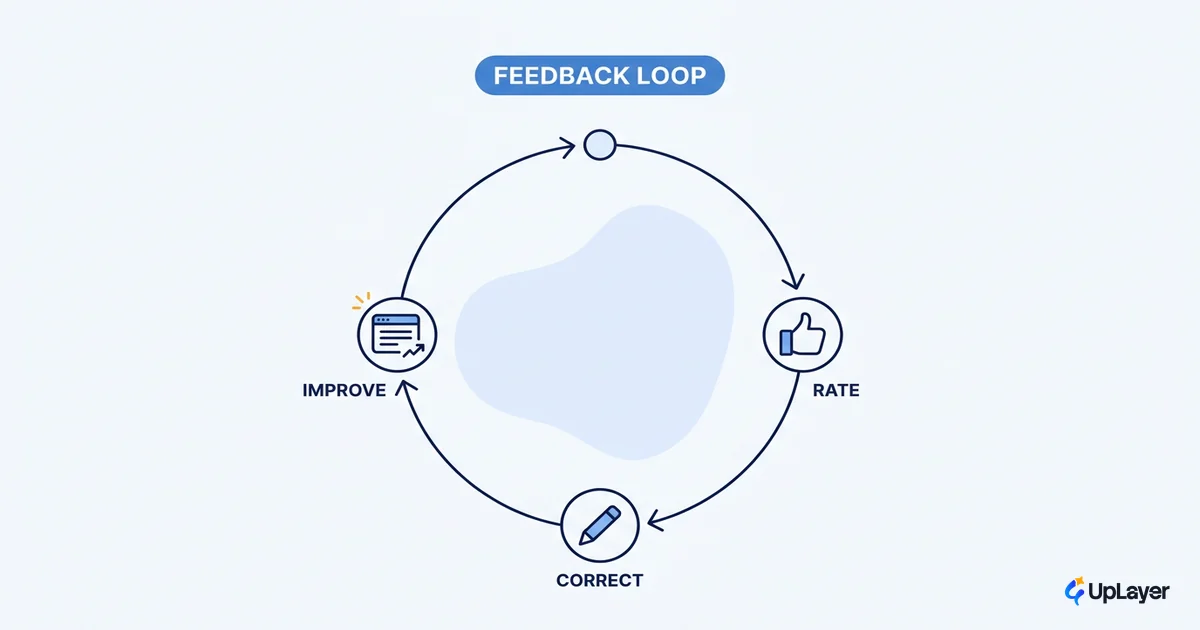
| Feedback capture loop | Output never improves | Retention, model quality | You can't or won't act on the signal |
Notice what unifies them. Each pattern answers a specific failure of a probabilistic system. Suggested actions fight the blank box. Confirmation patterns fight the cost of a confident mistake. None of them is there to look smart. This is the core of solid ai interface design: the interface absorbs the model's uncertainty so the user does not have to.
Patterns that signal trust (and the ones that fake it)
Trust patterns are where most teams go wrong, because the easy version of each one is theater. A confidence score that is always 94%, a citation that nobody checks, a reasoning panel that restates the answer. They look like trust signals and earn none.
Citations are the sharpest example. NN/g found that people rarely click the citation links AI shows them, and that hallucinated or broken citations are common, which means a citation chrome that is decorative actively manufactures false confidence. The pattern only works when the source is real, inline, and verifiable in context. For the deeper version of this, see transparency patterns users can actually read.
The reason trust patterns matter at all is the gap your users arrive with.
Pew Research found that 51% of U.S. adults say they are more concerned than excited about AI in daily life, compared with 15% of AI experts. Your buyer's users sit on the concerned side of that line.
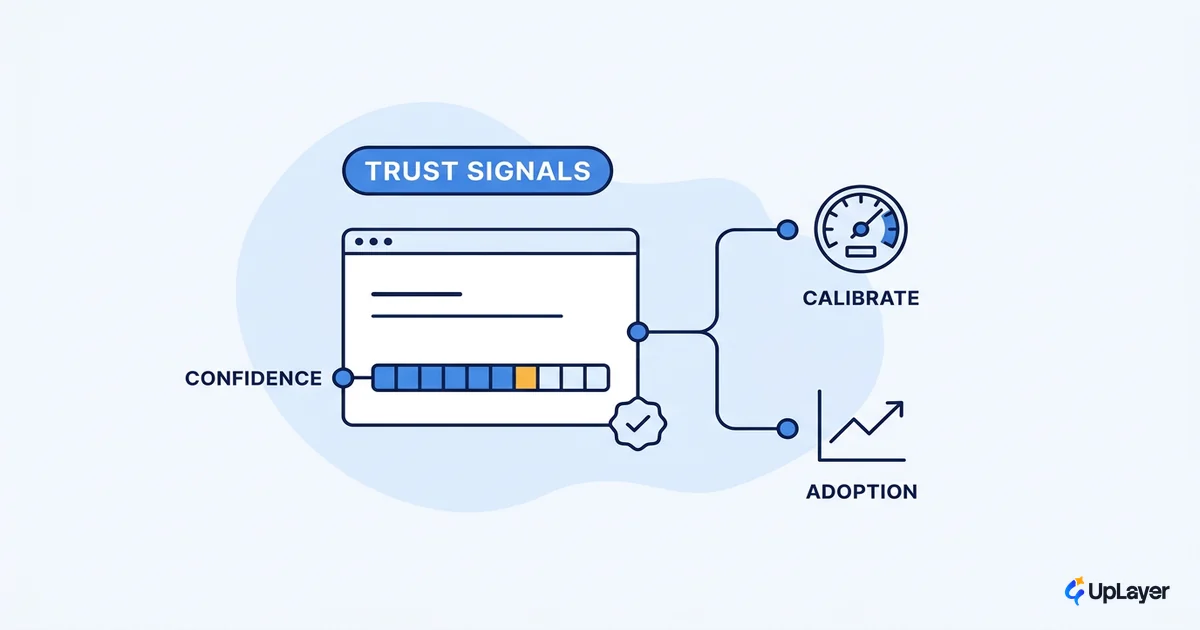
So the trust patterns that earn retention do the opposite of theater: they show real confidence, admit uncertainty plainly, and make correction one click instead of a dead end. The test is whether the signal would survive a skeptical user poking at it. A confidence number that never moves fails that test. A citation that 404s fails it. An undo that actually undoes passes, because the user can verify it themselves. Trust is not a label you apply to the interface, it is something the interface lets the user confirm.
| Trust pattern | Real version | Trust theater (skip) |
|---|---|---|
| Confidence display | Calibrated, varies with the answer | A fixed high number on everything |
| Source citation | Inline, real, checkable | Decorative links nobody verifies |
| Reasoning | Adds information the answer lacked | Restates the output in longer form |
| Correction | One obvious action to fix or undo | A thumbs-down that changes nothing |
Which AI design pattern fits my feature
The decision is mechanical once you frame it. Match the pattern to the job, the cost of being wrong, and the metric you are trying to move. These are ai ux best practices reduced to a rule you can apply in a planning meeting.
PICK_PATTERN(feature):
  job        = what the user is trying to finish
  risk       = cost if the model is wrong here
  metric     = the number this feature should move

  if user faces a blank box        -> suggested actions      (activation)
  if risk is high and irreversible -> human-in-the-loop      (trust, error rate)
  if output mixes fact and guess   -> confidence + sources    (trust)
  if the model will sometimes fail -> graceful recovery       (task completion)
  if trust hinges on "why"         -> progressive reasoning    (retention)
  if output should improve         -> feedback loop            (model quality)

  reject any pattern that moves no metric you track
The last line is the whole point. If a pattern does not map to a job, a risk, and a metric, it is decoration, and decoration is cost without return. When the failure mode is the model being unsure rather than flat wrong, lean on the uncertainty side of the catalog, which we cover in depth in designing for AI uncertainty.
WARNING
Confidence theater is the most common AI design pattern failure we see. A fixed "high confidence" badge, fake citations, and reasoning that just repeats the answer all raise perceived trust and lower real trust the moment a user catches one error. If a trust signal is not true, it is a liability, not a pattern.
A short way to audit your own screens: for every AI element, ask which of the four moments it serves and which metric it moves. Anything that answers neither is a candidate to cut.
NOTE
Two guarantees frame how we work with these patterns. The 3X Guarantee: the audit finds AI worth 3x the fee, or it's free. The Ship-It Guarantee: we build until it's live and working, and the final milestone isn't due until it ships.
The patterns in this catalog will keep shifting as models improve and users learn what to expect, but the test will not. The right AI design patterns are the ones tied to a job, a risk, and a metric you already watch. Choose for the outcome, ship the few that earn their place, and let the rest go.
TIP
Want to know which AI design patterns will actually move a metric in your product, with projected ROI before you build? How the AX Audit works.