AI feature design from first sketch to ship
AI feature design is product design plus one variable: the output can be wrong. Follow one AI feature through every stage, trust decisions called out.
 Shahriar P. ShuvoAI Product & UX Design8 min read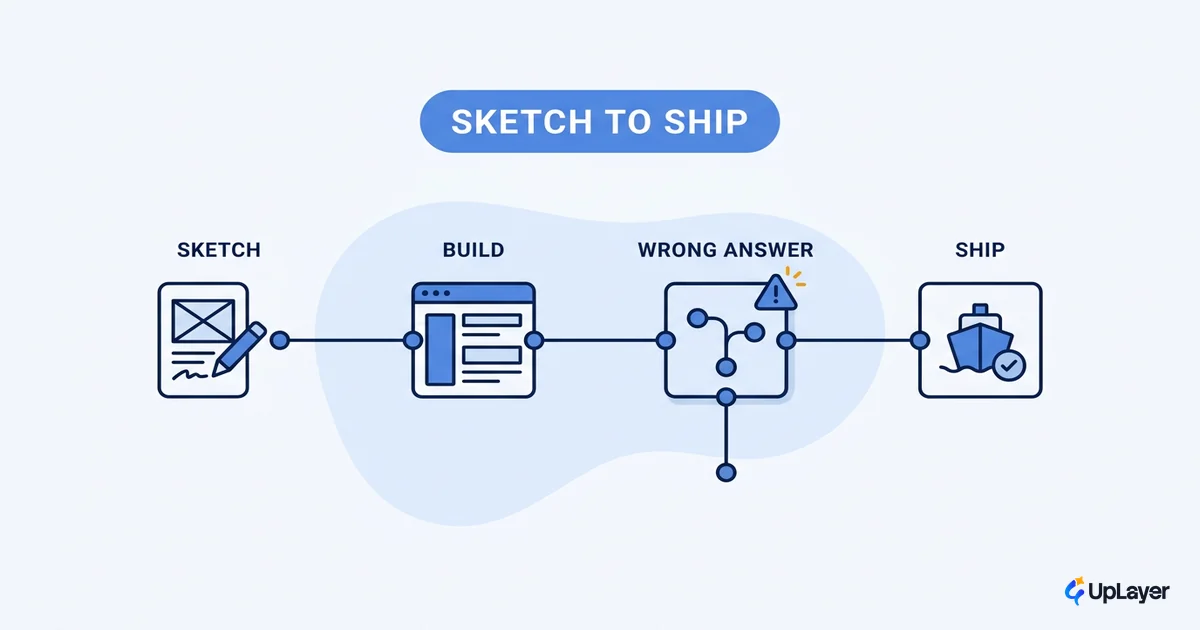
AI feature design is regular product design with one extra variable: the output is not certain. Every other part of the craft holds. You start from a job, sketch a flow, and ship a surface. What changes is that the thing in the middle can be wrong, and your design has to make that survivable.
That single difference is where most AI features die. Adoption is climbing: 78% of organizations now report using AI, up from 55% a year earlier. Impact is not following. A widely cited MIT study found only about 5% of enterprise AI pilots reach measurable impact on the P&L; the rest ship and move nothing. The model usually works. The design around the uncertainty does not.
This piece follows one AI feature, an in-product assistant that drafts replies to customer messages, from the first pencil sketch to a measured rollout. At each stage we call out the trust decision, because that is the part you cannot copy from a normal feature.
How is AI feature design different from regular UX?
AI feature design differs from regular UX in three places: the output is probabilistic, the cost of a wrong answer lands on the user, and trust has to be designed rather than assumed. The flows, the hierarchy, the copy, all of that is the craft you already have.
The reframe earns its keep because it tells you where to spend. In a deterministic feature you design the happy path and handle a few errors. When designing AI features, the uncertain and wrong paths are the design, because they decide whether anyone keeps using the thing. So treat AI UX design as it changes when the model sits on top of the product as normal design plus three obligations: show uncertainty, give control, and fail honestly. Hold those three through every stage below.
Stage 1: sketch the job, not the AI
Start the sketch from the user's job, exactly as you would for any feature. Here the job is "answer this customer quickly and correctly." The AI is a means, not the subject. If you start the sketch from the model, you design a demo.
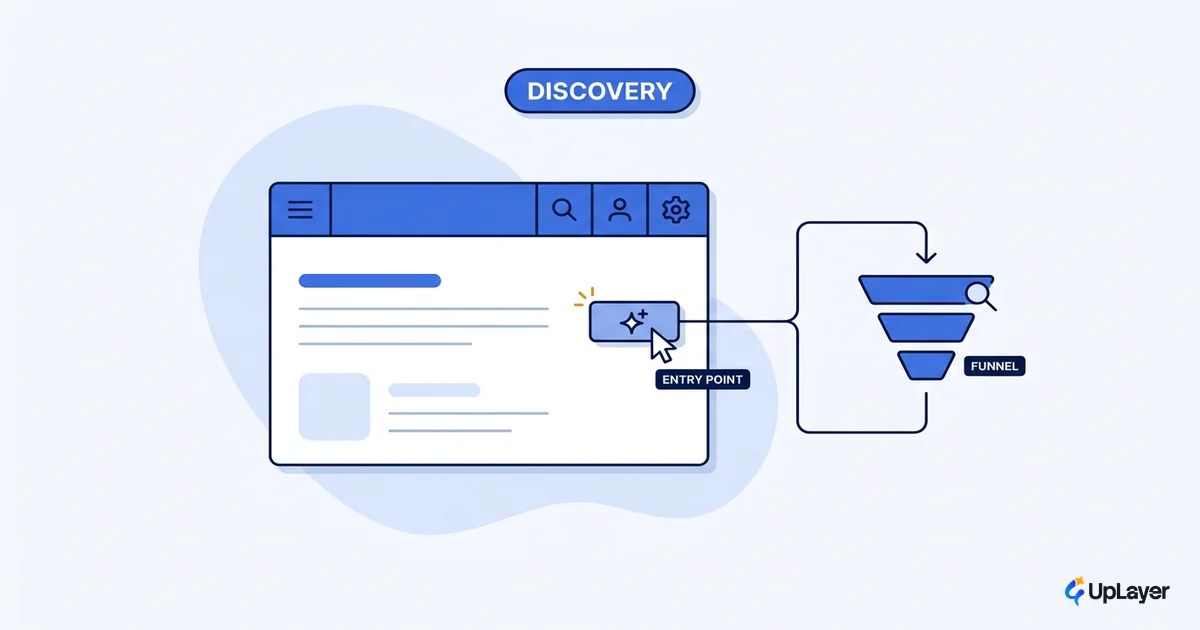
The trust decision at this stage is where the AI enters the flow. Put it inside the job, not beside it. The draft-reply assistant belongs in the reply box, at the moment the user is about to write, not in a separate panel they have to open and remember exists. AI placed at the point of decision gets used; AI that lives in its own window gets forgotten. This is the single highest-leverage choice in the whole feature, and you make it with a pen, before any model is chosen.
Stage 2: design the uncertainty states
Now design the states a deterministic feature never has. Every AI feature has at least four states past the happy path, and skipping them is the most common cause of low ai feature adoption.
| State | What the user sees | Trust decision |
|---|---|---|
| Confident | A clear draft, ready to send | Make the source visible so it stays checkable |
| Uncertain | A draft with a flagged low-confidence section | Show the doubt; don't bury it |
| Needs input | A clarifying question before drafting | Ask rather than guess when intent is unclear |
| Wrong | A one-action way to reject and redo | Make rejection frictionless, never a maze |
| Empty | An honest "I couldn't draft this" | Fail openly; never fabricate to fill the box |
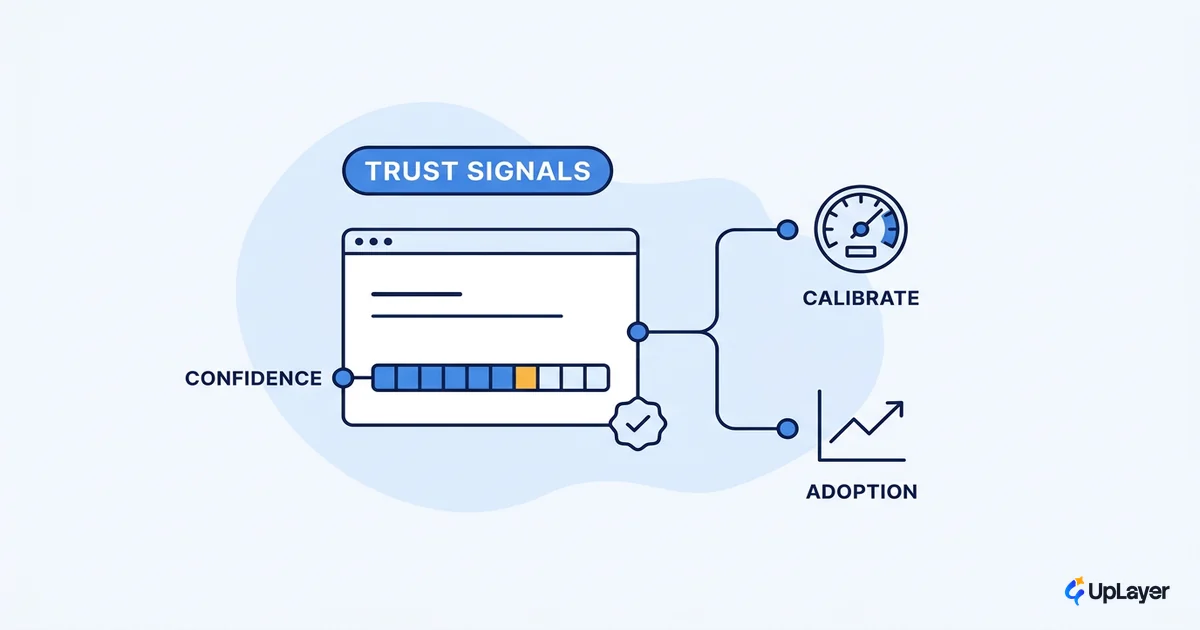
The uncertain and wrong states are where the work pays off. A confidence flag on a shaky span of a draft turns a risky autofill into a suggestion the user can check in a glance. Nielsen Norman Group puts the principle plainly: establishing trust requires acknowledging AI's limits and fallibility. Your states are how you acknowledge them in the interface instead of in a disclaimer nobody reads.
Stage 3: choose the AI UX patterns that fit the risk
Match the pattern to the cost of being wrong. The higher the cost of a bad output, the more control and visibility the design owes the user. This is the core judgment in ai interface design, and it is a design call, not an engineering one.
- Low cost of error (a summary): show the output inline, keep an easy dismiss. Minimal friction is correct.
- Medium cost (a drafted reply): require a human edit-and-send step, show sources, flag low-confidence spans. The user stays the author.
- High cost (an action that writes data or contacts a customer): require explicit confirmation, show exactly what will happen, keep a human in the loop. The model never commits silently.
For the draft-reply assistant the cost is medium. A bad reply embarrasses the user but destroys no data, and the user is the final author. So the pattern is suggest-and-edit, with sources shown and a one-tap reject. We go deeper on the catalog in AI UX patterns that drive feature adoption, and on the harder calls in designing for AI uncertainty without losing trust.
Stage 4: write copy that admits the AI can be wrong
Copy is where most AI features overpromise and then break trust. The interface should never claim certainty the model does not have. "Here is a draft you can edit" is honest; "Here is the answer" is not, when the answer might be wrong.
The trust decision in copy is to set expectations before the output, not after the failure. Label the feature as assistive, name what it can and cannot do, and make the correction path obvious in the words on the screen. NN/g's research even finds the phrasing matters: express uncertainty in the first person ("I'm not sure") rather than a generic hedge. A short line like "Drafts can be wrong, check before sending" does more for adoption than any amount of polish, because it makes the user a checker instead of a victim.
What does AI feature design look like end to end?
End to end, the discipline is the normal design arc with an uncertainty decision attached to every stage, plus two stages most design posts skip. Here is the full arc for the draft-reply assistant, each stage paired with its trust decision, framed as a Concept Demo of the thinking.
AI feature design arc (draft-reply assistant)

  1. Sketch the job        -> Place AI in the reply box, inside the flow
  2. Uncertainty states    -> Design confident / uncertain / wrong / empty
  3. Pattern by risk       -> Medium risk -> suggest-and-edit, sources shown
  4. Copy for fallibility  -> "Draft you can edit," correction path visible
  5. Reliability bar       -> Define the eval set; ship only above threshold
  6. Ship behind a flag    -> Measure adoption and reject rate, then iterate
  7. Watch the metric      -> Drafts accepted / replies sent; kill if flat
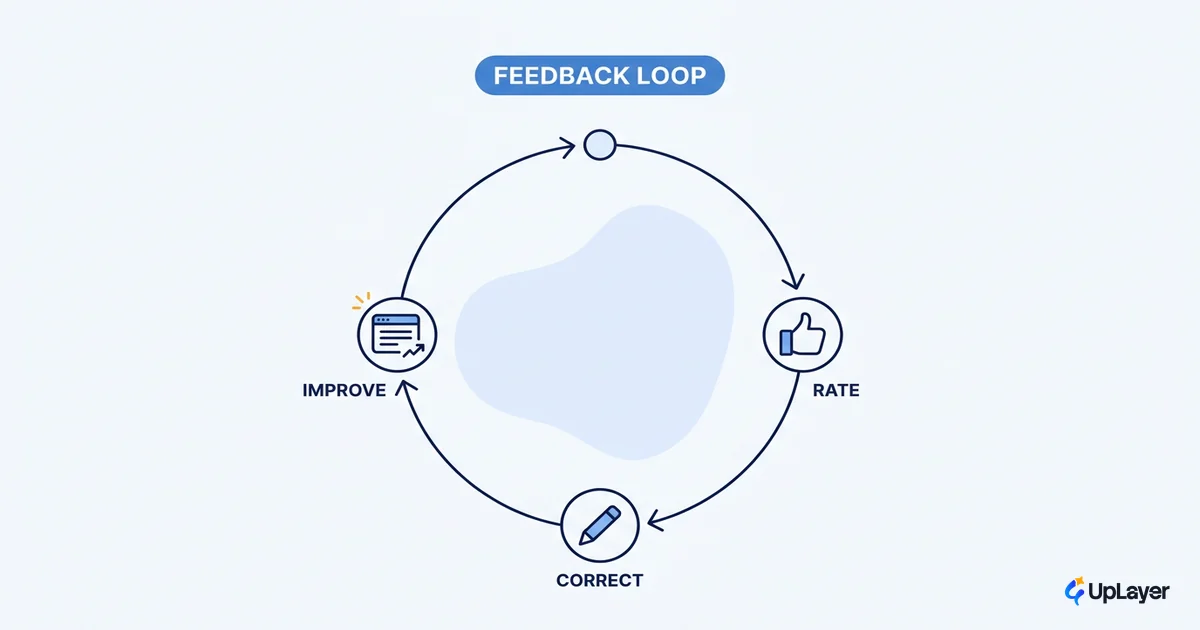
Two stages get added past the visual design. The reliability bar is the accuracy threshold below which the feature ships broken; you set it with an evaluation set before launch, not after the first complaint. The measured rollout ships behind a flag and watches a real number, draft-acceptance rate, so you learn whether the design earned adoption or just shipped. This is the step that turns a hope into a verdict. For how to choose and read that number, see how to measure the ROI of an AI feature.
WARNING
Designing the screens and skipping the reliability bar is how a feature demos well and erodes trust in production. Define the threshold and the metric before the model, not after the rollout.
A feature you cannot measure is a feature you should not ship. That is the quiet through-line of all four stages, and it is why a confidence flag and an evaluation set matter as much as the layout.
Done this way, ai feature design stops being a guess about whether users will trust the model and becomes a decision you can defend with a number. Sketch the job, design the wrong-answer states, match the pattern to the risk, write honest copy, then hold the reliability bar and measure the metric. The craft you already have carries the rest.
TIP
Want one of your AI features designed this way, from first sketch through a working surface with the trust decisions made explicit? How the AX Audit works. In 14 days you get an AI Opportunity Map, an ROI projection on a metric you choose, and a working concept demo of your top opportunity, backed by our 3X Guarantee: we find AI worth at least three times the fee, or it's free.