AI onboarding design that drives activation
AI onboarding design done right gets users to a first useful AI result fast, with activation as the scoreboard. The patterns that work, and what to skip.
 Shahriar P. ShuvoAI Product & UX Design7 min read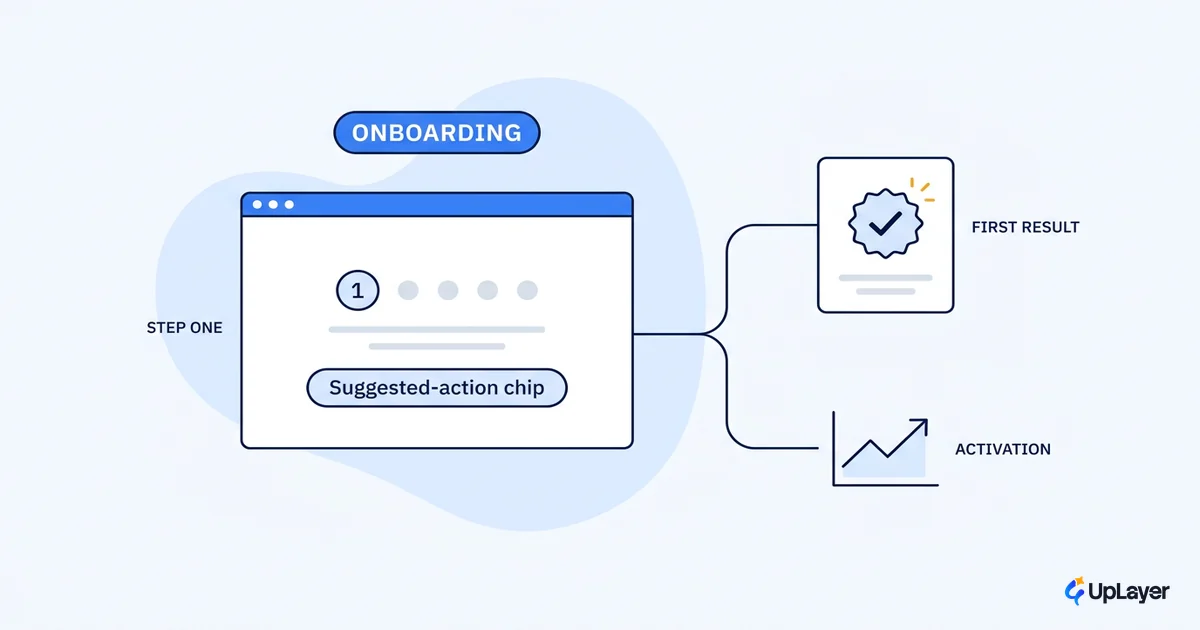
A team ships an AI feature. Onboarding looks healthy: the tooltip tour completes, the checklist fills in, the empty state is polished. Three weeks later the feature has moved nothing. Nobody came back.
The problem is rarely the model. It's that onboarding measured the wrong thing. AI onboarding design is the practice of getting a user to a first useful, trusted AI result fast, with activation as the scoreboard, not tour completion. A tour can finish at 90% while the share of users who reached a result worth returning for sits near zero. Those are different numbers, and only one of them pays.
This is a cluster piece under our AI UX patterns that drive feature adoption work. Here we go narrow: the onboarding patterns that get users to value on a probabilistic feature, the activation event to design backward from, and the features you should not bother onboarding at all.
What AI onboarding design actually is, and why it's different
AI onboarding design is the path from first encounter to a first useful result the user trusts enough to repeat. The scoreboard is activation: the percentage of new users who reach that result and come back.
Classic onboarding assumes a fixed happy path. Click here, then here, then you've made a project. A probabilistic feature breaks that assumption in three ways. There is no single correct output, so "success" is fuzzier. Output quality varies by input, so the first try can disappoint through no fault of the user. And trust is fragile: one confident wrong answer early and the user files the feature under "not for me" and never returns.
That's why supportive AI sits as a layer on top of the product, with onboarding doing work classic flows never had to. It has to set expectations about what the feature can and can't do, steer the user toward inputs that produce a good first result, and make recovery from a weak output feel normal instead of like a dead end. This is a design problem before it is a model problem. Our broader take lives in the AI UX design pillar; this piece stays on onboarding.
What makes AI onboarding work: a first useful result, fast
What makes AI onboarding work is brutal compression of the distance between signup and a result worth having. Pick one "aha" output, strip every step between the user and it, and pre-load enough context that the model's first answer is good rather than a coin flip.
Activation is measurable, and the bar is concrete. Userpilot's benchmark of 62 B2B companies puts the median activation rate of 37%, with a wide spread by category. The same report shows the range runs from 54.8% at one end, 5% at the other, depending on industry and onboarding approach. The model isn't what moves a feature from 5% to 40%. The onboarding is.
Four levers do most of the work:
| Lever | What it does | Activation behavior it unblocks |
|---|---|---|
| One chosen "aha" output | Removes the "what do I even ask" freeze | User reaches a result on the first session |
| Pre-loaded context | Makes the first answer good, not generic | Result is useful enough to trust |
| Inline guidance, not a tour | Helps at the moment of need | User acts instead of skipping |
| A visible next step | Turns one result into a habit | User returns (the part that pays) |
The median SaaS activation rate is 37%, and AI and ML products lead all categories at 54.8%. Onboarding strategy, not model access, explains most of the gap.
AI UX patterns that drive feature adoption
The AI ux patterns that drive feature adoption all share one trait: they meet the user in context instead of in front of a wall. Front-loaded tutorials are the opposite. Nielsen Norman Group found upfront tutorials are disruptive, often skipped, and easily forgotten, and don't improve task performance. Teach in the flow, not before it.
A pattern set that holds up for AI feature adoption:
- Starter prompts and examples. Show two or three concrete things the feature does well, pre-filled, so the first input lands in the model's strong zone.
- Contextual nudges over tours. Surface help at the moment the user could act, not in a modal at launch.
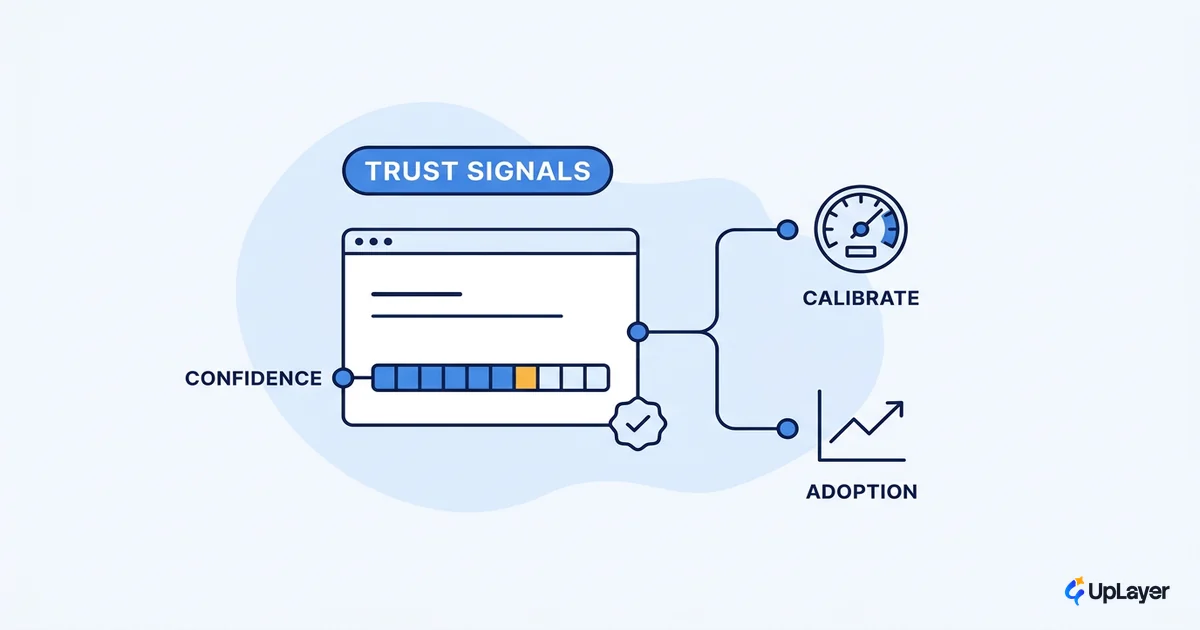
- Confidence and source signals. Let the user see why an answer is trustworthy. This is core ai copilot design, and it's what separates a feature people rely on from one they second-guess.
- Graceful recovery. When an output is weak, offer a one-tap reframe or edit. A bad first result should feel like a step, not a verdict.
| AI UX pattern | The risk it removes | Where it belongs in onboarding |
|---|---|---|
| Starter prompts | Blank-input freeze | First session, before any free-form use |
| Inline confidence and sources | Silent distrust | Every generated result |
| One-tap recovery | "It got it wrong, I'm out" | The first weak output |
| Progressive disclosure | Overwhelm | After the first useful result |
For the copilot-specific version of this, see copilot onboarding that gets the first action done.
How do you onboard users to an AI feature: a 4-step sequence
How do you onboard users to an AI feature without guessing? You design backward from the activation event, then instrument it. The sequence is short and it's the same every time.
AI onboarding, designed backward from activation

1. DEFINE the activation event
   activation = user reaches first useful AI result AND returns within 7 days
   (one event, tied to a metric you already track: retention or expansion)

2. ENGINEER the first result
   shortest path to that event = signup → pre-loaded context → one "aha" output
   remove every screen that does not move the user toward it

3. INSTRUMENT it
   track: reached-result rate, time-to-first-result, return rate
   not: tour completion

4. ITERATE
   find the drop-off step, cut or fix it, ship, re-measure
Step 3 is where most teams go wrong. They instrument tour completion because it's easy, and it tells them nothing about value. Track the reached-result rate and the return rate, then measure whether the AI feature actually worked against a metric the business already watches. In a Concept Demo we built to show this thinking, redesigning onboarding around a single first result is projected to move activation more than any change to the underlying model, because the model was never the bottleneck.
NOTE
Activation is one event, defined once, tied to a number you already report to the board. If you can't name the event in a sentence, onboarding has nothing to aim at.
What not to onboard, and AI UX best practices that hold up
Here is the unglamorous part. Some AI features should not be onboarded, because they should not ship. Pendo's analysis of aggregated SaaS usage found 80% of features are rarely or never used, with a small fraction driving most engagement. Better onboarding cannot rescue a feature that has no fast path to a useful first result. It just spends design budget making a dead feature easier to find.
WARNING
If you can't get a user to a trustworthy first result in one short session, the answer isn't a better tour. It's a smaller, sharper feature, or no feature. Polishing onboarding on a feature that shouldn't exist is the most expensive form of AI theater.
The ai ux best practices that survive contact with a probabilistic feature are few and strict:
- Onboard one feature to one activation event. Not the whole product.
- Earn the first result before you ask for anything (no upfront config walls).
- Show the work: confidence, sources, and an easy way to recover.
- Measure reached-result and return rates, never completion.
- Be willing to kill the feature if the first-result path can't be made fast.
That last one is the position competitors gesture at and we say out loud. We tell you what not to build, then design onboarding only for the AI features that can reach value fast enough to earn it.
Onboarding is where an AI feature earns or loses its place in the product. Design it backward from the activation event, compress the path to a first useful result, and instrument value instead of completion. Done that way, ai onboarding design stops being polish on top of a feature and becomes the thing that decides whether the feature moves a metric or quietly disappears.
TIP
Not sure which AI feature can actually reach activation fast enough to earn the onboarding work? How the AX Audit works.