The AI UX designer role and what it owns
What an AI UX designer is actually accountable for: the trust, adoption, and uncertainty states that decide whether an AI feature survives real users.
 Sohanur RahmanAI Product & UX Design7 min read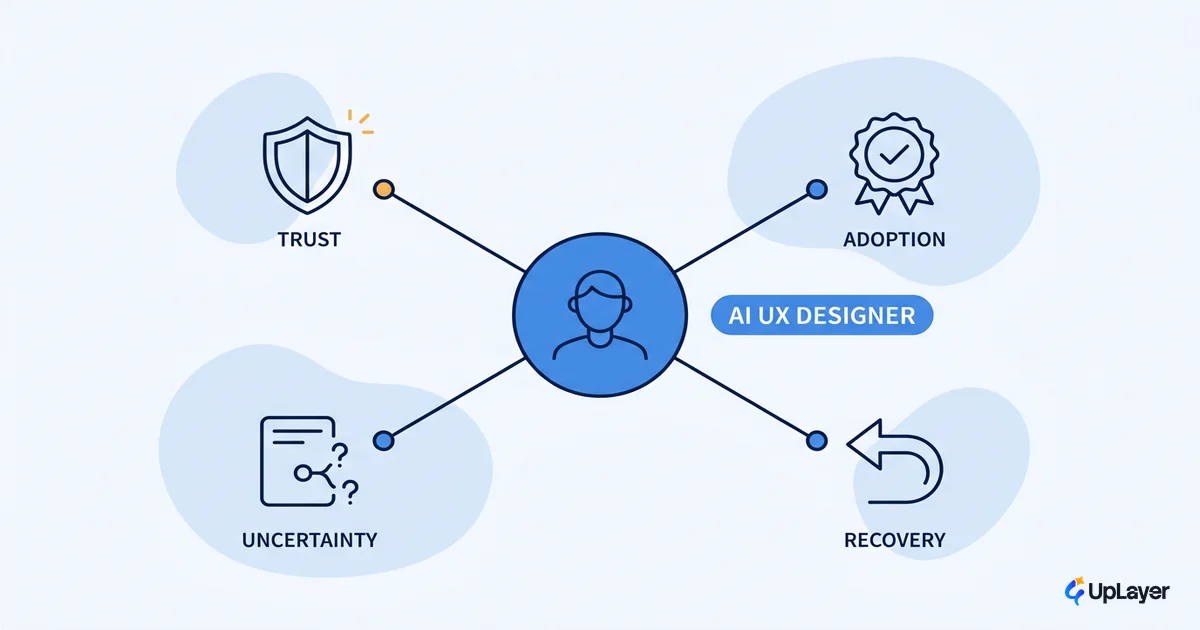
The job title is new, so most definitions of this role are wrong in the same way. They describe someone who prompts well, generates screens fast, and keeps up with the latest tools. That is a designer who uses AI. It is not the role.
An AI UX designer is the person accountable for whether an AI feature gets trusted and adopted, measured against a metric the team already tracks. Adoption, activation, retention, support deflection. The deliverable is not a beautiful chat box. It's a feature people keep using after the novelty wears off. That distinction sounds small. It's the whole job, and it's why this role is becoming the difference between AI that ships and AI that quietly flatlines.
Most AI features clear design review and still die in production. They die in the 20% nobody designed: the uncertain answer, the wrong answer, the recovery, the moment a user decides whether to trust the thing again. Owning that 20% is the work. This is the supportive-AI view we apply across our AI UX design practice, and it reframes the role from "uses AI" to "is responsible for the AI experience."
What does an AI UX designer do
The role owns the human-facing contract of an AI feature: what the product promises, how it behaves when it's unsure, and whether a real user trusts it enough to come back. That's the one-line answer. Everything else is in service of it.
It helps to separate two things the market keeps blending. Generative AI is a strong assistant to the designer. Nielsen Norman Group studied 30 task types UX professionals use it for and found AI mostly acts as an assistant to the designer, grouped into content editor, research assistant, ideation partner, and design assistant. Useful. But none of that is the role. The role is designing the AI experience the user actually touches, where the model's output is uncertain and the stakes are trust.
Here is the ownership split that matters.
| Question | Traditional UX designer owns | AI UX designer owns |
|---|---|---|
| What does the user see? | Layout, flow, copy, components | Same, plus how the model's confidence is shown |
| What happens on the happy path? | The primary flow works | The primary flow works and is honest about uncertainty |
| What happens when it's wrong? | Error states for known failures | Recovery from probabilistic, unpredictable failures |
| How is success measured? | Task completion, satisfaction | Trust, adoption, and the metric the AI was meant to move |
| What gets cut? | Scope the team can't build | AI surfaces that demo well and move nothing |
The last row is the one buyers underrate. A good designer in this role says no. They kill the AI UI that looks impressive in a sprint review and does nothing for retention. Saying no to a shiny feature is harder than designing one, and it's the most valuable thing the role does.
AI UX is the design of uncertainty, not the design of screens
The core of AI UX is designing for outputs that are probabilistic, not deterministic. A normal button does the same thing every time. An AI suggestion might be brilliant, mediocre, or confidently wrong, and the user has no way to tell which without help. Designing that help is the job.
That's why adoption is the real test. As NN/g puts it plainly, user adoption depends on ease of use, and for AI features "ease of use" mostly means: can I tell when to trust this, and can I recover when I shouldn't have? A feature that's accurate 95% of the time but gives no signal on the other 5% feels untrustworthy 100% of the time.
So the role's real deliverables are the states most teams skip. The work looks less like a screen and more like a checklist of moments the feature has to handle.
AI trust-state checklist (what the role owns)

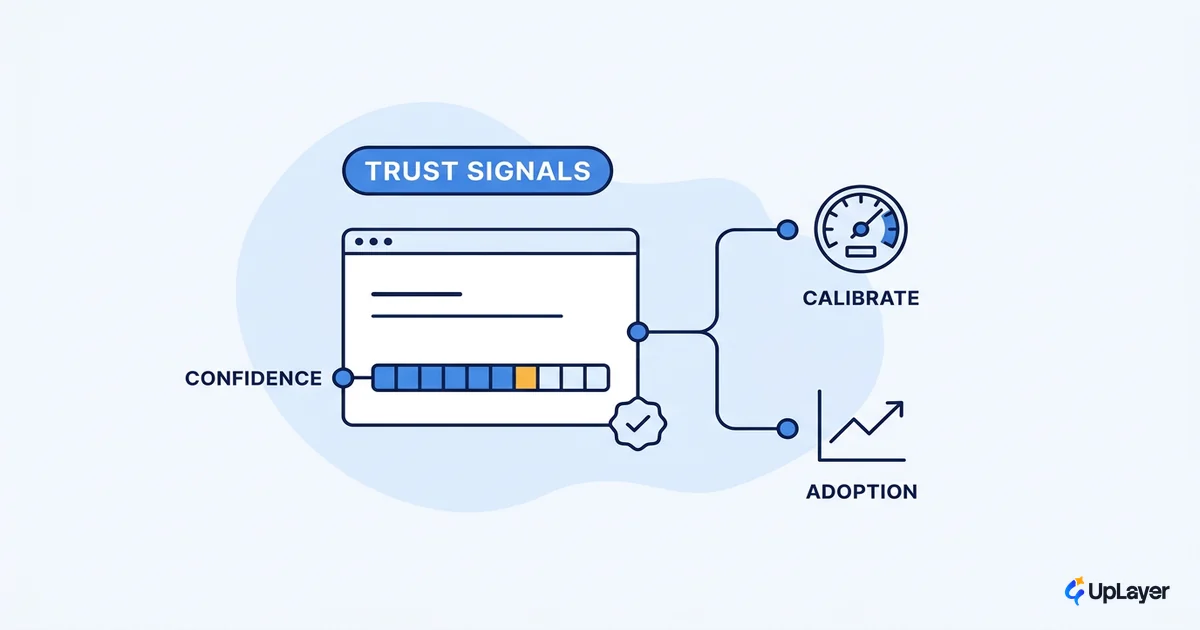
[ ] Confidence    Show how sure the model is, in plain terms, before the user acts
[ ] Provenance    Make the source of an answer inspectable ("based on your last 30 tickets")
[ ] Uncertainty   Design the "I'm not sure" state. It must exist, and it must be useful
[ ] Correction    Give the user a fast, dignified way to fix or reject the output
[ ] Recovery      Define what happens after a wrong answer, so trust survives one miss
[ ] Boundary      Be explicit about what the feature will not do, so it's never silently wrong
Skip these and the feature works in the demo and fails in the wild. Design them well and an average model can ship a feature people trust. This is the supportive-AI pattern: the AI sits as a layer above a reliable core, and the design makes its limits legible.
WARNING
The happy-path demo lies. A feature that only ever shows its best answer will pass every internal review and still lose users the first week, because real usage finds the wrong answer fast. Design the failure path first.
What skills does an AI UX designer need
The skill stack is judgment plus the craft of designing uncertainty, not a list of prompt tricks. Tools change every quarter. The accountability doesn't.
The honest read on the labor market backs this. The World Economic Forum found that AI and big data top the list of fastest-growing skills through 2030, with employers expecting 39% of core skills to change by then, while human skills like creative thinking and judgment rise right alongside the technical ones. This person sits exactly at that intersection: enough AI literacy to know how models fail, plus the design judgment to make those failures survivable. That blend, not the tool list, is the real answer to what skills this person needs.
Concretely, the role needs:
- Probability literacy. Enough understanding of how models produce output to design honestly around confidence, hallucination, and drift. Not an ML engineer, but never fooled by a clean demo.
- Uncertainty and error craft. The ability to design the "not sure," "wrong," and "recover" states as first-class work, not afterthoughts.
- Metric fluency. Knowing which number the feature is supposed to move (activation, retention, deflection) and designing toward it instead of toward delight.
- The discipline to cut. Recognizing AI UI that won't pay off and arguing it out of the roadmap.
- Systems thinking. Seeing the feature as part of a pipeline, so the design accounts for latency, failure, and fallback.
Notice what's not on the list: generating screens fast. That's real, but it's table stakes, not the role. NN/g frames the broader move as a shift toward outcome-oriented design, where the work is orchestrating around user goals and outcomes rather than hand-placing every pixel. This is the person who owns the outcome, and the outcome is trust.
How AI UX research changes the job
AI UX research is the practice of measuring trust and adoption in production, not just in a usability lab. That's the front-loaded answer, and it's the part that turns the role from opinion into evidence.
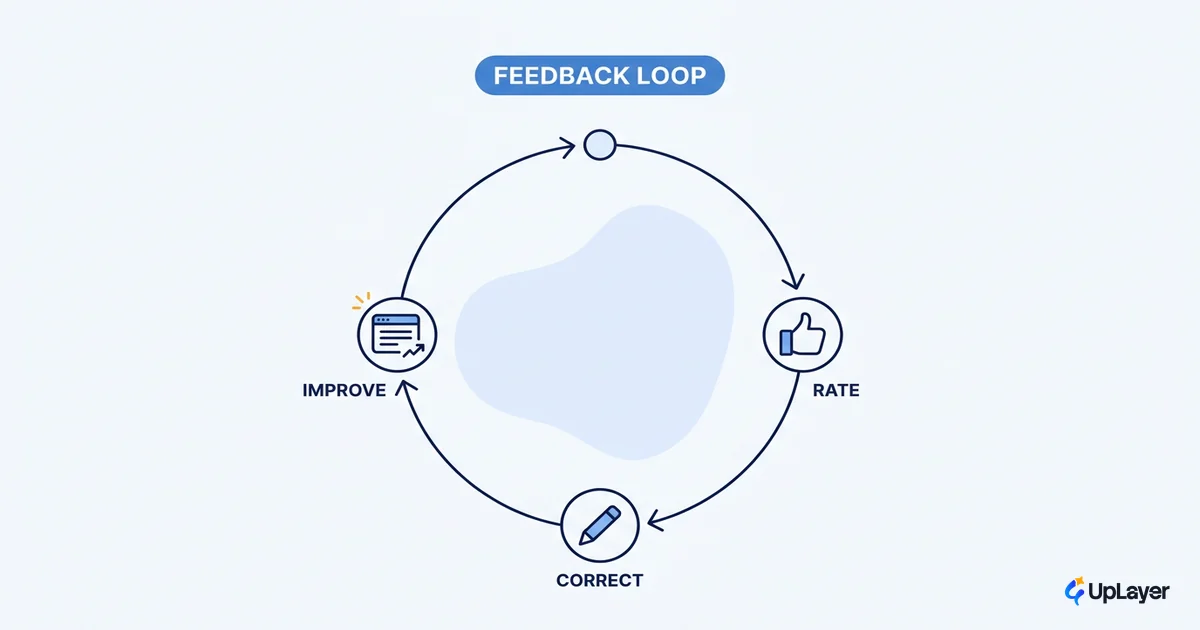
Lab testing tells you whether someone can use the feature. It doesn't tell you whether they trust it on day 30 with their own data and their own stakes. So the role runs a loop: ship a trust state, watch the metric it should move, then keep it or kill it. Our AI UX research approach treats the failure path as the primary object of study, because that's where adoption is won or lost, not in the polished happy-path walkthrough.
IMPORTANT
Instrument the wrong answers, not just the right ones. If you only measure successful AI interactions, you're measuring the users who didn't churn. The signal that predicts adoption lives in how people behave right after the model gets it wrong.
This is also where projected ROI gets honest. You don't claim the feature works because it tested well. You claim it works because a tracked number moved, and you can point to it.
Where the role sits in human AI interaction design
This role is one node in a system, and naming the other nodes keeps it from sprawling. In good human AI interaction design, the product manager owns the bet (which metric, why now), engineering owns the pipeline and its reliability, and the designer owns the human-facing contract: confidence, recovery, and trust.
When those lines blur, AI features fail in a predictable way. Engineering ships a capable model with no trust design, the PM celebrates the demo, and adoption never comes because no one owned the moment the user decided whether to believe it. The role exists to own that moment on purpose.
This is why "a designer who prompts well" is the wrong job description. Prompting is an input. Trust is the output, and the output is what gets measured.
How to know the role is earning its seat
The test is simple and uncomfortable: is a metric you already track moving because of the AI work? Not "does the feature look modern." Did activation, retention, or deflection move, and can the designer show it.
An AI feature that ships and moves nothing is the default outcome, not the exception. The role exists to change that default.
In a Concept Demo we'd frame the proof the same way we frame every build: pick one metric the team already watches, design the trust states that the feature lives or dies on, and project the impact before a line of production code ships. If the projected number doesn't justify the work, the best move is to not build it. A good designer in this role reaches that conclusion faster than anyone else on the team, which is also why AI won't replace the UX designer so much as redefine what the designer is held to.
As AI moves from a feature you add to the default users expect, the AI UX designer becomes the person who decides whether your product is trusted or just tolerated. That's a higher bar than a portfolio of clever screens, and it's the right one. Hire and brief the role around trust and adoption, and it stops being a title and starts being the reason a feature actually gets used.
TIP
Want to know which AI feature is worth designing and what it could move? How the AX Audit works.