Generative AI product design that ships
Generative AI product design is mostly designing for variance, latency, and wrong answers. Here is how to handle each one without losing your users' trust.
 Sohanur RahmanAI Product & UX Design8 min read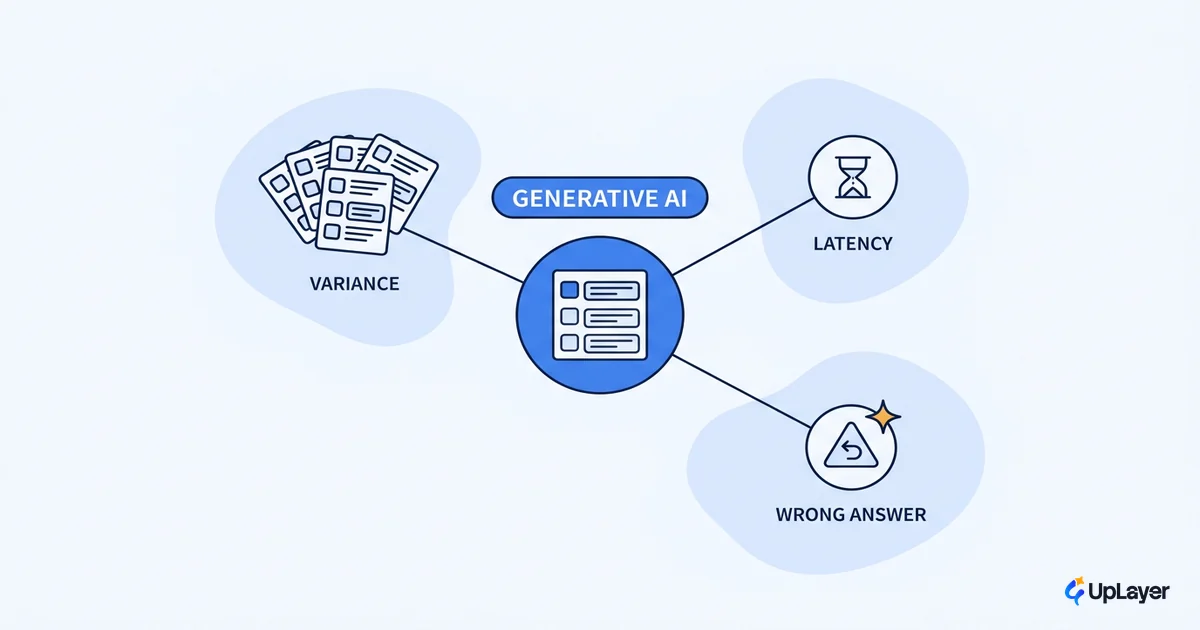
The demo always works. You type the prompt, the model returns something sharp, the room nods, and the feature gets a green light. Then it reaches real users and the same prompt returns a different answer, three seconds slower, and once in a while it's just wrong. That gap between the demo and production is the real job of generative AI product design, and most teams discover it after they've already committed to building.
Here's the point of view we'll keep returning to: a generative feature is mostly the design of its failure states, not its happy path. The interesting work isn't the moment the model nails the answer. It's everything you do for the answers that vary, the ones that take too long, and the ones that are confidently wrong. Get those right and the feature earns adoption. Get them wrong and you've shipped a slot machine that erodes trust on every pull.
This is a cluster piece under our AI UX design for products people keep using cornerstone. Here we go deep on the three problems that generative outputs create and how to handle each one in a real product.
Why generative AI product design is harder than it looks
Classic software is deterministic. The same input produces the same output, every time, so you can design a clean path and trust it to hold. Generative AI breaks that contract. Outputs are probabilistic, which means the interface has to absorb uncertainty that your old patterns never had to think about.
The interaction model changes too. Nielsen Norman Group calls generative AI the first new UI paradigm in decades, where the user no longer issues step-by-step commands but instead states a desired result, a shift they name intent-based outcome specification. That sounds freeing. In practice it means the user hands you an ambiguous request and you hand back an output they can't fully predict, which puts enormous weight on how you frame, constrain, and recover.
So the design problem isn't "make the AI smarter." It's "make a probabilistic system feel trustworthy to a person who needs to get work done." That reframe is the whole of ai product design once a model is involved.
What is hard about generative ai product design: variance, latency, wrong answers
Three problems show up in every generative feature. Name them out loud and you can design for each; ignore them and they leak into the experience as a vague sense that the feature is flaky.
| Problem | Why it happens | What the user feels | The metric it threatens |
|---|---|---|---|
| Variance | Sampling makes the same input return different outputs | "Why did it change? Which one is right?" | Trust, repeat usage |
| Latency | Generation is sequential and compute-bound | "Is it frozen? Should I wait?" | Activation, task completion |
| Wrong answers | Models are confident even when incorrect | "I can't tell if I can rely on this" | Retention, trust, support load |
Notice the last column. Each problem maps to a number you already track. That's the difference between treating a generative feature as an interface puzzle and treating it as a business decision. The variance that confuses a user in onboarding is an activation problem. The wrong answer a user catches once is a retention problem the second time they stop trusting the feature.
NOTE
The good news is that the economics are moving in your favor. Per the Stanford 2025 AI Index, the cost of running a capable model dropped more than 280-fold in roughly 18 months, and depending on the task, inference prices have fallen anywhere from 9 to 900 times per year. Cheaper inference buys you room to retry, verify, and ground outputs without blowing the unit economics.
How do you design products around generative AI variance
Variance is the problem teams underestimate most, because the demo only ever shows one good output. The fix is not to eliminate variance. It's to design the product so variance becomes a feature the user can steer instead of a surprise they have to absorb.
Four moves do most of the work:
- Constrain the output space. The narrower the task, the less the model can wander. A "rewrite this in a friendlier tone" feature varies far less than an open "help me write."
- Make regeneration cheap and obvious. If a user can get a second option in one click, variance reads as choice, not failure.
- Let users pin and compare. Showing two outputs side by side turns nondeterminism into a decision the user controls.
- Set expectations in the copy. One honest line ("results may vary, regenerate for another take") prevents the "why did it change" confusion before it starts.
Here's a short spec we use when scoping a generative feature, so variance is handled before a single screen is designed:
variance design checklist
--------------------------
task scope:        narrow? (one verb, one object) ........ [ ]
output is editable (user can fix, not just accept) ....... [ ]
regenerate action present and 1-click ................... [ ]
compare / pin alternatives where choice matters ......... [ ]
expectation set in copy before first generation ......... [ ]
"good enough" bar defined with a metric, not a vibe ..... [ ]
The last line matters most. If you can't say what "good enough" looks like as a number, you can't tell whether the feature is working, and you'll ship variance you can't reason about.
Designing for AI uncertainty: latency and the wrong-answer path
Latency and wrong answers are where trust is won or lost, so this is where designing for AI uncertainty earns its keep. Both are forms of the same thing: the system is uncertain, and your job is to keep the user oriented while it resolves.
For latency, perceived performance beats raw speed. Stream tokens as they arrive so the user sees progress instead of a spinner. Show an optimistic state that names what's happening ("drafting your summary") rather than a generic loader. Let the user keep working while generation runs in the background. A response that takes four seconds but starts moving in 400 milliseconds feels faster than a two-second response that shows nothing until it's done.
The wrong-answer path is the one most teams skip, and it's the one that costs them. Google's People + AI Guidebook frames the core question directly: does your product let users move forward after an AI failure, or does a wrong answer dead-end them? Designing that recovery is the work. Make corrections one click. Keep the user's input intact when generation fails. Surface confidence and sources so a user can sanity-check a high-stakes answer. Route anything that touches a high-trust action through a human-in-the-loop step before it commits.
This is also where our siblings go deeper. For the recovery patterns specifically, see designing for AI uncertainty without losing trust and AI empty and error states that recover.
WARNING
If a generative feature can't survive being wrong in front of the user, don't ship it into a high-trust workflow. A wrong answer in a brainstorming tool is a minor annoyance. A wrong answer in a billing summary or a medical note is a trust event you don't get back. Match the feature's autonomy to the cost of its mistakes.
AI UX patterns that make generative features usable
A handful of ai ux patterns recur across every generative feature that actually gets adopted. They exist to do one thing: help the user know when to rely on the output and when to apply their own judgement.
| Pattern | What it does | When to reach for it |
|---|---|---|
| Editable draft | Output arrives as a starting point, not a verdict | Any content or code generation |
| Citations and grounding | Shows where an answer came from | Anything factual or high-stakes |
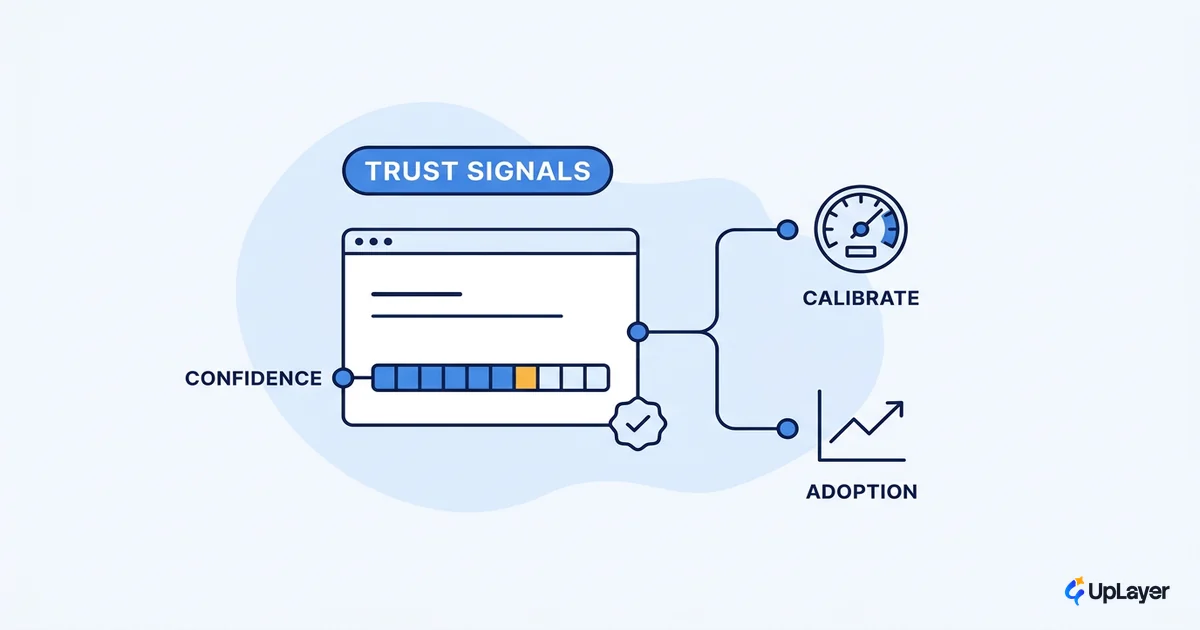
| Confidence signals | Tells the user how sure the system is | Recommendations, classifications, summaries |
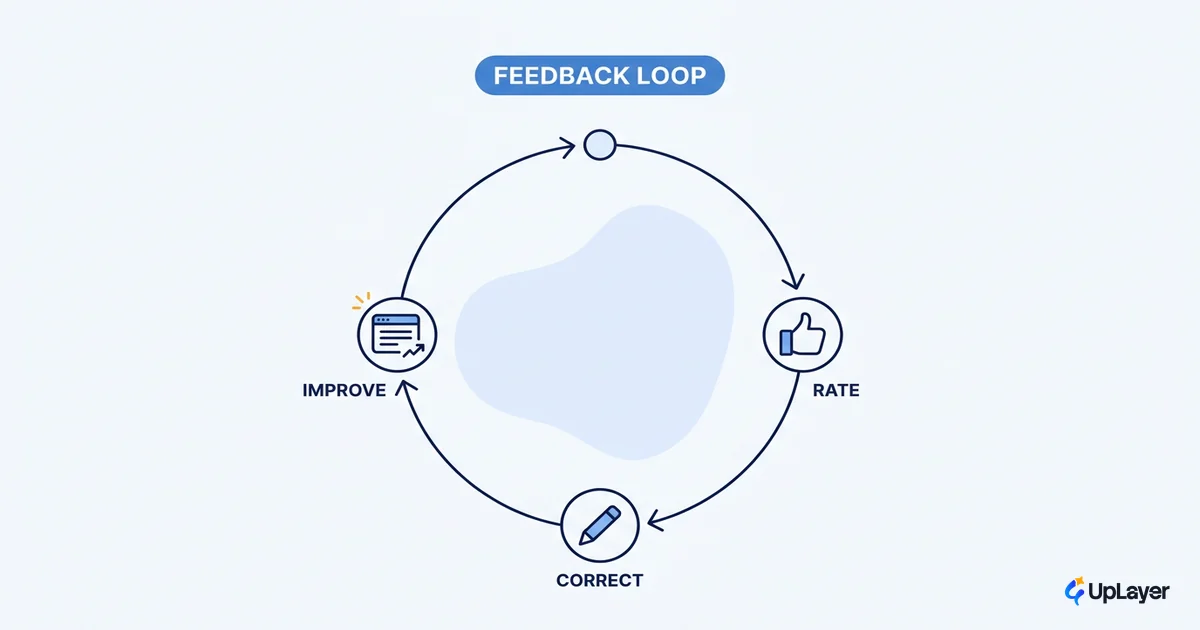
| Feedback loop | One-tap signal that improves the next result | Features you'll iterate on after launch |
Citations and confidence signals matter because, as Google's guidance puts it, users need the right explanations to calibrate their trust in a probabilistic system. A user who can see the source of an answer trusts the feature more, not less, even when the answer is imperfect. Hiding the uncertainty doesn't build trust. It defers the moment the user discovers it on their own and stops using the feature.
What not to build: the generative features to kill
The strongest move in designing ai products is often subtraction. Most teams have a backlog of generative ideas; the job is to cut the ones that can't survive variance, latency, and wrong answers at an acceptable cost.
Kill the feature when any of these are true:
- It sits in a high-trust workflow where a wrong answer is expensive and you can't add a human-in-the-loop checkpoint.
- The task is too open-ended to constrain, so variance will read as randomness no matter how you frame it.
- You can't define "good enough" as a metric, which means you can't tell whether it's working.
- A simpler, deterministic feature would move the same metric. Anthropic's own guidance for builders is to use the simplest pattern that works and add complexity only when it clearly pays off.
That last point is the anti-hype core of how we think about ai product design. Generative is a tool, not a goal. If a dropdown, a saved template, or a rules-based suggestion moves the metric you care about, ship that and skip the model. The same restraint applies to your own workflow: picking the right AI product design tool is about what moves the work forward, not what looks novel in a demo reel. The discipline of saying no is what separates a feature that lifts retention from one that demos well and moves nothing. Deciding which ones clear the bar is the subject of how to decide which AI features to build.
Generative AI product design rewards teams who design for the wrong-answer path first and the happy path second. Handle variance, latency, and the moments the model is confidently wrong, tie each choice to a metric you already track, and the generative feature you ship will earn its place instead of eroding the trust you spent years building. That is the whole of generative ai product design that survives contact with real users.
TIP
Not sure which generative feature is worth the design effort, and which to kill? How the AX Audit works. We project the impact on a metric you already track, build a working concept demo of the top opportunity, and tell you plainly what not to build.